How to Take a Break From Instagram Without Deleting Your Account
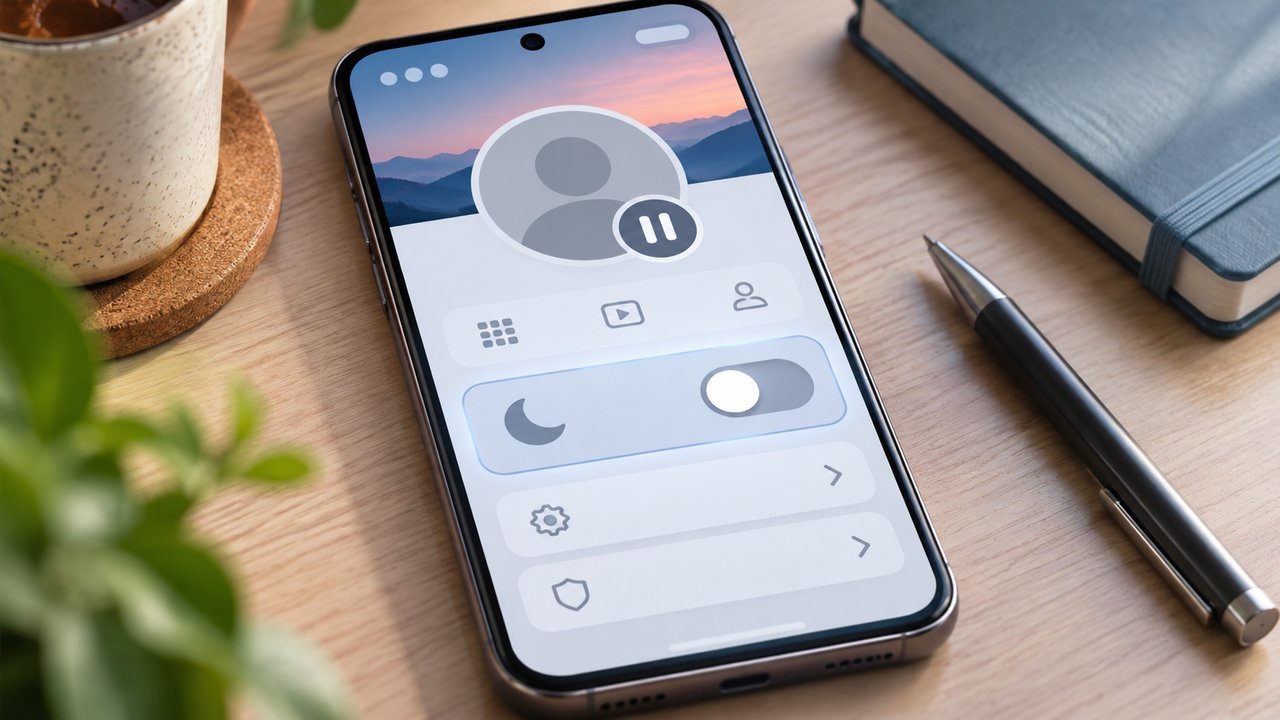
TL;DR: To temporarily deactivate Instagram, open your account settings and find Deactivation or deletion. Select the correct Instagram profile, choose Deactivate account, and complete the confirmation steps. In the familiar Accounts Center layout, the route is Personal details → Account ownership and control → Deactivation or deletion. Your profile, photos, comments, and likes are hidden until you reactivate by logging back in. Instagram generally permits deactivation only once a week.
You want the profile out of view, but you want your photographs back when you return. That is what temporary deactivation is for.
At Dumpor, we recommend checking two things before proceeding: the username selected on the confirmation screen and the option beside it. Deactivate account and Delete account can appear together, yet they have very different consequences.
Deactivation, deletion, and logging out are different actions
Temporary deactivation hides an account while preserving the possibility of returning to it. Permanent deletion starts a process intended to remove the account and its information. Logging out simply ends access through a particular session.
|
Action |
What changes |
How you return |
|---|
|
Temporarily deactivate |
The profile and specified activity are hidden |
Log back in and complete any verification |
|
Request permanent deletion |
The account enters a deletion process |
Cancel within the deadline shown, if still possible |
|
Log out |
You leave a session; the profile remains active |
Sign in again |
|
Uninstall Instagram |
The app leaves that device; the account remains active |
Reinstall it or use a browser |
|
Make a personal account private |
Access to posts is restricted; the profile still exists |
Change privacy settings when appropriate |
|
Pause notifications |
Alerts stop or are reduced; the account remains visible |
Restore notification settings |
If the goal is a reversible break, choose deactivation. Do not use deletion as a substitute and rely on remembering to cancel it later. A deletion cancellation deadline is not a temporary-deactivation period.
Likewise, removing an account from Accounts Center does not mean you have deactivated it. That action changes account connections. Our explanation of Instagram Accounts Center and its shared settings covers that distinction.
Before you deactivate: make returning straightforward
You must be able to access the account to request deactivation. If you are already locked out, resolve the login problem first rather than searching for a way to deactivate without authentication.
We suggest making these checks while the account is still available:
-
Confirm the exact username, especially if several profiles have similar names.
-
Make sure you can access the recovery email address or phone number.
-
Check your password or understand the connected login you use.
-
Keep access to your authentication method and recovery codes.
-
Save any photographs, videos, or records you may need during the break.
-
Review business commitments and paid services separately.
Save information you may need offline
A backup is optional for temporary deactivation, but useful if important records exist only inside Instagram. Look in Your information and permissions for the available export or download controls, then select the relevant profile and information.
Request the export early enough to receive and inspect it. Do not assume that starting an export means the files are already saved to your device.
How to temporarily deactivate Instagram in the app
Open Instagram on iPhone or Android and go to the profile you intend to hide. Verify its username before entering settings.
In the familiar Accounts Center layout:
-
Tap the profile menu in the upper-right corner.
-
Open Accounts Center.
-
Select Personal details.
-
Open Account ownership and control.
-
Choose Deactivation or deletion.
-
Select the intended Instagram account.
-
Choose Deactivate account, then continue.
-
Enter your password and select a reason if requested.
-
Read the final summary and confirm deactivation.
If your settings show Meta Account or Manage accounts
Some interfaces organize these controls under Meta Account → Manage account, or Accounts Center → Manage accounts. Look for Manage beside the Instagram account, then Deactivation or deletion.
Before confirming, review any information about associated services and reactivation. If your version offers an automatic-reactivation schedule, choose the available option that matches your intention. Select the equivalent of Don’t reactivate automatically if you want to decide when to return yourself.
How to deactivate Instagram from a computer or mobile browser
-
Open Instagram’s website and sign in to the correct account.
-
On a computer, select More, then Settings.
-
Open Accounts Center or Meta Account, as displayed.
-
Locate the account-management or ownership controls described above.
-
Open Deactivation or deletion for the intended Instagram account.
-
Select Deactivate account and complete the confirmation prompts.
On a mobile browser, the settings entry point may sit inside the profile menu. The essential checks remain the same: correct account, temporary option, completed confirmation.
What disappears when you deactivate Instagram?
Instagram describes temporary deactivation as hiding your profile, photos, comments, and likes until you return. Your normal profile presence becomes unavailable to visitors.
That is not the same as erasing every reference to you throughout the internet.
|
Item |
What to expect during the break |
|---|
|
Profile and published photos |
Hidden as part of deactivation |
|
Your comments and likes |
Hidden until reactivation |
|
Followers and following relationships |
Deactivation is not a command to remove them |
|
Previously sent direct messages |
Do not assume they disappear from recipients’ conversations |
|
Screenshots or downloaded copies |
Remain outside the control of deactivation |
|
Content previously shared elsewhere |
Must be reviewed on that destination separately |
|
Search snippets or cached references |
May not update immediately |
Existing links to your profile may lead to an unavailable page. However, the exact wording a visitor sees can vary by app, browser, and context. A missing profile alone does not tell another person whether the account was deactivated, deleted, suspended, or made inaccessible to them.
What happens to direct messages?
Temporary deactivation is not a message-unsending tool. Previously sent messages may remain in other people’s inboxes, even when your profile cannot be opened normally.
If a specific message is the concern, review the available message controls before taking the account offline. Even unsending cannot undo a screenshot or something a recipient has already read.
How long can Instagram stay deactivated?
Temporary deactivation is designed to last until you return, rather than to follow the cancellation timetable for permanent deletion. Instagram’s standard deactivation guidance does not specify a maximum break length.
Keep your recovery information accessible during that time. The practical difficulty after a long absence is often a forgotten password, an expired work email address, or an authenticator left on an old phone.
If you selected a scheduled return in an interface that offers one, account for that choice. Otherwise, avoid logging in until you want the profile active again.
The once-a-week restriction
Instagram generally allows you to deactivate an account only once a week. It is not intended as an on-off switch for repeated daily use.
If you deactivate, sign in again, and then decide to leave once more, Instagram may prevent another immediate deactivation. Follow the eligibility message shown rather than assuming that changing devices or reinstalling the app will reset the restriction.
How to reactivate your Instagram account
When you are ready to return, open the official app or website and sign in to the deactivated account. Complete any security check, authentication request, or recovery prompt.
Use this short checklist:
-
Confirm you are signing into the account you deactivated.
-
Enter the appropriate login credentials.
-
Complete verification if requested.
-
Allow the account to load and inspect the profile.
-
Review your content, messages, and settings before publishing.
If you have forgotten the password, use Instagram’s login recovery controls. If the message says the account is suspended or disabled by Instagram, follow that review process; voluntary deactivation and enforcement restrictions are different situations.
Why logging in “just to check” can end the break
Logging back in is the normal reactivation action. Entering the account to see whether it is still hidden can therefore defeat the purpose of the check.
If you need a visibility check, ask someone you trust to inspect the profile from their own account.
For people who manage several profiles, our guide to using multiple Instagram accounts on one phone explains account switching and saved logins. Check the selected username before opening a remembered session.
What about Facebook, Threads, and business services?
Do not treat every connected Meta service as one account. Deactivating the selected Instagram profile is different from separately deactivating Facebook.
An associated Threads profile created through that Instagram account can also be affected by Instagram deactivation. Review the confirmation for connected services, including Edits where applicable, before proceeding. If you need to keep using a related service, settle that question before confirming the break.
Previously cross-posted Facebook content is another consideration. Hiding the Instagram profile is not a request to remove copies that already exist on Facebook. Review those publications separately if their visibility matters.
For a professional account, we recommend a brief operational check:
-
Give customers an alternative enquiry channel.
-
Review scheduled content and connected publishing tools.
-
Check advertising activity in the relevant business tools.
-
Tell authorized colleagues when the account should return.
-
Review subscriptions through the service where you purchased them.
Do not assume that deactivating a profile cancels a recurring subscription or stops every business charge. Check those arrangements directly and keep any cancellation confirmation.
If deactivation is unavailable or does not work
Start with the message on screen. The right next step depends on whether you are facing a missing control, a login problem, or a restriction on another deactivation.
|
Problem |
What to check |
Useful next step |
|---|
|
No deactivation option |
The layout and selected account |
Look under account management as well as Personal details |
|
Password is rejected |
Credentials for the selected profile |
Use official password recovery |
|
Another deactivation is blocked |
Recent deactivation and reactivation |
Wait until the account is eligible |
|
The confirmation screen fails |
App or browser behavior |
Update the app or try the official website |
|
The profile appears active again |
A later login or selected return schedule |
Review what occurred after confirmation |
|
A search result still shows the profile |
A stale snippet or cached reference |
Check current availability without signing into the account |
|
Login reports suspension |
An enforcement restriction |
Use the review or appeal route shown |
When a smaller change may be enough
Deactivation makes sense when you want the profile temporarily unavailable. If the actual problem is interruption, unwanted interaction, or visibility to particular people, a narrower setting may serve you better.
Pausing notifications reduces interruptions while leaving the account accessible. Logging out or removing the app adds distance from habitual checking. Blocking or restricting particular accounts addresses specific interactions.
A private personal account changes who can access posts, but it does not make the profile disappear. Professional accounts have different privacy constraints, so review the consequences before changing account type.
FAQ
Will I lose my photos or followers if I temporarily deactivate Instagram?
Does Instagram delete a deactivated account after 30 days?+
The commonly discussed deletion deadline concerns a permanent-deletion request. It should not be applied to temporary deactivation. Check which action you actually confirmed. If your screen or confirmation shows a scheduled deletion date, address that request through Instagram promptly instead of assuming the account is merely paused.
Can I deactivate Instagram without knowing my password?+
You need authorized access and must complete the authentication Instagram requests. If the process asks for a password you do not know, recover access through the official login tools. A connected login or saved session does not guarantee that Instagram will let you complete a sensitive account change without further verification.
Can I reactivate Instagram immediately?+
Signing back in is the usual way to return, but an immediate attempt may not succeed if the change is still processing or a security check is required. Follow the message shown and retry later if appropriate. There is no need to rely on an unofficial promise that every account will reactivate within a fixed number of hours.
Will people know I deactivated my account?+
They may notice that your profile is unavailable or that older interactions look different. That does not provide a definitive explanation: several account states can produce similar results. If particular people need to know you are taking a break, tell them directly and provide another way to contact you.
Can I still read Instagram messages while deactivated?+
To use the account normally, including its inbox, you generally need to sign in, which reactivates it. If you need ongoing message access, consider keeping the account active and reducing notifications instead. Deactivation is unsuitable when you want the profile hidden while continuing normal use of that same account.
What if I accidentally chose Delete account?+
Treat this as a deletion request, not a temporary pause. Sign in through Instagram and follow the cancellation option if it is still available. Use the deadline displayed for your account; do not assume a general timeline guarantees recovery. Once permanent deletion is complete, ordinary reactivation will not restore the profile.
Can I deactivate just one of several Instagram accounts?+
Yes. Select the intended Instagram profile in the account-management screen and check its username again before confirming. Sharing a phone or central settings area does not mean every listed profile should be selected. Review any associated-service warning for that particular account.
Can Dumpor deactivate or reactivate an account for me?+
No. Instagram account changes and recovery must be handled through Meta’s official controls. Dumpor provides public-content viewing tools. For a question about our services or a suggestion for a future guide, contact the Dumpor team. Describe the issue without sending passwords, authentication codes, or private account records.

 Telegram bot
|
TikTok Viewer