How to Report an Instagram Impersonation Account and Preserve Useful Evidence
TL;DR
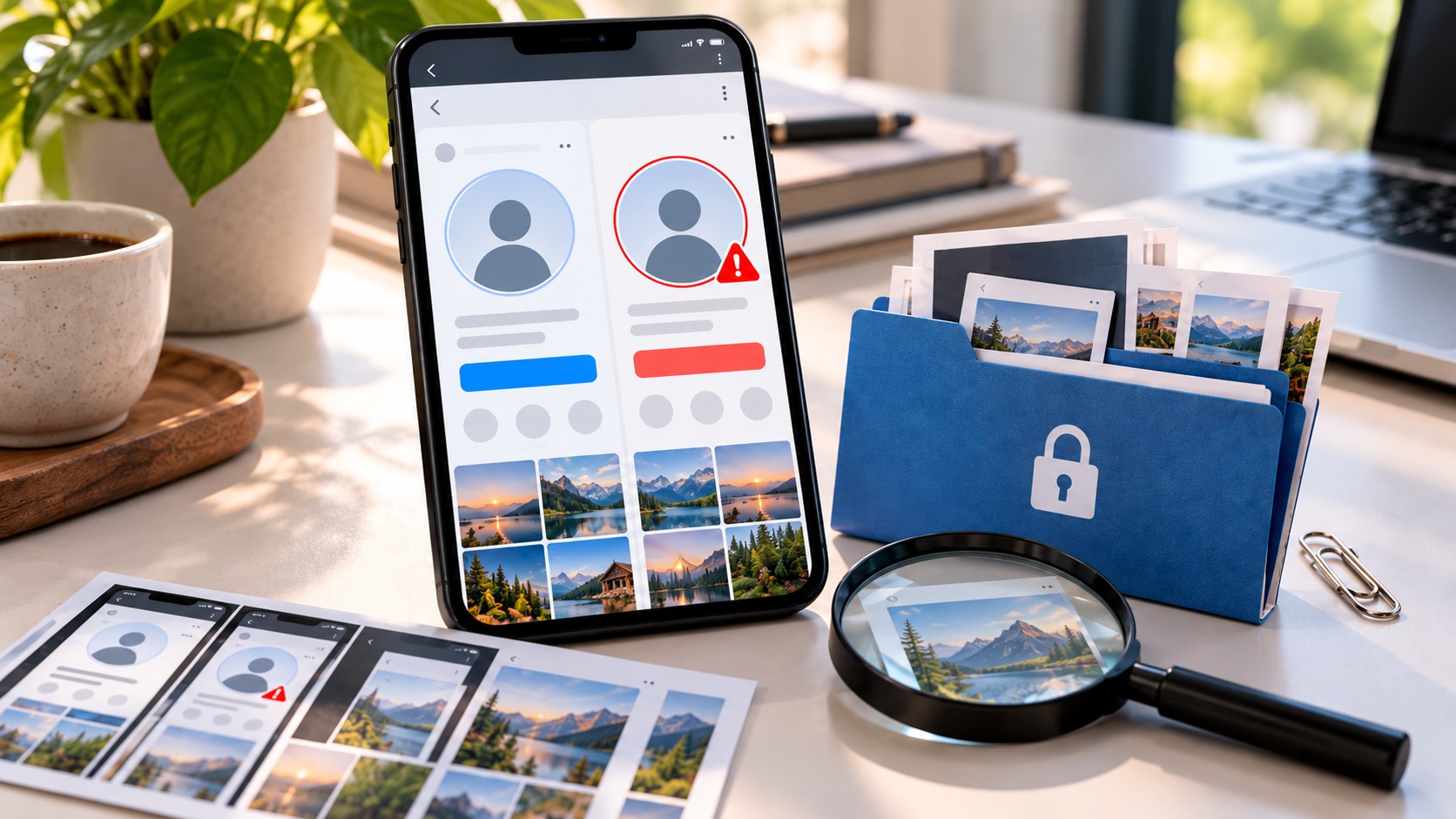
If an Instagram account is pretending to be you, preserve its username, profile link, relevant screenshots, and the dates you observed the activity. Then open the profile, choose Report, and follow the option for an account pretending to be someone else. Select the person or organization being impersonated accurately. If you cannot use the app, find Instagram’s official impersonation reporting form through its Help Center.
Report threatening or fraudulent messages separately, keep the submission confirmation, and check available support updates. Instagram may request identity verification from the person being impersonated or an authorized representative. No fixed number of reports guarantees removal, and a disappearance from your search results does not prove that Instagram has deleted the account.
Save the account’s details before they change
A copied profile can change its username, replace its photograph, or remove a misleading biography while you are deciding what to do. Start with a small, useful record. You do not need a sprawling dossier before submitting a clear complaint.
Record the exact handle, including dots and underscores, and copy the profile’s Instagram link. Save the display name separately: it is not the same identifier as the username. If a particular post or Reel makes the false claim, keep that item’s link as well.
Note when you captured each item, including your time zone. Distinguish the capture time from a publication date displayed by Instagram. “Observed on 4 October at 14:30 UTC” describes what you know; it does not establish when the account was created.
Safety comes first. If continuing to view the account exposes you to threats or distress, stop collecting material and use the reporting and blocking tools. A useful record should support your response, not delay it indefinitely.
Build a compact evidence file
Create a private folder for the incident and a short note connecting each file to its source. The following table is an organizational checklist, not a list of attachments that every Instagram form accepts.
|
Item to preserve |
What it helps establish |
Detail to include |
|---|
|
Profile screenshot |
How the account presented itself |
Username, display name, photo, and relevant bio |
|
Profile link |
Which account you are reporting |
Full Instagram URL and date observed |
|
Relevant post or Reel |
A specific claim made in your name |
Item link, caption, and surrounding context |
|
Message exchange |
How the account approached a recipient |
Sender identity, sequence, and visible timestamps |
|
Your corresponding material |
What was copied or misrepresented |
Original source, publication details, or your account |
|
Report confirmation |
What you submitted and when |
Reference number, date, and reporting route |
Keep the original captures unchanged. If you need an annotated version to explain a detail, make a separate copy and label it clearly. Cropping can help a reader find something, but preserve the wider view so the account and context remain available.
For disappearing content, preserve what is safely available without waiting for a perfect collection. Be aware that some disappearing-message features can notify the sender about captures or prevent them. Do not assume that evidence collection is always invisible.
If the material includes sexual images of anyone under 18, do not download, screenshot, or forward those images. Record the account and content location and report through the platform and an appropriate child-protection reporting channel. Preserving a location is different from creating another copy of harmful material.
Choose the reporting route that matches the problem
An impersonation report addresses an account presenting itself as a particular person or organization. A separate profile using your identity calls for that route. If somebody has taken control of your real account, you also need Instagram’s hacked-account recovery process.
Copied content may involve another issue. A page reposting a photograph without claiming to be you is not necessarily impersonation. Copyright or trademark complaints have their own requirements and should be submitted by the rights holder or an authorized representative where applicable. Do not select a rights complaint merely because an impersonation report has not produced the result you wanted.
The same incident can contain more than one problem. An account may impersonate you and send a fraudulent payment request. Report the identity claim at profile level and the payment solicitation through the relevant message or content-reporting option. That gives each concern an appropriate record.
How to report an impersonation account in the Instagram app
Open the profile you want to report and inspect the username once more. Similar handles are easy to confuse, particularly when you are switching between your own page and its copy.
-
Tap the profile’s three-dot menu.
-
Select Report or Report account.
-
Choose the option indicating that the account is pretending to be someone else.
-
Identify who is being impersonated using the choices shown.
-
Provide any requested account information and submit.
-
Save the confirmation or reference details if Instagram displays them.
Menu wording and the order of prompts can vary between app versions and accounts. Follow the meaning of the impersonation option rather than looking for an exact sentence from an older screenshot. If the app asks whether the target is you, another person, or a business, answer accurately.
The report may not offer a free-text box or file upload at every stage. Submit the information requested and keep the rest of your evidence available for an official follow-up. Do not assume that your private evidence folder has been transmitted simply because the profile report is complete.
How to report without an Instagram account
Instagram provides an impersonation reporting form through its Help Center. Open the official Help Center yourself and look for the impersonation reporting page; its title may mention Instagram or Threads. Follow the route that describes your relationship to the person being impersonated.
Prepare your name, a contact email you control, the reported account’s exact username, and your own account information if applicable. Follow the form’s current instructions about identity documents and any photograph it requests. Do not assume that every reporter or reporting route requires the same verification steps.
Before uploading identity information, verify that you reached Meta’s official reporting service through the Help Center. A person in your DMs offering to submit a passport “directly to Instagram staff” is not an appropriate verification channel.
Who should submit the report?
If you are being impersonated, submit the identity-based complaint yourself when possible. If you are an authorized representative or a parent reporting on behalf of a child, select the applicable relationship and provide the information requested by the official process.
A friend can flag the profile through available in-app options and send you the handle, links, and relevant captures. They should not claim to be you or upload your identity documents without authorization. Instagram may still need confirmation from the affected person or their representative.
For a company, assign one person to coordinate the records and reporting. Keep customer messages, examples of false affiliation, and the organization’s genuine account details together. Use the business or organization category where the interface offers it, and provide proof of authority if requested.
Write a report that explains the conduct
Where a text field is available, make the relationship between the accounts easy to understand. State who you are, identify the reported username, describe how it is presenting itself as you, and point to the most relevant example. Plain facts are sufficient.
You can adapt this wording to the evidence you actually have:
I am the person being impersonated. The account [reported username] uses my name and profile photograph and describes itself as my replacement account. My genuine account is [your username, if applicable]. On [date and time zone], a recipient showed me a message from this account requesting payment in my name. I did not create or authorize the account. I have retained the profile link and relevant captures and can provide additional information through the official reporting process.
Delete anything that does not apply. If the account has not requested money, leave that sentence out. If you received a screenshot from somebody else, identify it as material supplied by that recipient rather than saying that you personally received the message.
After submission: track, protect, and follow up
Keep a brief incident log containing the reporting date, route, reference number, and any response. Depending on the interface, report updates may appear under Help → Support Requests → Reports or in the app’s support area. Also monitor the email address you supplied to an official form.
Not every submission is necessarily displayed in the same dashboard. If an entry is missing, retain the confirmation you received rather than assuming that the report was never submitted. Check for a request for additional information and respond through the verified channel associated with your case.
If Instagram leaves the account up and offers Request a review or another appeal option, use it. Explain what the original decision appears to have missed and provide relevant new information where the process allows. A correction to an incorrect handle or a clearer identity claim is more useful than repeatedly sending the same complaint unchanged.
There is no reliable report-count shortcut or guaranteed removal deadline. Do not buy mass-reporting services or ask people to invent violations. Friends who were approached can report their own experience accurately; manufactured complaints add noise rather than evidence.
An account becoming unavailable is not conclusive proof of enforcement. It may have changed its username, blocked you, or been deactivated. Our guide to Instagram content that isn’t available explains why a missing page has several possible causes. Record what you observe and distinguish it from a confirmed decision.
Reduce harm while Instagram reviews the complaint
After preserving what you safely can, block unwanted contact and review who may message, tag, or mention you. Blocking is a personal protection measure; it does not itself remove the account for everyone else.
If contacts are receiving messages in your name, publish a short notice through a channel they already know is yours. State your genuine handle and the behavior they should avoid, such as responding to payment requests. Keep the warning focused on the incident rather than publishing private conversations or encouraging confrontation.
If someone has transferred money, they should contact their bank or payment provider promptly and retain the transaction details. Credible threats, stalking, or extortion may require help from local authorities or an appropriate specialist service. Do not wait for an Instagram decision when there is an immediate safety concern; use local emergency services if someone is in danger.
Where a public viewer fits
Dumpor’s public Instagram viewer can be relevant when examining content that is publicly available. It is not an impersonation-reporting authority, an identity-verification service, or a way to access private messages. Submit complaints through Instagram’s own reporting tools.
If you use a third-party view while organizing your records, record that source honestly and retain the original Instagram link whenever available. A viewer may omit context or show content differently. Its display should not be described as a certified archive or proof that a particular person operates an account.
For an issue with Dumpor’s own display of public content, contact the Dumpor team with the public link and a concise description. Do not include government ID, passwords, authentication codes, or unrelated private messages. Instagram handles account enforcement; a Dumpor support request concerns the Dumpor service.
FAQ
Can I report someone impersonating me if I do not use Instagram?
What evidence should I collect first?+
Start with the profile link, exact username, a screenshot showing the identity claim, and the date you observed it. Add a relevant post or message if it explains how the account is misleading people. Preserve context and keep original captures unchanged. A small, organized set of relevant records is more useful than dozens of images with no source information.
Should I block the account before reporting it?+
If it is safe to do so, preserve the account details and submit the report before blocking, since blocking may make material harder for you to revisit. However, your safety takes priority over collecting a complete record. Block immediately if needed, keep any information you already have, and use the official reporting route available to you.
Will Instagram ask for my ID?+
An identity-based impersonation report may require official identification or another verification step specified by Instagram. Follow the instructions shown for your case rather than sending documents preemptively to somebody offering assistance. Keep ID out of public posts and general support messages, and submit it only through the verified official process.
Can a friend submit the complaint for me?+
A friend can flag an account through the reporting choices available to them and help preserve relevant details. That does not automatically make them your authorized representative. The person being impersonated, a parent where applicable, or an authorized representative may need to complete the identity-verification part of the complaint. Nobody should falsely claim to be you.
How long does Instagram take to remove an impersonation account?+
There is no dependable universal deadline to promise. The outcome depends on the report and Instagram’s review, and submission does not guarantee removal. Retain the confirmation, watch for requests for information, and use any available review option if you disagree with a decision. Continue protecting affected contacts while the complaint is pending.
What if the account changes its username after I report it?+
Keep the original records and add the new handle, link, and observation date if you can establish the connection from what you saw. Do not overwrite the earlier information. Explain the change in an available follow-up or review channel. If you are unsure whether it is the same account, state that uncertainty rather than presenting a guess as fact.
Does a copied photograph automatically qualify as impersonation?+
No. The issue is how the account represents its identity, not simply whether a photograph appears elsewhere. Describe any claim that the profile belongs to you or represents your organization. Unauthorized copying may instead raise a separate content-rights issue, which has its own reporting requirements and should be pursued by someone entitled to make that claim.

 Telegram bot
|
TikTok Viewer
Telegram bot
|
TikTok Viewer