Instagram “Content Isn’t Available”: Is It Deleted, Private, Blocked, or Restricted?
TL;DR
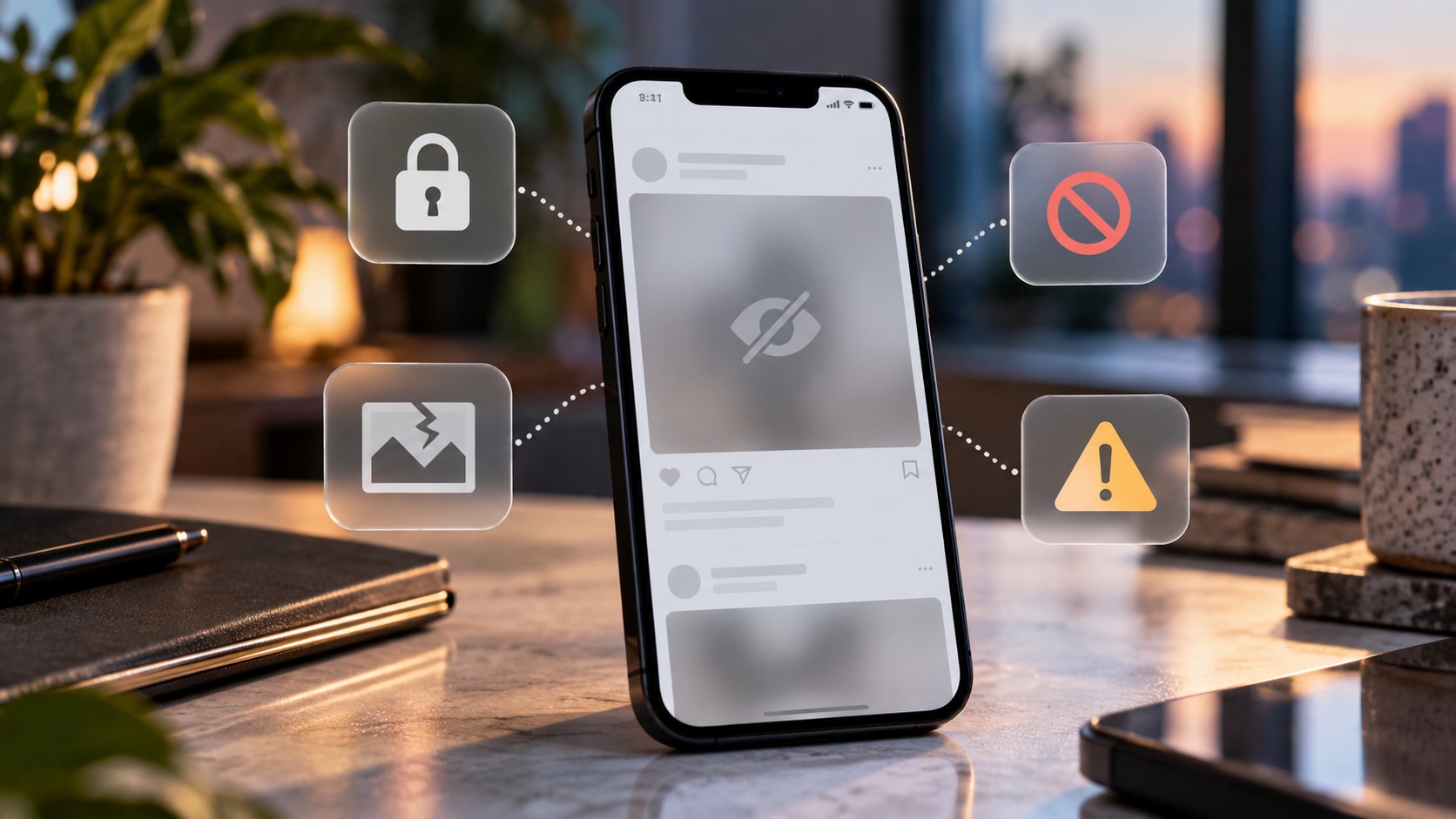
“Content isn’t available” means Instagram cannot show that item to you in the current viewing context. The message alone does not identify the cause. A post may have been deleted or archived, a Story may have expired, or your account may lack access. Blocking, account removal, audience restrictions, and temporary loading failures are other possibilities.
Start by opening the creator’s current profile and checking whether other content loads. Then verify which account you are using and request a fresh link if appropriate. Instagram’s Restrict feature primarily manages comments and messages; it should not be confused with blocking or a platform restriction. A public viewer cannot restore deleted content or grant access to private posts.
At Dumpor, we recommend separating two questions: Does the item still exist, and can your current account access it? That distinction determines whether there is anything you can fix on your device. Reinstalling an app will not bring back a deleted photograph. Equally, an expired session tells you nothing about another person’s intentions.
What the error can—and cannot—tell you
Instagram uses different unavailable-content messages across profiles, posts, Reels, Stories, and shared links. Treat it as a starting point for investigation rather than a precise explanation from Instagram.
|
Possible cause |
What you might observe |
Best next step |
|---|
|
Deleted or archived item |
The profile opens, but the specific post does not |
Ask the creator whether it remains published |
|
Expired Story |
An older Story link fails while newer content works |
Check the creator’s current Stories and Highlights |
|
Private account or limited audience |
The sender can view it, but your account cannot |
Confirm whether you are an approved follower or intended recipient |
|
Blocking |
Your access differs from what another viewer reports |
Consider it a possibility, without treating the error as proof |
|
Platform removal or eligibility restriction |
Instagram displays a removal, age, or other access notice |
Follow the notice; owners should inspect Account Status |
|
Account deactivation or disabling |
The wider profile becomes unavailable |
Have the owner check their account, where appropriate |
|
Incorrect link or session problem |
A fresh link or the same account in another browser works |
Correct the link or troubleshoot that viewing session |
|
Temporary technical failure |
Several unrelated items fail to load |
Check the connection, restart, and try again later |
Deleted, archived, or expired: the item itself changed
The creator deleted the post or Reel
A shared URL points to an Instagram item; it is not an independent copy of that item. Once the creator deletes the original, the link no longer provides normal access to it. Sharing it again from an old conversation does not republish it.
If the creator confirms deletion, you have your answer. Without that confirmation, one missing post remains ambiguous: it could also be archived, removed by Instagram, or outside your permitted audience.
The post was archived
Archiving allows the owner to hide a post from their profile while retaining it within their account. To someone following an old link, the distinction between archiving and deletion may be invisible.
The owner can check Archive to determine whether the item is there. A viewer cannot inspect someone else’s archive, and clearing browser data will not change that.
A Story reached the end of its viewing period
Stories normally disappear after 24 hours unless they are added to Highlights. A Story shared in a conversation can therefore become unavailable through ordinary expiration, even when the sender and creator have changed no privacy settings.
A Highlight is a separate place to check for content the creator chose to retain. Do not assume that the original Story URL will become a working Highlight link automatically. The creator may also remove an item from a Highlight later.
For Story-specific checks, read our explanation of what “This Story Is Unavailable” means on Instagram.
Private accounts and limited audiences: the content still exists
A sender’s access does not transfer with a link. Someone who follows a private account may be able to open a post that remains unavailable to you. Receiving it in a group chat changes neither your follow status nor the original audience.
Check the account you are actually using. A message may open on your business profile when your personal profile is the approved follower. Switching to your own authorized account may explain the difference immediately.
If approval is required, the normal route is a follow request. The creator decides whether to accept it.
Audience choices can also apply to individual content. Close Friends sharing limits who can view an item, and Story settings can hide Stories from particular people. Being able to see a creator’s ordinary profile does not mean you can see every Story they publish.
Does unavailable content mean you were blocked?
It can be consistent with blocking, but it does not prove it. Blocking affects access between accounts; deletion, privacy changes, deactivation, and loading failures can overlap with the symptoms a viewer notices.
For example, someone else reporting that a profile works shows that access differs. It does not, by itself, explain why. That person might be an approved follower, belong to a limited audience, or be viewing a different item from the one you opened.
Restricted content is different from Instagram’s Restrict feature
The word “restricted” causes unnecessary confusion because it describes several unrelated situations.
Instagram’s Restrict feature is an interaction control. It changes how a person’s comments and messages are handled and limits what they can see about your activity and message-read status. It is not a general setting for making your published profile disappear from that person’s view.
Accordingly, an unavailable-content message is not a reliable test for whether someone has used Restrict on you. Blocking and content-audience settings are separate controls.
Platform restrictions, meanwhile, can concern the content itself or who is eligible to view it. A specific Instagram notice is better evidence than a generic blank screen. Read any additional explanation before trying fixes designed for an app malfunction.
Age requirements and geographic availability
Professional accounts can set minimum-age requirements, including requirements that vary by country. Some content can also face location-based availability limits.
If Instagram asks you to establish eligibility, use its official process and accurate account information. An ordinary unavailable-content message alone cannot establish that age or location is the cause.
Content removal and account enforcement
Instagram may remove content or take action against an account. Owners should look for the relevant notification and review Account Status for information about removals or features they cannot use. If a review option is provided, that is the appropriate route to challenge the decision.
Reduced recommendation eligibility is a different matter. It concerns whether Instagram may recommend content to people who do not follow the account. A drop in reach or absence from recommendations does not, on its own, explain why an existing follower cannot open a direct link.
When the account or link is the problem
Sometimes the missing item is only part of a wider change. An owner may deactivate their account, request deletion, or lose access following an Instagram enforcement action. Viewers generally cannot distinguish these reliably from a generic unavailable page.
Copied URLs can also be incomplete. Open the original message, use the platform’s link-sharing control, or ask for a freshly copied link. Avoid manually rebuilding a long address from a cropped screenshot.
For links opened outside Instagram, check whether the browser is signed in. The app may be using an authorized account while the browser has no session, or a different one. A login prompt or limited web preview does not prove the source account became private.
Why an Instagram DM preview can remain when the content is gone
A message card and the item it points to are not the same thing. A title, thumbnail, or earlier description in a conversation may remain visible even though opening the original now fails. Treat the preview as historical context, not a live availability check.
There may also be two people involved: the friend who sent the message and the creator who published the content.
Ask the sender to open it again now. If it fails for them too, the old preview is offering little useful evidence. If it works, compare the source and audience before concluding that the difference is a bug.
A practical troubleshooting sequence
Work through these checks in order. Stop when the cause becomes clear; there is little value in resetting an app after the owner confirms that a post was deleted.
1. Establish the scope
Open the creator’s current profile, another item from that profile if accessible, and an unrelated post. Note which ones fail. A single unavailable item deserves a different investigation from an app in which almost nothing loads.
If only one Reel fails, start with that Reel’s status and audience. If unrelated pages also fail, technical troubleshooting becomes more relevant. This is a useful inference from the pattern, not a definitive diagnosis.
2. Confirm the account and obtain a fresh link
Check your active username before switching between app and browser. Use the same account for a meaningful comparison, and confirm any required follow approval. Then reopen a fresh link supplied by the creator or sender where appropriate.
3. Restart, update, and check the connection
Close and reopen Instagram, install any available official app update, and test a stable connection. Comparing Wi-Fi with mobile data can help identify a network-specific loading problem. If using the website, refresh it and try a current browser.
4. Use cache clearing selectively
On Android, clearing Instagram’s cache may help with an app-specific display problem. Menu names vary by device. Cache clearing is different from clearing app storage, which can remove local data and sign-in information.
Treat reinstallation as a later option. Preserve drafts and make sure you can sign back in before removing the app; Instagram drafts may be stored locally. A fresh installation cannot override the creator’s audience choices.
5. Report a reproducible technical problem
If the same authorized account still cannot load content that should be available, use Instagram’s in-app Help or Report a Problem option. Include the affected link, exact wording, device, app version, and when the issue occurred.
Explain the comparison you made: “This post opens in the browser using the same account, but fails in the updated app.” That gives support more useful information than “Instagram is broken.” Remove unrelated private messages from screenshots.
If the unavailable content belongs to you
Check the relevant owner-only area:
- Archive: Look for posts you intentionally hid and Stories that were saved there.
- Recently Deleted: Eligible deleted content is generally retained for 30 days. Stories that were not saved in Stories Archive have a shorter window of up to 24 hours.
- Account Status and notifications: Review any removal explanation and available review process.
- Audience settings: Confirm that the people testing the link are meant to have access.
Restore eligible content through Instagram’s controls if that is your intention. Availability of a recovery option is not a guarantee that every item can be recovered. Once content is permanently deleted, a viewer or download service cannot retrieve it from your private recovery area.
If you publish a replacement from an original file, share its new link. Uploading the same photograph again creates a separate post; it does not recreate the original comments, engagement, or saved references. Keep an independent backup of material your business needs.
Where Dumpor fits into the check
For public-profile browsing, you can use the Dumpor Instagram viewer with a current username or profile link. It provides an additional way to look for publicly accessible material without signing into Instagram.
Interpret the result within that scope. Public viewers depend on what they can currently retrieve; a missing result is not proof that Instagram deleted the original. Equally, a result shown through a viewer does not identify why a particular Instagram account cannot open it.
Dumpor does not grant private-account approval, restore deleted posts, or confirm who blocked whom. If a public profile works on Instagram but fails specifically on our website, contact Dumpor support with the public URL, the error text, and your browser details. Describe the difference so we can investigate the Dumpor-specific issue. Never include your Instagram password or verification codes.
FAQ
Does “Content isn’t available” always mean the post was deleted?
Why can my friend see an Instagram post that I cannot?+
Your friend may have permission that your account lacks, such as approved-follower status or inclusion in a limited audience. Different viewing sessions can also produce different results. Confirm that you are comparing the exact same item at roughly the same time. The difference suggests an access or session issue, but does not establish blocking by itself.
Can someone restrict me without making their content unavailable?+
Yes. Instagram’s Restrict feature focuses on interactions, including comments, direct messages, and visibility of activity or read status. It is separate from blocking and audience controls. You should not use the ability—or inability—to open a particular post as proof that someone restricted you. The platform does not provide that diagnosis through this error message.
Why does a shared Reel say it is unavailable even though the account is public?+
A public profile does not guarantee that every individual item remains published or accessible in your current session. The Reel may have been removed, shared with a narrower audience, or affected by an eligibility limit. Ask the sender to open the original again. Also distinguish a completely unavailable Reel from one whose video plays without its original music.
Will clearing the cache or reinstalling Instagram fix it?+
These steps can help with some local app problems, but they cannot restore deleted media or change account permissions. Start with a restart, an update, and a same-account app-versus-browser comparison. Before reinstalling, preserve drafts and confirm your sign-in method. If only one item fails while everything else works, investigate that item before resetting the app.
How long does unavailable Instagram content take to return?+
There is no fixed timeline. A temporary loading problem may resolve, while an archived item depends on the owner restoring it and a moderation decision may require review. Private content requires the appropriate access. Treat promises that every error disappears after a set number of hours with caution: different causes need different remedies.
Can I recover someone else’s deleted Instagram post?+
You cannot access another person’s Recently Deleted folder or restore their post on their behalf. The creator may have an eligible recovery option or an original file they choose to share. An old URL, saved message, or public viewer does not provide access to deleted material. If a replacement is published, request the new link.
Does this error mean my Instagram account is shadowbanned?+
The message does not establish a “shadowban.” Problems with recommendation eligibility, removal of a particular item, and access from a particular account are distinct issues. If you own the affected content, inspect Account Status and the relevant notifications. If you are only viewing someone else’s post, your inability to open it reveals little about your own account’s distribution.

 Telegram bot
|
TikTok Viewer
Telegram bot
|
TikTok Viewer