Instagram Story Replies vs. Story Comments: How to Control Both
TL;DR
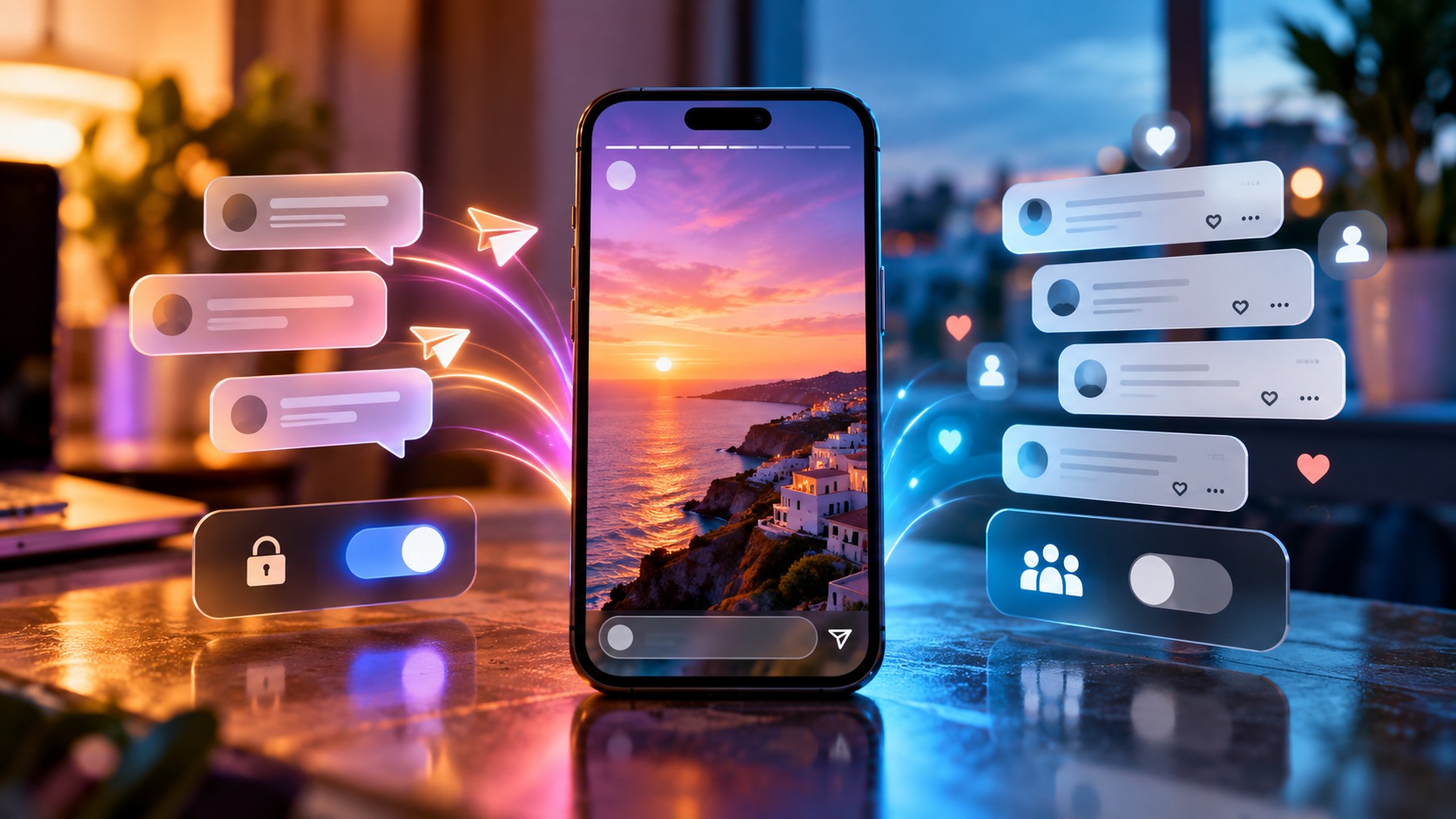
Instagram Story replies go to the creator through Direct messages. Story comments appear on the Story and can be seen by people who can view it. These are separate response channels with separate controls. To manage private responses, find Story replies under Messages and story replies. To manage visible discussion, use the Story’s Allow comments settings or turn off commenting on an individual Story. Changing one does not automatically close the other.
A missing message field, therefore, does not necessarily mean that nobody can respond. At Dumpor, we recommend checking three things separately: who can view the Story, who can send a message about it, and who can leave a visible comment. That small distinction prevents a surprisingly common privacy mistake.
The important difference is where the response appears
Imagine publishing a photograph of a new product. One viewer asks about delivery through the message field; another leaves the same question as a Story comment. The words may be identical, but their audience is different.
The first response enters a conversation with your account. Other Story viewers do not see it beneath the photograph. The second becomes part of the discussion attached to the Story, where eligible viewers can read it. Calling both actions “replying” is understandable in everyday conversation. It is less helpful when choosing settings.
A private reply is private relative to other viewers. It is not a promise that only one human will read it: a business account may have authorized staff managing its inbox, and a recipient can copy or share a message. Keep that distinction in mind before sending personal information.
|
Feature |
Story reply |
Story comment |
|---|
|
Where it appears |
In Direct messaging |
On the Story |
|
Who can read it |
Participants in the conversation and authorized account operators |
People who can view that Story |
|
Main control |
Story replies audience |
Story commenting audience |
|
Individual Story control |
Do not assume the comments switch controls replies |
Commenting can be disabled for one Story |
|
Appropriate use |
A question meant for the account |
A response intended for the Story’s audience |
|
Effect on viewing access |
Does not itself hide the Story |
Does not itself hide the Story |
“Public comment” is convenient shorthand, but it can mislead. A comment on a restricted Story is not automatically visible to everyone on Instagram. Its visibility follows access to the Story; it is simply more widely visible than a Direct message.
Start with the audience, then choose how it can respond
A viewing permission and a response permission answer different questions. Someone may be able to watch your Story without being allowed to comment. Another viewer may be permitted to send a private reply but have no commenting option. Neither situation necessarily indicates a fault.
Your account privacy, Story audience, and any restrictions affecting a particular viewer establish who can reach the content. Response settings then determine what those viewers can do. Enabling comments does not turn a Close Friends Story into an unrestricted publication, and disabling replies does not remove someone from its audience.
For example, a creator might publish a broadly visible announcement while limiting discussion to a smaller group. That is a deliberate combination of settings, not a contradiction. Decide whether your priority is reach, conversation, or quiet distribution before adjusting the switches.
How to control Instagram Story replies in Direct
Open your Instagram profile, open the menu, and look for Messages and story replies, followed by Story replies. The surrounding settings labels can change between app versions, so searching settings for “Story replies” is useful if the route looks different.
Choose the audience offered on that screen. Depending on your account and interface, the choices may allow replies from everyone, limit them to people you follow, or prevent Story replies. Read the wording carefully: “people you follow” and “your followers” describe different groups.
For a quieter inbox, choose Don’t allow story replies, or the equivalent disabling option displayed in your app. If you want a smaller conversation rather than complete silence, select the narrower permitted audience instead. Return to this screen later to reopen replies.
This setting governs the response route attached to Stories. It should not be treated as a master switch for every Direct message your account can receive. Existing conversations and other messaging entry points have their own controls. If ordinary messages continue arriving, review message requests and broader messaging permissions separately.
Nor does closing the reply route erase conversations already received. Handle an existing message in the inbox where it appears. Changing permissions for future responses and dealing with previous messages are different tasks.
How to turn Story comments on or off
For the general commenting preference, open the Story creation screen and its settings. Instagram’s documented route is Create → Story → Settings → Story → Allow comments, under the commenting section. Select Off to stop comments, or choose an available audience to permit them.
The options displayed for your account matter more than a screenshot from an older tutorial. Instagram has used follower relationships to determine commenting eligibility, including followers you follow back and, where offered, a broader follower audience. Do not assume that every viewer of a public Story can comment.
To disable comments on a particular Story that is already published, open that Story, tap its Options menu at the bottom right, and select Turn off commenting. This lets you close discussion on a single item without treating every future publication the same way.
A sequence of several Stories needs particular attention. Open the exact photo or video you mean to change; do not assume that a control applied to one item has covered the rest of the sequence. Check each relevant item after making the change.
Turning commenting off should not be confused with deleting a comment. If your concern is something already written, manage that entry directly and verify the result. Do not rely on a change to future commenting permissions as your only moderation action.
Four useful combinations of reply and comment settings
There is no requirement to leave both channels open. For many accounts, choosing one clear route makes the experience easier for viewers and for the person managing responses.
|
Your goal |
Story reply setting |
Story comment setting |
|---|
|
Receive private questions without a visible discussion |
Allow the appropriate reply audience |
Off |
|
Host a visible discussion without inviting Story DMs |
Don’t allow Story replies |
Allow the available audience you want |
|
Publish an announcement without either response channel |
Don’t allow Story replies |
Off |
|
Offer both kinds of conversation |
Allow the appropriate reply audience |
Allow the appropriate commenting audience |
Consider a shop announcing a delayed delivery. Private replies can accommodate individual questions, while closing comments prevents customers from posting order details in front of other viewers. For a community event, visible comments may instead help attendees see the same questions and answers.
For a personal update, you may want neither. That is a valid publishing choice; a Story does not need to become a discussion. Remember, however, that turning off these two channels does not automatically disable every other interaction associated with the content.
Likes and emoji reactions can cause confusion
The heart button used to like a Story is separate from writing a comment. Instagram states that only the person who shared the Story can see its likes. A heart tap should therefore not be described as a visible Story comment.
An emoji sent through a messaging response is different again. The symbol itself does not determine privacy; the response tool does. A heart entered into a comment field is still a comment, while an emoji sent through Direct belongs to the message conversation.
Before responding, look at the field and its label. Are you sending a message to the account, or adding a comment to the Story? When the interface feels crowded, taking that extra moment is more reliable than guessing from the icon alone.
How to remove an unwanted Story comment
Open your Story and its Activity area. Find the comment, open the options beside it, and choose Delete comment. Menu placement may vary, but the key is to manage the comment attached to the Story rather than looking for it in your message inbox.
If an entry contains abuse or another potential violation, use its reporting option where available. You can also close commenting on that Story while deciding what further action is appropriate. Removing a single entry does not establish a permanent response policy for the account.
For a business, agree on a simple moderation rule before posting. Questions, complaints, and abusive messages are not interchangeable. A polite complaint may deserve an answer; a comment containing personal information may need prompt removal and a move to an appropriate private channel.
Why someone can see a Story but cannot respond
First establish which response is missing. If the message field is unavailable, check Story reply permissions. If commenting is unavailable, check the Story’s commenting audience and the individual item’s setting. A single missing control does not establish that the viewer has been blocked.
Follower relationships can explain different experiences. A person you follow back may have an option that another follower does not. This is why testing only with a close friend can produce a false sense that every viewer has the same access.
A Story may also expire or become unavailable while someone is trying to interact with it. When the content itself will not open, the issue is broader than a response switch. Our guide to Instagram content that isn’t available addresses that separate situation.
App versions and account-specific availability can affect the controls shown. Update Instagram, close and reopen it, then inspect the same account and the same live Story. If the discrepancy persists, use Instagram’s in-app help to report the issue with a description of the missing control.
Check your setup from the viewer’s side
Your creator view shows management tools that viewers do not have. To verify the intended experience, ask a trusted person who belongs to the relevant audience to open a harmless test Story. If you need to compare follower groups, use consenting testers whose relationship to the account actually differs.
Ask three specific questions: can they view the Story, can they send a message reply, and can they leave a comment? Record the answers separately. A single “it works” does not tell you which permission has been verified.
What a public viewer can—and cannot—help with
Dumpor’s Instagram viewer is relevant to browsing available public content. Audience permissions and response controls belong to Instagram and must be managed through the creator’s account. A public viewer cannot change who may reply, grant permission to comment, or reveal a creator’s private Direct messages.
Do not use a third-party display as proof that commenting has been disabled. A viewer may present content without reproducing Instagram’s interactive controls. Verify response permissions in Instagram itself, where the viewer’s account relationship can be taken into account.
If you need assistance with Dumpor’s public-content browsing service, contact the Dumpor team with the public username and a description of the issue. For Instagram account settings, use Instagram’s own help. Keeping those requests separate helps direct the question to the people who can actually address it.
FAQ
Are Instagram Story replies private?
Can everyone see comments on an Instagram Story?+
People who can view the Story can see its comments. That does not make a restricted Story visible to the whole platform. Viewing eligibility and commenting eligibility are separate: someone may be allowed to read the discussion without having permission to contribute. Avoid assuming that the visible audience consists only of people who have already commented.
How do I turn off both Story comments and replies?+
Disable Story replies in the messaging settings, then separately turn off Story commenting in the Story settings. For a particular published item, also check its commenting option. Finally, verify the result from an eligible viewer’s account. These changes address the two response routes; they do not automatically prevent ordinary Direct messages or hide the Story itself.
Why am I still receiving messages after turning comments off?+
Comments and Direct replies use different controls. If you closed the visible discussion but left Story replies available, eligible people may still contact you through the Story. Alternatively, a message may have arrived through an existing chat or another messaging entry point. Look at how it was sent before deciding which additional permission needs changing.
Can I disable comments on one Story without disabling them everywhere?+
Yes. Open the published Story, open its options, and choose Turn off commenting. This is useful when one item needs a quieter response policy than your usual content. Check the exact item in a multi-part sequence, and remember that its commenting switch does not serve as a separate switch for private Story replies.
Does “people you follow” mean the same as “your followers”?+
No. The first group contains accounts you have chosen to follow; the second contains accounts following you. Mutual followers belong to both groups. This difference matters when selecting an audience and when checking why two viewers see different response options. Use the wording on your current settings screen rather than treating the groups as interchangeable.
Do responses disappear when a Story expires?+
The standard Story viewing period and the lifetime of a Direct conversation are different. Do not assume that a message disappears simply because the Story is no longer available to watch. Similarly, the end of public Story visibility should not be treated as a guarantee that all records of its comments have vanished. Manage any response you need to address directly.
Does turning off replies hide my Story from someone?+
No. It changes a response permission, not the Story’s viewing audience. If your intention is to keep someone from seeing the content, review the relevant audience and privacy controls instead. A person who can still watch may also retain what they see, so closing response fields should never be treated as a confidentiality measure.
Why is the comments setting missing from my account?+
Confirm that you are looking at Story controls rather than feed-post comments or message replies. Next, check the current app version and the account that published the Story. Interfaces and available controls can differ. If the expected option remains absent, describe the problem through Instagram’s in-app help rather than relying on an unrelated setting with a similar name.

 Telegram bot
|
TikTok Viewer
Telegram bot
|
TikTok Viewer