Close Friends Feed Posts vs. Close Friends Stories: Who Can See and Reshare Them?
TL;DR
Close Friends limits the audience of the content you publish with that setting. It works with feed posts as well as Stories, using the Close Friends list you manage for your account. A public profile does not make a Close Friends publication public, and receiving a link does not add someone to your list.
The main differences are persistence and interaction. Feed posts remain available until you remove them or otherwise change their availability; Stories normally expire after 24 hours unless retained as Highlights. Feed comments are visible to eligible viewers. Story replies sent as messages are different from Story comments, which can be visible to other viewers.
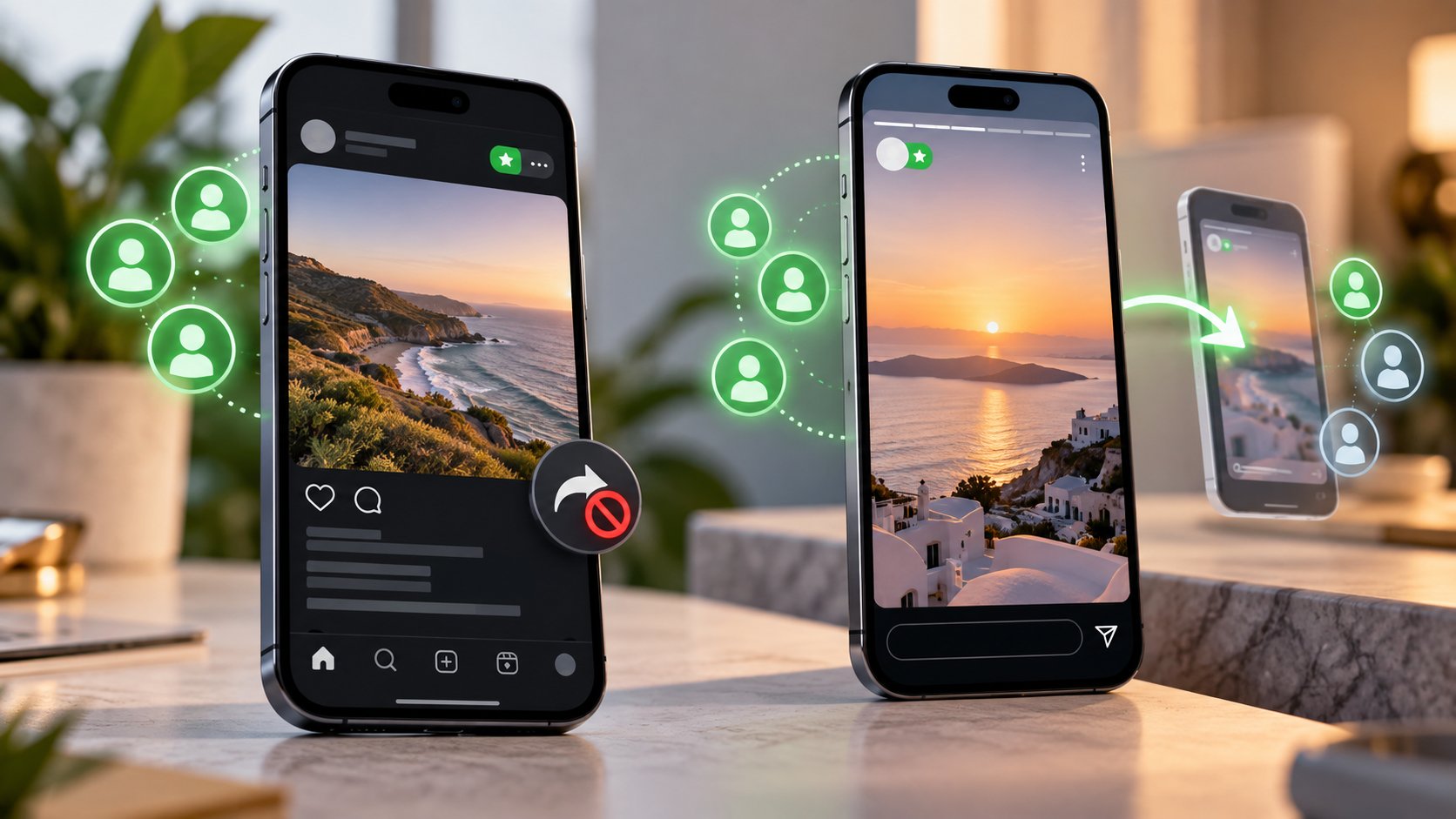
Native sharing does not give a recipient permission to enlarge your restricted audience. Close Friends Stories are not available for ordinary Add to Story resharing, including through a mention. However, audience controls cannot prevent every screenshot, recording, or separate upload. Treat Close Friends as selective publishing, not a guarantee that nobody can copy what they see.
The same green label can hide an important difference
A private update for six friends feels like a small conversation. Publish it as a feed post, though, and it can become a lasting discussion those friends revisit. Publish it as a Story, and its ordinary viewing window is shorter—but not every interaction is necessarily a private message.
At Dumpor, we recommend deciding three things before sharing: who should have access, how long the update should remain available, and whether recipients should interact in front of one another.
The audience selector answers only the first question. It does not make a feed publication disappear tomorrow or turn a visible comment into a one-to-one reply.
What Close Friends controls in each format
Instagram describes Close Friends as a list you can use when sharing content such as posts, Reels, and Stories. For the comparison here, a feed post means a photo or carousel published to the profile and feed; a Story means content published through the Story composer.
The restriction belongs to the item you publish with that audience. Simply maintaining a Close Friends list does not automatically restrict everything else on your account.
|
Question |
Close Friends feed post |
Close Friends Story |
|---|
|
Who is the intended audience? |
Eligible accounts on your Close Friends list |
Eligible accounts on the same Close Friends list |
|
Where is it viewed? |
In the feed or on your profile by eligible viewers |
In the Story interface; possibly later as a restricted Highlight |
|
How long does it remain available? |
It does not expire after 24 hours by default |
Normally 24 hours unless added to a Highlight |
|
Are interactions necessarily private? |
No; comments and displayed likes can identify participants |
Message replies and Story likes differ from visible Story comments |
|
Does a copied link grant access? |
No |
No |
|
Can viewers make it public through normal resharing? |
Close Friends access is not converted into public access |
Ordinary Add to Story resharing is unavailable for the restricted Story |
|
Can someone retain a separate copy? |
Audience controls do not eliminate copying |
Audience controls do not eliminate copying |
Who can see a Close Friends feed post?
The intended viewers are people on the creator’s Close Friends list who can access that content. Ordinary followers outside the list do not gain access simply because they follow the account or visit its profile.
A feed post published this way is not just a normal post with a green decoration. Its audience is restricted. The distinction remains relevant when the creator also publishes public photos immediately before and after it.
The selected group can also interact with the publication. Do not describe that interaction as a set of private conversations with the creator: people who can view the post may see other participants’ comments and displayed likes.
Who can see a Close Friends Story?
A Story published to Close Friends is intended for the selected list rather than the creator’s broader Story audience. Instagram uses a green indicator to distinguish Close Friends Stories for eligible viewers.
Adding someone to your list is different from proving that they watched. The Story’s audience setting grants viewing eligibility; the viewer information available to the creator concerns actual views. Do not treat the number of accounts on the list as the number reached.
Stories normally leave ordinary viewing after 24 hours. A Close Friends Story retained as a Highlight does not become public simply because it appears on the profile. Its restricted audience remains relevant.
One Close Friends list affects more than one format
The list used for Close Friends publishing is an account-level audience tool. Do not assume that the feed composer and Story composer maintain separate groups just because their publishing screens look different.
Before sharing, open the Close Friends controls from your profile menu and review the actual accounts selected. A familiar display name is not enough if someone has several profiles or a colleague recently changed roles.
The creator controls the list. Inclusion is not automatically reciprocal: adding someone to yours does not add you to theirs. It also does not convert your other followers into participants or establish a group chat.
Instagram does not send a dedicated notification when you add or remove someone. Nevertheless, a person can recognize that a particular item was shared with Close Friends when they see its indicator. Silent list management is not the same as invisible audience labeling.
How to select the audience before publishing
For a feed photo or carousel
Create the post as usual, then inspect the audience setting before the final sharing action. Where the option is available, choose Audience → Close Friends and confirm the selection.
Check the active account and the selected audience on the final screen. A caption saying “friends only” does not set permissions, and choosing Close Friends for an earlier publication is not a substitute for checking the current one.
For a Story
Prepare the Story, then use the Close Friends sharing choice instead of the broader Your story option. Inspect mentions, captions, and the selected audience together before publishing.
If you publish to the wrong audience, remove the item from that audience promptly and verify the correct settings before sharing again. Changing your Close Friends list alone does not retroactively turn an ordinary public publication into a restricted one.
Can viewers reshare a Close Friends post or Story?
The word “share” covers several different actions. Adding a publication to a Story, forwarding a reference in a message, using Instagram’s Repost feature, and uploading a screenshot are not equivalent.
A viewer cannot use your Close Friends selection as permission to publish the original to their own broader audience through ordinary native resharing. Restricted content does not become public merely because a recipient wants to recommend it.
Close Friends Stories do not provide the ordinary Add to Story route available for eligible mentions in other Stories. A recipient who cannot find that button should not assume the restriction is a broken setting.
For feed posts, do not confuse a visible menu or a copied address with an ability to redistribute the original publicly. Even where a reference can be passed along, the destination must still respect the original audience. The recipient’s own Close Friends list does not replace yours.
Does mentioning or tagging someone give them access?
A mention identifies an account; it does not independently change your audience. If you mention someone outside the intended Close Friends audience, do not assume that the mention grants them a view of the restricted content.
The same distinction applies to resharing. Mentioning an included friend in a Close Friends Story does not create the ordinary Add to Story permission for that restricted Story.
If public amplification is the goal, prepare a separate version with an appropriate audience and sharing settings. Review that version for information originally meant only for the smaller group. Changing the distribution plan should be an intentional publishing decision.
Sharing a public post to Close Friends does not make the source private
There are two audience settings to consider when you add an existing public post to a Close Friends Story: the source publication’s audience and your Story’s audience.
Your added Story, including its commentary, is limited to your chosen viewers. The source post retains its own availability. People outside your Close Friends list may still encounter that original through its creator’s profile or another public route.
For example, a public restaurant announcement remains public even if you share it privately with the note “Let’s book this for Friday.” The restricted element is your Story and its added context, not the restaurant’s original announcement.
Comments, replies, and what viewers learn about one another
Feed interactions are not one-to-one messages
Someone who comments on a Close Friends feed post should expect eligible viewers to be able to read that comment. Displayed likes may also reveal who has interacted.
The creator’s full list is not presented as a membership directory to every viewer. However, visible participation can reveal some of the people with access. A private list and anonymous participation are different things.
Story messages and Story comments are different
A reply sent to the creator as a direct message is not the same as a comment displayed on the Story. Instagram’s help documentation states that people who can see a Story can also see its comments.
Story likes are different again: the Story creator can see a viewer’s like, rather than it functioning as a public feed-post like list. Check the control you are using instead of treating every heart, reply field, or comment button as identical.
What happens when you change the list later?
Treat list changes as changes to an ongoing audience, not merely a guest list for your next upload. Newly added people can gain access to still-available Close Friends content, including older feed publications and restricted Highlights.
This makes persistent feed content particularly important to review. Someone you add for today’s event may also encounter an earlier publication that you had mentally filed away as “shared with last month’s group.”
Removing someone changes their eligibility to access your Close Friends content. It cannot make them forget what they already saw or remove an independent copy they retained. For a sensitive correction, review the publication itself as well as the list.
Do not rely on rapidly removing and restoring people to create permanent, separate audiences for individual posts. If you need different groups with distinct histories, use a workflow designed for that separation.
Close Friends is not a copy-prevention feature
Instagram’s audience controls govern who can view the original through the platform. They do not establish that a viewer is unable to photograph a screen, retain a copy, or describe the contents elsewhere.
Choose recipients accordingly. For ordinary personal updates, Close Friends can be a useful audience choice. For material whose disclosure would cause serious problems, the relevant question is whether those recipients should receive it at all.
If an intended viewer cannot see the publication
First confirm that you published the item to Close Friends and included the correct account. Then distinguish an active Story from one that has expired, and an existing feed post from one you have removed or archived.
Ask the viewer which account is signed in. A person may read messages from a brand account while belonging to your list through their personal account. Those are different viewing identities.
A generic unavailable-content message does not prove removal from Close Friends. Our guide to Instagram content that is not available explains other causes worth checking before drawing that conclusion.
Where Dumpor fits
The Dumpor Instagram viewer supports browsing available public content. It does not inherit the permissions of someone on your Close Friends list or unlock restricted posts and Stories.
For problems with public content specifically on our website, contact Dumpor support with the public address, browser, and error shown. Questions about Close Friends access and audience controls belong in Instagram’s own settings and support process.
FAQ
Do Close Friends posts and Stories use the same list?
Can people outside my list see a Close Friends feed post on my profile?+
They do not gain access to the restricted publication simply by visiting your profile or following you. Other public posts can remain visible around it. A forwarded address also does not add the recipient to your list. This concerns access to the original publication, not a screenshot or separate copy someone might distribute.
Can someone repost my Close Friends Story if I mention them?+
A mention does not provide the ordinary Add to Story reshare route for a Close Friends Story. It also does not independently grant viewing access to someone outside the intended audience. If you need a partner to share material publicly, prepare an appropriate public version rather than relying on a mention to override the restriction.
Can viewers see who else is on my Close Friends list?+
They are not given your complete list as a directory. However, comments and displayed likes on a feed post can reveal participants. Story comments may also be visible to other eligible viewers. Do not promise members that their participation will be anonymous merely because the creator manages the list privately.
Are all responses to a Close Friends Story private?+
No. Direct-message replies, Story likes, and Story comments have different visibility rules. A message reply is separate from a comment displayed on the Story, and eligible viewers can see Story comments. Check the interaction controls and settings rather than assuming that every response reaches only the creator.
Will a new Close Friend be able to see older content?+
They can gain access to older Close Friends content that remains available, such as feed posts and Highlights. A Story that has expired and is not retained as a Highlight is a different case. Review persistent material before expanding the list; do not assume membership begins with only the next publication.
Does adding a Close Friends Story to Highlights make it public?+
No. Retaining the Story as a Highlight does not by itself remove its audience restriction. It does extend the time during which eligible people may encounter it. Review both the Highlight and your list when circumstances change, especially before adding new viewers who were not part of the original group.
Does a public post become private when I share it to Close Friends?+
Only your Close Friends Story and its added context receive that restricted audience. The original public post keeps its own visibility. Someone outside your list may still open the source independently, even though they cannot view your accompanying Story. Source visibility and the audience of your commentary are separate settings.

 Telegram bot
|
TikTok Viewer
Telegram bot
|
TikTok Viewer