The Login Prompt That Won't Quit: Why Instagram Nags You, and What Stays Visible
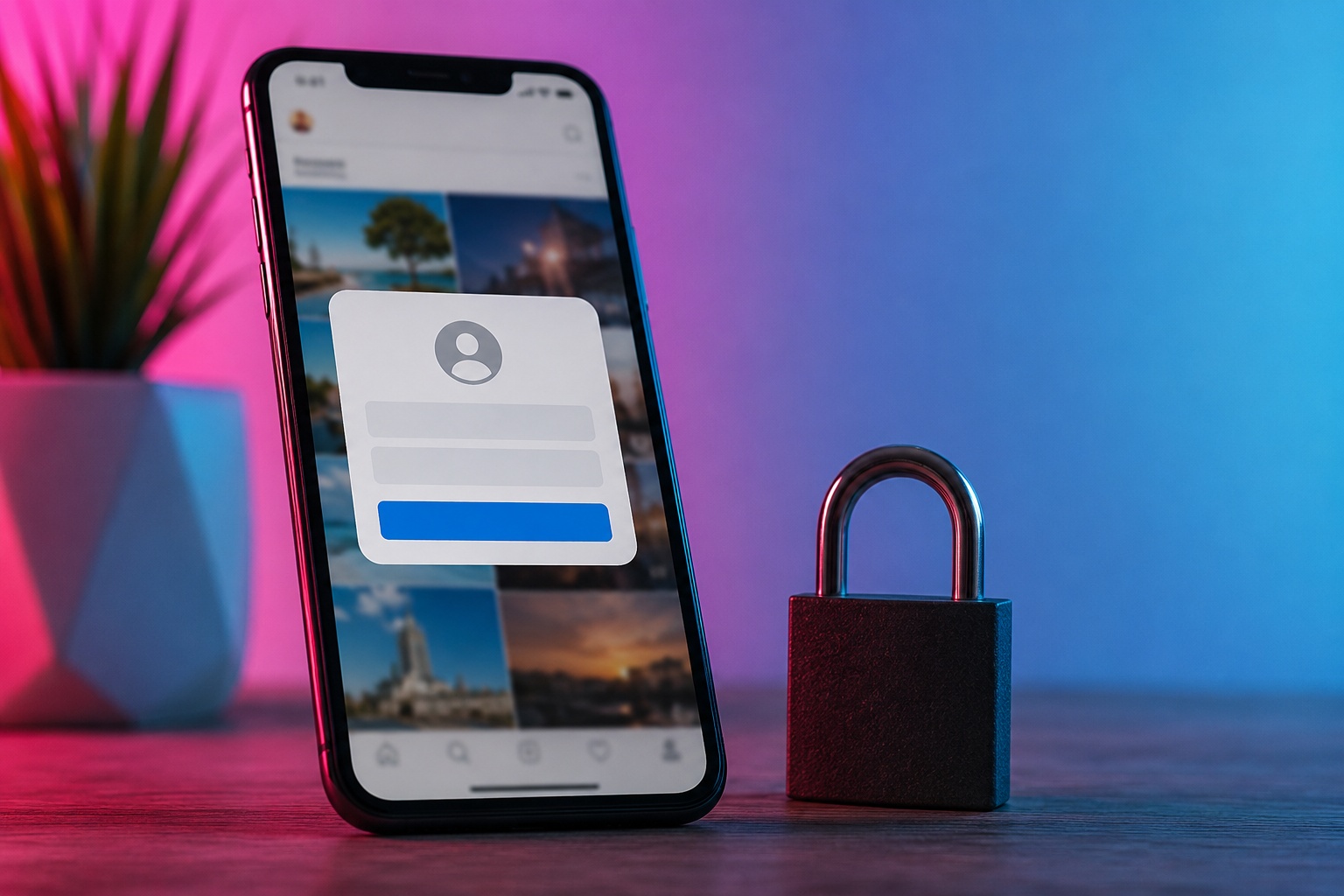
TL;DR: “Log in to continue” shows up for two completely different reasons, and which one applies to you decides the fix. If you’re browsing without an account, that’s the login wall — Instagram deliberately gates logged-out visitors after a view or two, mostly to protect ad revenue and choke off scrapers, and it clocks you by IP, cookies, and browser fingerprint. If you do have an account but keep getting booted, that’s a security or technical trigger: a suspicious-login check, a rotating VPN IP, a recent password change, too many devices, expired session tokens, or a shady third-party app you handed your login to. The good news for the first group: plenty of public content stays viewable without ever logging in, through a server-side viewer that fetches it for you — Stories, profiles, reels, the lot. Private accounts, though, stay sealed to everyone. Let’s untangle both cases.
There it is again. You open Instagram — or just tap a link to a single post — and up slides that box. Sign in. Create an account. Log in to continue. Dismiss it, and thirty seconds later it’s back, more insistent, blocking the very thing you were trying to see.
Maddening. And here’s what almost nobody tells you: the prompt means two entirely different things depending on who you are. So before any fix makes sense, answer one question — are you trying to browse without an account, or do you have an account that keeps kicking you out? Two roads. We’ll walk both.
Road one: you’re not logged in, and the wall keeps dropping
This is the login wall, and in 2026 it’s more aggressive than it’s ever been.
Try to look at a public profile or post on the web without signing in, and Instagram lets you glimpse a sliver — then interrupts. Sometimes after one tap. Sometimes half a second into a scroll. The message nudges you to log in or make an account, and until you do, you’re stuck.
Why so pushy? Two motives, mostly, and it helps to know them.
- Money. A logged-in user is worth far more to Meta’s advertising engine than an anonymous drifter it can’t track or serve targeted ads to. Herding everyone into an account is simply good business, from their side of the table.
- Scraping defense. Walling off content slows the bots and AI harvesters that vacuum up images and data at scale. That pressure got very real after a January 2026 incident exposed millions of Instagram records through API scraping, and the platform has been clamping down since.
Mechanically, the wall is watching signals. It reads your IP address, the cookies in your browser, and your browser fingerprint — then decides how much rope to give you before the gate drops.
A few things make it slam shut faster:
|
What you’re doing |
Effect on the wall |
|---|
|
Viewing several profiles in a row |
Trips it quickly |
|
Scrolling past the first few posts |
Often triggers within seconds |
|
Reusing the same browser with old cookies |
Flags you sooner |
|
Rotating IPs via VPN |
Can look suspicious, doesn’t reliably help |
|
Trying to open Reels logged out |
Frequently walled outright |
Notice the theme. Anything that looks like a no-value, no-account visitor pushes the wall to fire. Which is why the usual dodges — incognito, clearing cookies, a VPN — buy a moment at best before it re-triggers.
What you can still view without logging in
Here’s the useful part, and it’s genuinely useful. The wall doesn’t mean public Instagram is off-limits to you. It means your browser, making requests as an untrusted guest, gets throttled. Route around that and public content opens right up.
That’s what a server-side viewer does. Rather than your device knocking on Instagram’s door and getting turned away, the viewer’s own server fetches the public content and hands it to you. No login prompt fires, because you aren’t the one triggering it. And since your identity never enters the exchange, you leave no footprint at all.
With no account, and no wall, you can still see:
- Public profiles — bio, grid, follower and following counts — through our profile viewer.
- Public Stories — watchable via the anonymous Story viewer without ever landing in the watchers list.
- Public Reels and Highlights — the video side of an account, no sign-in required.
- Tagged posts — what others tagged a public account in.
- Follower and following lists on public profiles.
All of it fetched server-side, all of it anonymous. For anyone who just wants to see what a public account is sharing — no account, no wall, no trace — that’s the whole answer. (Curious why the platform draws the line where it does between reading public data and harvesting it? Our piece on where the legal line sits between scraping and viewing gets into it.)
Road two: you have an account, and it won’t stop logging you out
Different beast entirely. If you’re signed in and Instagram keeps re-prompting — “session expired,” “log in again,” a suspicious-activity warning — the culprit isn’t the wall. It’s usually security, or a technical hiccup, or both.
The common causes, laid out:
- Suspicious login checks. Instagram watches for odd patterns — logins from two countries in quick succession, an unfamiliar device — and logs you out defensively when something looks off.
- VPN or proxy hopping. A VPN that rotates IPs makes you look like you’re signing in from all over the map. Instagram reads that as a threat and drops the session.
- A recent password change. Reset your password — even yourself — and Instagram ends every active session on every device as a precaution.
- Too many devices, or rapid account switching. Juggling one account across several phones, tablets, and browsers can confuse session handling and force a logout.
- App bugs and corrupted cache. An outdated app, a broken cache, or a rough system update can knock your session loose.
- Expired or broken session tokens. Instagram keeps you logged in with hidden tokens; when they lapse or a cookie gets wiped (incognito never keeps them), you’re out.
- Security extensions. Privacy-focused browser add-ons sometimes block the scripts Instagram uses to hold a session.
- Third-party apps you gave your login to. This one’s sneaky — see below.
The fix sequence
Most repeated-logout loops clear with a predictable reset. Work through it roughly in order:
- Update the app to the latest version; reinstall if the cache looks corrupted (on iPhone, reinstalling is how you clear it).
- Settle on one stable device for a while, and ease off rapid account switching.
- Turn off the VPN, or pick a server that holds a steady IP instead of hopping.
- Open Login Activity in settings, review the devices and locations, and log out anything you don’t recognize.
- Enable two-factor authentication — an authenticator app, not SMS — to steady your login and lock out intruders.
- Change your password if you suspect someone else got in; that boots every session, including theirs.
- Revoke third-party app access for anything you no longer trust.
Make your login pattern predictable and the cycle usually stops. For brands and teams, honestly, the fix is often less technical than operational — too many people logging in from too many places is its own problem.
The third-party trap worth calling out
Here’s the sneaky cause from that list. If you ever handed your Instagram password to some “get more followers” or “see your profile insights” app, that’s a prime suspect for the endless logouts — and worse. Those apps log in as you, from their servers, in strange places, which trips every suspicious-activity alarm Instagram has. Sometimes it ends in a ban.
Which loops back to a point we make constantly: a legitimate tool never needs your password. If your goal was only ever to view public content, you don’t need to feed your login to anything — a server-side viewer reads public data with no account involved at all. And a flat safety rule for the logout mess: real Instagram recovery will never ask for your password or your login codes in a DM or email. Anyone who does is phishing. Ignore the “account recovery” messages and the “unlock” services entirely.
Reading the prompt: which message means what
Small detail, big clue. The exact wording of what Instagram throws at you usually tells you which road you’re on, so it’s worth learning to read it.
If the box says something like “Sign up to see more” or “Log in to continue,” with a cheerful create-account button, that’s the wall — Instagram courting a new user, not flagging a problem. You’re the logged-out visitor it wants to convert. If instead you see “Session expired,” “You’ve been logged out,” or a sterner “We noticed an unusual login,” that’s the account-holder scenario — a security or session event, not a marketing nudge. And a full redirect to a verification screen, asking you to confirm it’s really you, sits firmly in security territory too.
Same three words on the surface — log in — pointing at opposite situations underneath. Once you clock the difference in tone, you’ll know instantly whether to reach for a viewer or to go run the reset sequence. Little thing, saves a lot of guesswork.
One wall nobody gets past
Worth stating plainly, whichever road you’re on. Private accounts are sealed to everyone who isn’t an approved follower — no viewer, no browser trick, no extension changes that. So if some site promises to slip you past a login into a private profile, it’s lying, and it’s fishing for the password you should never give it. Public content is fair to view; private content is private, full stop.
Which one are you? A quick steer
- No account, hitting the wall? Stop fighting the browser. Use a server-side viewer for public Stories, profiles, reels, and the rest — no login, no trace.
- Account holder, getting logged out? Run the reset sequence: update, one device, check Login Activity, enable 2FA, revoke sketchy apps.
- Getting suspicious-login warnings? Treat it as real. Secure the account first; convenience second.
- Tempted by an “unlock” or “recovery” tool that wants your password? Don’t. Every time, it’s a trap.
Sort out which scenario is yours and the prompt stops feeling like a mystery.
The short version, one more time
Instagram nags you to log in for one of two reasons. Browsing without an account, you meet the wall — built up in 2026 to defend ad revenue and fend off scrapers, and quick to fire based on your IP, cookies, and fingerprint. Holding an account that keeps logging you out, you’re looking at security triggers and technical gremlins: suspicious-login checks, VPN hopping, password resets, too many devices, expired tokens, or a third-party app abusing your credentials. Either way, private content stays off-limits to everyone. But the genuinely public stuff — profiles, Stories, reels, highlights, tagged posts, follower lists — you can still view with no account and no wall, through a viewer that fetches it server-side and leaves no trace.
If you regularly need to view or save public Instagram content without wrestling a login, or you’d like to ask about business and API access to the Dumpor toolset, reach out and leave us a request. We’ll give you the honest answer, public data only.
FAQ
Frequently asked questions
Why does Instagram keep asking me to log in when I don’t even have an account?+
That’s the login wall, and it’s intentional. Instagram limits how much logged-out visitors can see, showing a sign-up or login prompt after a view or two. The motives are mainly commercial and defensive: logged-in users are far more valuable for advertising, and gating content slows the bots and scrapers harvesting data at scale. The system decides how much to show you based on your IP, cookies, and browser fingerprint, so once you look like an anonymous no-account visitor, the prompt keeps returning. It isn’t a bug — it’s the walled garden working as designed.
Can I see anything on Instagram without logging in?+
Yes, quite a lot, as long as it’s public. Public profiles, Stories, Reels, Highlights, Tagged posts, and follower or following lists are all viewable without an account through a server-side viewer that fetches the content for you and sidesteps the login wall. Because your browser isn’t the one making the request, the prompt never fires, and nothing ties the view to you. The only content that stays out of reach is private accounts, which remain visible solely to approved followers no matter what tool you use.
Why does Instagram keep logging me out of my own account?+
Usually security or a technical glitch. Common triggers include suspicious-login checks (logins from unusual places or devices), a VPN that rotates your IP, a recent password change that ends all sessions, using too many devices at once, corrupted cache or an outdated app, and expired session tokens. Third-party apps you’ve given your password to are another frequent cause, since they log in from odd locations and trip Instagram’s alarms. Working through a reset — update, single device, check login activity, enable two-factor, revoke risky apps — resolves most repeated-logout loops.
Does using a VPN cause Instagram to log me out?+
It can. Many VPNs rotate your IP address, which makes it look as though you’re logging in from several countries in a short span — exactly the pattern Instagram flags as suspicious before dropping your session to protect the account. If you rely on a VPN, choose a server that keeps a stable IP rather than hopping between them, and see whether the logouts stop. Turning the VPN off temporarily is a quick way to test whether it’s the culprit in the first place.
I gave a “followers” app my Instagram password. Is that why I keep getting logged out?+
Very likely, and it’s worth acting on quickly. Apps that promised followers or insights in exchange for your login sign in as you from their own servers, which triggers suspicious-activity checks and repeated logouts — and can lead to a ban. Change your Instagram password immediately to cut off their access, enable two-factor authentication, and revoke the app’s permissions. Going forward, remember that legitimate tools never need your password; anything demanding it for public data is unsafe by definition.
Is a login prompt proof that an account is private?+
No, and it’s a common misread. A login wall can appear for all sorts of reasons unrelated to privacy: you’ve simply hit the logged-out viewing limit, the handle was mistyped or changed, the account was deleted or suspended, there’s a temporary or regional restriction, or your browser is being flagged. Equally, a profile loading doesn’t guarantee every post, Story, or Reel will be visible. So treat the prompt as “Instagram wants me signed in here,” not automatically as “this account is locked.”
How can I avoid the login wall entirely for public content?+
Use a server-side web viewer instead of browsing logged out. Because the viewer’s server retrieves the public content rather than your own browser, there’s no untrusted-visitor request for Instagram to wall off, so the prompt never appears. You get public profiles, Stories, reels, and more, with no account, no app, and no footprint. It’s the cleanest route for anyone who just wants to view public Instagram content without repeatedly bumping into a sign-in demand — while still respecting the line that private accounts stay private.

 Telegram bot
|
TikTok Viewer
Telegram bot
|
TikTok Viewer