How to Protect Your Own Instagram Content From Being Downloaded
TL;DR
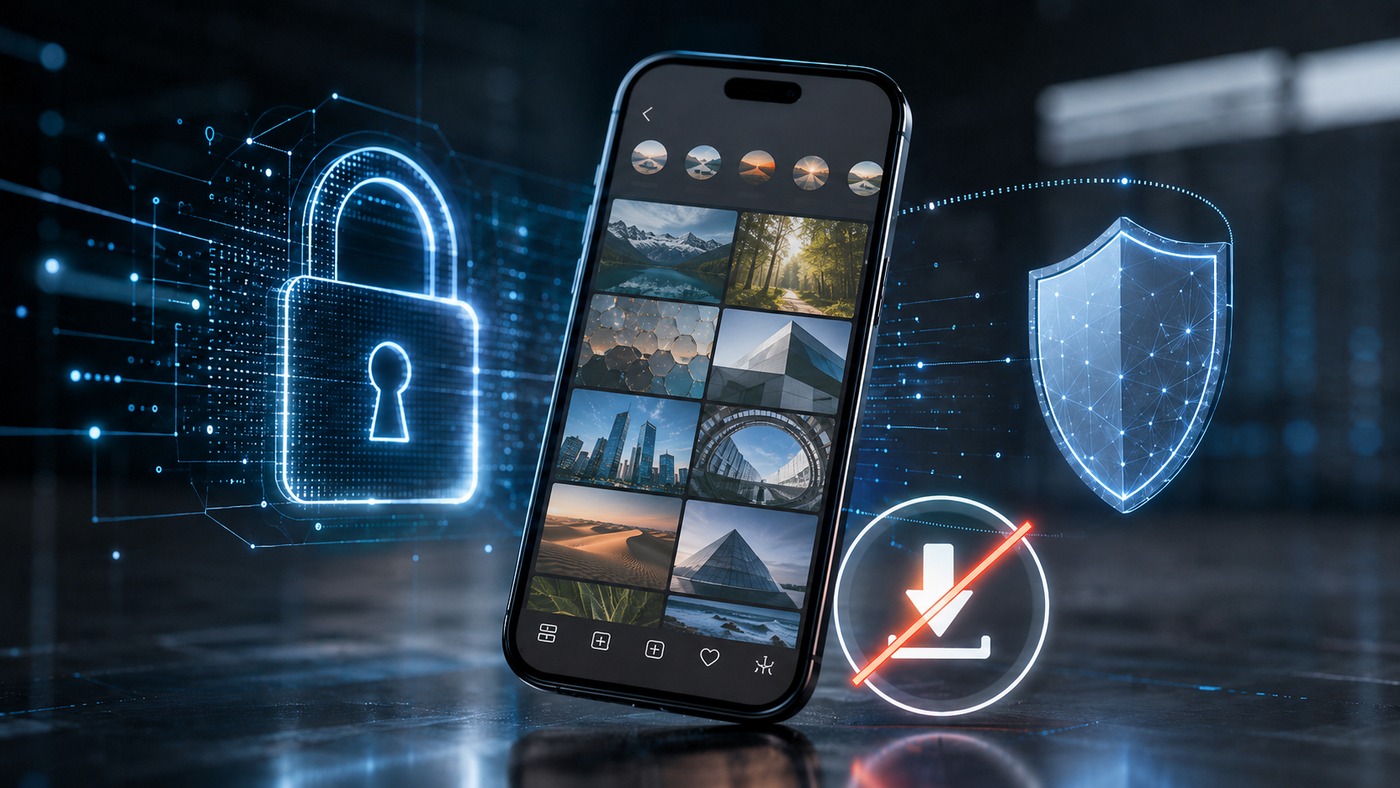
Straight talk to begin: if your content is public and someone can see it, someone can capture it. No setting stops a screenshot; no toggle blocks a screen recording. So “100% download-proof” is a fantasy, and any guide promising it is selling you one. What you can do is stack the odds heavily in your favour — raise the friction, make every copy traceable back to you, and set yourself up to get stolen posts pulled fast. The single most powerful lever is going private, which walls your content off from anonymous tools entirely. Below that sit real in-app controls worth flipping (disabling Reels downloads and native resharing), watermarking done properly, smarter posting habits, and — for creators and brands — copyright registration plus takedown tools. Think deterrence and recourse, not a magic force field.
The hard truth, up front
Let’s not tiptoe. There is no button that makes a public Instagram post impossible to download.
Here’s why, mechanically. Anything your followers can watch, they can screen-record. Anything they can see, they can screenshot — and Instagram won’t even tell you it happened. Screenshots and screen recordings of Stories, posts, Reels, profiles, and Highlights trigger no notification whatsoever; the lone exception is disappearing photos and videos sent in DMs. So the moment content is visible on someone’s screen, the raw capability to copy it is already in their hands, whatever settings you’ve toggled.
I know that’s not the pep talk you came for. But building your strategy on a false premise — that some hidden option locks everything down — is how people get blindsided. Start from reality, and the sensible moves come into focus.
So reframe the goal
Stop chasing prevention. Chase these instead:
- Friction — make casual grabbing annoying enough that most people won’t bother.
- Traceability — ensure any copy that escapes points straight back to you.
- Audience control — decide who gets to see the good stuff in the first place.
- Recourse — be ready to get misused content removed quickly.
Nail those four and you’ve done roughly everything that’s actually achievable. Perfect lockdown isn’t on the menu; strong, layered deterrence very much is.
The lever that works: go private
If protection matters more to you than reach, this is the big one — the setting with real teeth.
A private account shows your content only to followers you’ve personally approved. That single change locks out every anonymous viewer, every logged-out browser, and every public-content tool in one move, because those tools can only ever reach what’s public. Nobody can stumble onto your Stories from a search, a share, or a third-party viewer. The gate is shut unless you open it.
The trade-off is obvious and worth stating plainly: private kills discovery. No reach to strangers, slower growth, no viral lift. For a personal account, a close-knit community, or genuinely sensitive material, that’s a price well worth paying. For a brand chasing new eyeballs, less so. Only you can weigh it.
And even private isn’t absolute — remember, an approved follower can still screenshot and leak. Vet who you let in. A follower list you never prune is a security hole you forgot you dug.
The in-app controls actually worth flipping
Beyond the private/public decision, Instagram does hand you a handful of genuine levers. Here’s what each one does — and, just as importantly, what it doesn’t.
|
Control |
Where |
What it stops |
What it can’t stop |
|---|
| Disable Reels downloads |
Settings → Reels sharing options |
The built-in “download this Reel” button for others |
Screen recording of the Reel |
| Turn off resharing to Stories |
Settings → Sharing/Story |
Others reposting your post/Story via the native reshare button |
Manual screenshot-and-re-upload |
| Limit “share as message” |
Story privacy settings |
People forwarding your Story in DMs |
Someone saving then re-sending manually |
| Disable Remix (Reels) |
Reels settings |
Others building Remix videos on top of yours |
Independent screen-capture edits |
| Restrict tags & mentions |
Settings → Tags/Mentions |
Unwanted association and some scraping vectors |
Anyone determined to grab the file |
| Close Friends |
Story audience | Who can see a Story (a smaller trusted circle) |
Anyone in that circle capturing it |
See the pattern in that right-hand column? Every native control blocks the convenient route — the official button — while leaving the manual route (screenshot, screen-record, re-upload from the camera roll) untouched. Instagram can’t detect a manual re-upload; to its systems it looks like any ordinary post. So these toggles are worth flipping, absolutely. Just don’t mistake them for a wall.
Watermark like you mean it
Since you can’t stop the copy, make the copy work for you. A watermark won’t prevent a download — it travels with the file and quietly announces whose work it is wherever it lands.
A few habits separate an effective watermark from a useless one:
- Put it where it can’t be cropped out. A tiny logo in the corner gets trimmed in seconds. Place your mark across a meaningful part of the frame, or repeat it.
- Keep it legible but unobtrusive. Semi-transparent, consistent, on-brand. You want it readable, not garish enough to wreck the content.
- Baked in, not slapped on. Add it during editing so it’s part of the pixels, not a sticker anyone can peel.
- Handle plus mark. Your @username or logo turns every stray copy into free advertising and a clear ownership claim.
Is it foolproof? No — a determined thief can crop, blur, or clone-stamp it out. But most reposters are lazy, and a solid watermark stops the lazy ones cold while giving you leverage against the rest.
Post smart — the habit most people skip
Some of the best protection is upstream of any setting. It’s simply what you choose to publish.
- Keep your masters private. Post a web-sized version publicly; never hand the internet your full-resolution original. If a copy leaks, it’s the lesser copy.
- Don’t publicly post what you can’t afford to lose control of. The unreleased design, the client’s proofs, the personal photos — those don’t belong on a public grid at all.
- Lower the stakes of a grab. The less valuable the public version, the less it stings when someone saves it.
Blunt, maybe. But “don’t put the crown jewels in the shop window” is advice that ages well.
For creators and brands: bring in the heavy tools
If this is your livelihood, you’ve got options ordinary users don’t, and they’re worth the setup.
- Register your key works. In the US, copyright exists automatically, but registration is what unlocks meaningful remedies if you ever have to enforce. (This isn’t legal advice — check the rules in your jurisdiction or ask a professional.)
- Use Meta’s rights tooling. Eligible creators and businesses can access Meta’s Rights Manager and brand-protection tools, which match uploads against your reference library and help you act on unauthorised reuse at scale.
- File takedowns without hesitation. Instagram has a copyright reporting flow, and the DMCA process exists precisely for this. Keep proof of ownership handy — original files, timestamps — so you can move fast.
- Watch for it. Periodic reverse-image searches (Google Lens, TinEye) and the odd manual audit surface stolen content you’d otherwise never spot. You can’t take down what you don’t know about.
Myths that waste your energy
|
Myth |
Reality |
|---|
|
“There’s a setting that fully blocks downloads” |
There isn’t, for public content. Capture is always possible |
|
“Instagram warns me if someone screenshots my post” |
It doesn’t — only disappearing DM media triggers an alert |
|
“Disabling native resharing stops reposts” |
It stops the button, not manual screenshot-and-re-upload |
|
“A corner watermark makes my work safe” |
It’s cropped in seconds; place marks where they can’t be removed |
|
“Private accounts are 100% leak-proof” |
Far stronger, but an approved follower can still capture and share |
|
“Going private is the only real option” |
It’s the strongest, but watermarking, smart posting and takedowns layer on top |
Where Dumpor fits — with the cards on the table
We run public-content tools, so we’ll be transparent about exactly what that means for you as a creator. It’s the honest thing, and honestly it’s also the useful thing.
Every anonymous viewer and downloader out there — ours included — can only ever reach content that’s already public. That’s not a marketing line; it’s the whole boundary. So the definitive way to make your content invisible to any such tool is the lever we keep pointing to: set the account (or the specific content) to private. Do that, and there’s simply nothing for a public-content tool to fetch. You can see for yourself what these tools can and can’t access with something like our anonymous Story Viewer — try it on a private profile and it hits a wall, which is exactly the point.
Two more things worth knowing:
-
If your public content is being displayed somewhere you’d rather it wasn’t, we run a dedicated content removal / takedown page so rights-holders can request it be pulled from our index.
-
What we collect and how your rights work is spelled out in our Privacy Policy, not buried.
We’re independent of Instagram, we handle public content only, and we’d genuinely rather you understand the ecosystem than fear it. Knowing how public access works is the first step to controlling your own footprint within it.
Can I completely stop people from downloading my Instagram content?+
Not if it’s public. Anything visible can be screenshotted or screen-recorded, and Instagram sends no notification when that happens. The realistic goal is layered deterrence — go private to block anonymous access, watermark to make copies traceable, disable the native download and reshare buttons, and be ready to file takedowns. “Un-downloadable” public content doesn’t exist.
Does Instagram tell me if someone screenshots or screen-records my post or Story?+
No. As of 2026, screenshots and screen recordings of Stories, posts, Reels, profiles, and Highlights trigger no alert at all. The only exception is disappearing photos and videos sent in DMs (View Once or Vanish Mode), where the sender is notified. For everything else, capture is silent.
What’s the single most effective way to protect my content?+
Make your account private. It restricts your content to followers you approve and shuts out every anonymous viewer, logged-out browser, and public-content tool in one step, since those can only reach public material. The catch is reach — private accounts don’t grow through discovery — so it’s a trade between protection and audience.
Can I stop people downloading my Reels specifically?+
You can disable the built-in download button for your Reels in your sharing settings, and you can turn off Remix so others can’t build on your videos. Both are worth doing. Neither stops someone from screen-recording the Reel manually, which Instagram can’t detect — so treat these as friction, not a lock.
Do watermarks actually help?+
Yes, but for traceability rather than prevention. A watermark doesn’t stop a download; it rides along with the file and identifies your work wherever it ends up. Place it where it can’t simply be cropped away, keep it legible, and bake it into the pixels during editing. It won’t beat a determined editor, but it deters the casual reposter and strengthens any ownership claim.
Someone downloaded and reposted my content — what can I do?+
Report it through Instagram’s copyright tools or file a DMCA takedown, and keep evidence of ownership (original files, timestamps) to speed things along. A polite direct request often works too. If it’s appearing on a third-party public-content site, use that site’s removal process — ours is our takedown page. For high-stakes commercial misuse, consider professional legal advice.
Is disabling “resharing to Stories” enough to prevent reposts?+
It helps, but only partly. That setting blocks Instagram’s native reshare button, so people can’t one-tap repost your content to their Story. It does nothing against someone who screenshots your post and re-uploads it manually from their camera roll — to Instagram that looks like an ordinary upload it can’t flag. Useful layer, not a complete solution.
Are private accounts truly safe from downloading?+
They’re the strongest option by a wide margin — no anonymous tool or stranger can reach private content. But “private” controls who gets in, not what an approved follower does once they’re in. Any follower can still screenshot or record and share elsewhere. So curate your follower list carefully and treat access as trust, not a guarantee.
Protecting your Instagram content is less about finding a magic switch and more about stacking sensible layers — because the switch doesn’t exist, and pretending otherwise just leaves you exposed. Decide how much reach you’re willing to trade for control, and set your privacy accordingly. Watermark so every stray copy carries your name. Flip the toggles that kill the easy routes. And keep a takedown plan in your back pocket for the copies that slip through anyway. That’s the honest, workable version of protection — and if you’d rather your content simply never touch a public tool at all, the lever is right there in your settings, one tap away.

 Telegram bot
|
TikTok Viewer
Telegram bot
|
TikTok Viewer