Suggested Posts vs. Ads on Instagram: Recognize the Difference and Adjust Your Feed
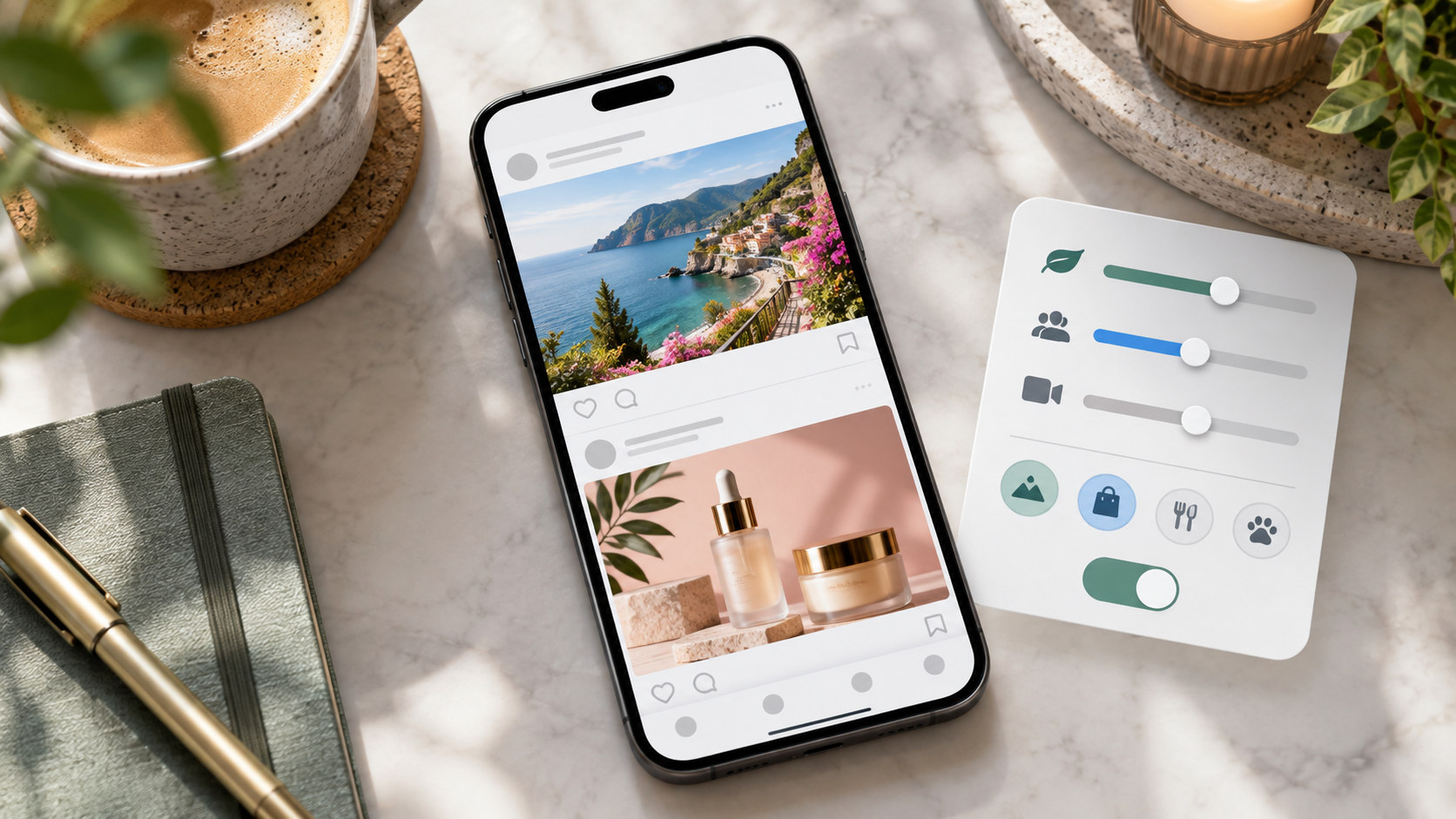
TL;DR
Suggested posts are recommendations; ads are paid placements. An unfamiliar account is not automatically an advertiser. Look for Instagram’s Sponsored label to identify a paid placement, and check the post menu when the distinction is unclear. Paid partnership discloses a commercial relationship between a creator and a brand; that label alone does not establish that the post reached you through paid distribution.
Use Not interested, recommendation preferences, or a different feed view for unwanted suggestions. Use Hide ad and Ad preferences for advertising. Following and Favorites help you catch up with chosen accounts, while resetting suggested content changes recommendations across Feed, Explore, and Reels. None of those recommendation controls is a universal advertising off switch.
The account is unfamiliar. Is the post an ad?
A beautifully filmed coffee video appears between two friends’ photos. There is a product, a discount code, and an enthusiastic caption. It looks commercial. That still does not tell you how it reached your screen.
At Dumpor, we recommend checking two separate things: what the post promotes and how Instagram is distributing it. A business can publish an ordinary post that Instagram recommends without the business paying for that particular placement. A creator’s casual video can also become an advertisement.
Appearance is a poor guide. Labels and menu options are more useful.
|
What you see |
What it tells you |
Relevant next step |
|---|
|
Suggested for you or an explanation of a recommendation |
Instagram is recommending content |
Open the menu and review recommendation feedback |
|
Sponsored beneath an account name |
You are looking at a paid placement |
Review the ad explanation or hide the ad |
|
Paid partnership with a named brand |
The creator has disclosed a commercial relationship |
Check separately whether this appearance is also an ad |
|
A product, shop tag, or discount code |
The content has a commercial element |
Inspect the platform labels before classifying it |
|
An unfamiliar username |
You do not recognize the source |
Do not assume that unfamiliar means sponsored |
The same creative can appear organically in one context and as an ad in another. Classify the version currently on your screen, rather than assuming that everything from that account belongs to one category.
What Instagram suggested posts actually are
Suggested posts introduce content beyond the accounts you follow. They are selected through Instagram’s recommendation systems, which use signals about content, accounts, and your activity to estimate what might interest you.
A recommendation is therefore a prediction. It is not a statement that you requested the post, agree with it, or want to buy what it shows.
What makes an Instagram post an advertisement?
For the purpose of adjusting your feed, an ad is content delivered through Instagram’s paid advertising system. It can resemble a photo, carousel, Reel, or Story, and it may come from a business or creator account.
The Sponsored label is the practical starting point. Buttons such as Shop now or Learn more can provide another clue, but a button, polished production, or sales language is not sufficient evidence by itself.
Open the ad menu and look for Why am I seeing this ad? Meta’s explanation tool provides information about factors involved in ad delivery and links to advertising controls. It is available across Instagram Feed, Stories, and Reels, although the menu position varies by format.
Read the explanation before drawing a personal conclusion. Seeing an ad does not establish that an advertiser selected you individually, knows your recent conversations, or has access to your private messages. The explanation may describe broader activity or audience factors.
Paid partnership is a separate disclosure
A creator may receive payment, a gifted product, or another benefit from a brand and publish branded content. The Paid partnership label identifies that relationship. Paid distribution is a different question.
Imagine a photographer publishing a camera demonstration with a partnership disclosure. You might encounter it because you follow the photographer, because Instagram recommends it, or because it is being delivered as an advertisement.
This matters when you want less promotional material. Hiding paid placements will not necessarily remove product recommendations from accounts you follow. Likewise, changing suggested-content preferences will not make every creator stop discussing sponsors.
Choose the control that matches the problem
Before opening settings, finish this sentence: “I want to see less of…” The answer determines where to start.
|
Your goal |
Start here |
What the control does not promise |
|---|
|
Fewer recommendations resembling a particular post |
Not interested |
A permanent ban on every related topic |
|
A temporary break from suggested feed posts |
Snooze suggested posts, if offered |
Removal of ads or a pause across every Instagram surface |
|
Recent updates from followed accounts |
Following |
A permanent change to all areas of Instagram |
|
Easier access to selected accounts |
Favorites |
A reset of advertising preferences |
|
A fresh start for recommendations |
Reset suggested content |
Deletion of your account or removal of all advertising |
|
Less of a particular advertisement |
Hide ad or advertiser controls |
Fewer total advertising placements |
|
Changes to advertising personalization |
Ad preferences |
A guarantee that every remaining ad will be relevant |
Keep the scope of each control in mind. A setting can work correctly while leaving another category unchanged.
Reduce unwanted suggested posts
Give feedback on the recommendation itself
Open the unwanted suggested post’s three-dot menu and choose Not interested, where available. Instagram uses that response to help adjust recommendations. If the interface offers a more specific option concerning the account or topic, choose the one that accurately describes your preference.
Be consistent. Repeatedly returning to a subject to argue about it is different from clearly telling the app that you do not want it recommended. You do not need to manufacture likes or save unrelated posts as an elaborate correction strategy.
Use a temporary snooze when available
Look for an option to snooze suggested posts in the recommendation menu or Content preferences. Instagram has offered a 30-day snooze for suggested posts in Feed; availability and placement can differ between accounts and app versions.
Read the confirmation carefully. A feed snooze is temporary and should not be treated as an account-wide pause on recommendations in Explore or Reels. Sponsored placements are a separate category.
Filter recognizable words where supported
Instagram provides controls for avoiding recommended posts containing specified words, phrases, emojis, or hashtags. Look for the relevant suggested-content word preferences in your current interface.
This can help when the unwanted theme has a consistent caption or hashtag. It is less dependable when the subject appears only visually, uses different wording, or is described indirectly. Treat a word filter as a targeted preference, not a complete understanding of every video.
Use Following and Favorites for a more deliberate feed
Following shows posts from accounts you follow in chronological order. Favorites provides a dedicated chronological view of selected accounts and also gives their posts greater prominence in your main feed.
In the mobile interface described by Instagram, tap the Instagram name at the top of Home to choose the view. If your layout differs, look for the current feed selector.
Our recommendation is to choose the view according to the task. Use Following to catch up broadly and Favorites when you want a smaller reading list. Return to discovery surfaces when discovering unfamiliar accounts is actually your purpose.
Do not confuse opening a view with changing every future session. Check which view is active when you return to the app. These controls organize feed reading; they are not a promise of an entirely ad-free Instagram experience.
If a particular person’s updates are your priority, opening their profile directly may be simpler. If you cannot locate them, our guide to Instagram profiles not showing in search addresses that separate problem.
Reset suggested content when the overall direction feels wrong
A reset is worth considering when recommendations across several areas no longer match your interests. It is a broader action than rejecting one post.
Meta describes this route:
-
Open your Instagram profile.
-
Tap the three-bar menu.
-
Select Content preferences.
-
Choose Reset suggested content.
-
Review the information and confirm the reset.
The reset concerns recommendations in Explore, Reels, and Feed. Personalization starts building again from subsequent interactions. It does not freeze Instagram into a permanently neutral state.
Use the opportunity to review what you follow, but distinguish that review from the reset itself. Do not expect an automatic cleanup of every account, saved item, or advertising preference.
If only one narrow subject is bothering you, targeted feedback may be enough. Reserve a broader reset for a broader problem.
Manage advertisements separately
Hide an unwanted ad
Open the menu on the Sponsored placement and select Hide ad, then provide a reason if asked. If the interface offers a control to hide ads from that advertiser, use it when the advertiser itself is the issue.
Hiding one placement is not equivalent to opting out of every campaign in its industry. Several advertisers may promote similar products. Nor should you assume that an organic post from the same brand will disappear from every context.
Review Ad preferences
From your profile settings, look for Accounts Center, then Ad preferences. You may also reach relevant controls through Why am I seeing this ad? Review the advertisers, topics, and information settings actually available to your account.
Check the wording before confirming. “Less personalized,” “see less,” and “without ads” describe different outcomes. Meta offers a subscription without ads to eligible users in certain regions, but eligibility and terms must be checked in the account’s current offer. It is not a universal free switch inside recommendation settings.
Why the feed may still look similar afterward
First, check the label again. A Sponsored post can remain after you reduce suggestions because the action targeted recommendations. An ordinary product review can remain after you hide ads because it was not an ad placement.
Second, compare the same surface. A quieter Home feed does not establish what you will see when you open Explore or start scrolling through Reels.
Third, look at the source account. If you follow it, decide whether you still want its ordinary posts. Muting or unfollowing addresses a relationship with an account; rejecting an unfamiliar recommendation addresses discovery.
A short feed review you can repeat
For a practical check, examine a small consecutive sample of posts rather than relying on the most irritating example you remember. Twenty items is a convenient working sample, not a scientific measurement.
Record each as a followed-account post, a recommendation, or a Sponsored placement. Add a separate note for visible partnership disclosures. Do not count a partnership label as proof of paid distribution.
Then make one focused adjustment:
-
Too many irrelevant discoveries: use recommendation feedback.
-
Too little visibility for chosen accounts: use Following or Favorites.
-
Repetitive paid placements: inspect the advertiser controls.
-
An unsuitable overall recommendation mix: consider a reset.
Compare another sample on the same surface later. This will not reveal Instagram’s complete ranking system, but it will help you avoid calling every unwanted post an advertisement—or assuming an ad setting failed because a creator still mentions a product.
Where Dumpor fits into public-profile research
Sometimes the task is simply to inspect one public account. The Dumpor Instagram viewer offers a separate route for browsing available public profile content without using your personalized Instagram feed.
Treat that as focused browsing, not a way to rewrite your Instagram settings. Dumpor cannot reset recommendations, change advertiser preferences, or reproduce another person’s personalized feed. A public-profile view also cannot establish whether a post was delivered to someone else as an advertisement.
If you encounter a problem with public content on our website, contact Dumpor support with the public URL, browser, and a short description. Questions about Instagram’s own feed settings should go through Instagram’s support tools.
FAQ
Are suggested posts on Instagram paid advertisements?
Does Paid partnership mean the same thing as Sponsored?+
No. Paid partnership discloses a relationship between the creator and a business partner. Sponsored identifies paid distribution in the placement you are viewing. A branded post can also be used in advertising, so both concepts may apply. The disclosure alone does not tell you how every viewer encountered the content.
Can I turn off all suggested posts permanently?+
Do not assume Instagram provides a permanent, account-wide switch for every recommendation surface. You can use feed views, feedback, and any snooze option your account offers. A temporary snooze has a defined duration and scope. Resetting suggested content starts personalization again rather than disabling recommendations forever.
Why do ads remain after I select Not interested?+
Recommendation feedback and advertising controls serve different purposes. Check whether the remaining item says Sponsored. If it does, use its ad menu or Ad preferences. Also check whether it is the same placement or merely a similar topic: rejecting one recommendation does not prohibit every advertiser from promoting related products.
Will resetting Instagram recommendations reset my ads too?+
The suggested-content reset is described for recommendations in Feed, Explore, and Reels. Do not treat it as an advertising reset. Review Ad preferences separately if paid placements are the concern. The reset also begins a new period of recommendation personalization; later interactions can bring familiar subjects back.
Does Following make the whole Instagram app ad-free?+
Following is a feed view for posts from accounts you follow. It does not establish an ad-free setting for Stories, Reels, Explore, or every future session. Use it to catch up with followed accounts, and manage advertising through the relevant controls rather than expecting a feed selector to change the whole service.
Why can I not find the same options shown in a tutorial?+
Menu labels and feature availability can differ by app version, account, region, and surface. Start by checking the active account and updating the app. Open the menu on the actual post rather than searching settings blindly. A missing snooze button, for example, does not mean that Following or Not interested is unavailable too.
Can Dumpor remove ads or suggestions from my Instagram account?+
No. Dumpor supports browsing available public content separately from your Instagram feed; it does not control your signed-in account. Make recommendation and advertising changes inside Instagram. If your aim is to examine a particular public profile, focused browsing can help you complete that task without relying on the feed to surface it.

 Telegram bot
|
TikTok Viewer
Telegram bot
|
TikTok Viewer