How to Share and Reset Instagram Group Chat QR Invitations
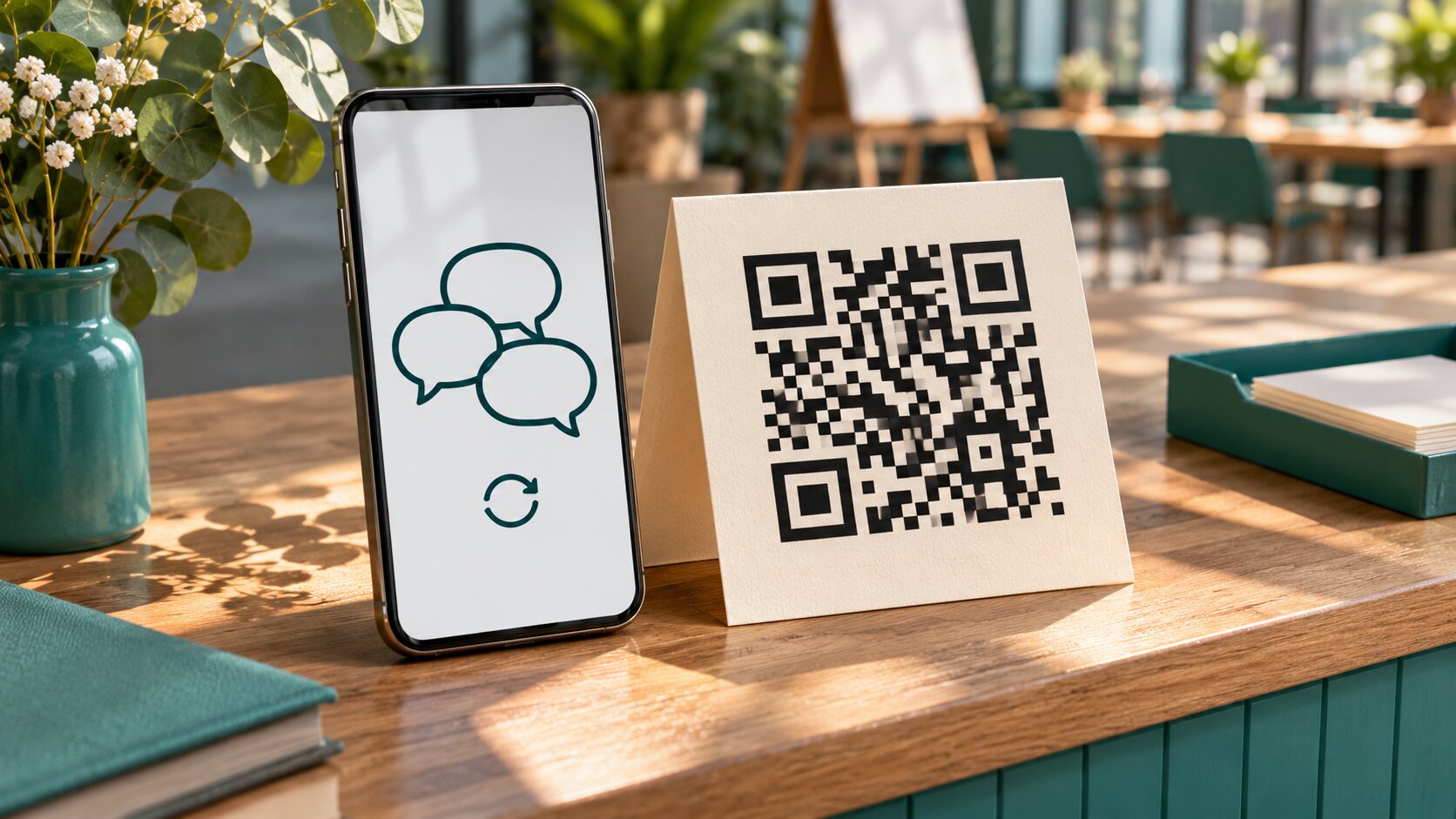
TL;DR: Open an Instagram group chat, tap its name, select Invite link, and open QR code. An admin must enable the invitation before members can share it. To replace an invitation, an admin resets the invite link through the same settings area. The old link and its QR code then stop providing entry. Save and distribute the replacement image. Resetting an invitation does not remove existing members or erase the conversation; manage those separately.
A QR code printed for one afternoon can keep circulating long after the event ends. Someone photographs the slide, forwards the image, or saves it for later. That convenience is precisely why a group admin needs to know how to replace the invitation.
Instagram group chat QR codes provide a scannable route into a conversation. They spare organizers the task of finding every attendee’s username, but they also make invitations easy to pass along.
At Dumpor, we recommend deciding who should join before sharing the code. Then choose whether to keep the invitation open, require approval where available, or close that entry route after the intended audience has arrived.
What is an Instagram group chat QR code?
A group chat QR code represents an invitation to a particular Instagram conversation. Scanning it opens the invitation flow; the person then follows the joining or approval steps presented by Instagram.
The code is not the conversation itself. It does not contain the chat history, and a saved image is not a backup of the messages.
It is also different from a profile QR code. A profile code points to an account, while a group invitation points to a chat. If your goal is to gather people into a shared conversation, check that you are sharing the code from that conversation’s invitation settings.
A normal group DM is different from a broadcast channel, too. Instructions for one should not be assumed to apply to the other.
The link and QR image are two forms of the invitation
A clickable link is convenient in a message or email. A QR image is convenient when someone is looking at another screen, a slide, or a printed handout.
Both need to point to the current invitation. Changing the background of a saved image or taking another screenshot does not reset access. The admin must use Instagram’s invitation controls.
Think about where the invitation will be used. For a recipient reading on the same phone they use for Instagram, a tappable link often requires fewer steps than a QR image.
How to create and share a group chat QR code
Use the Instagram mobile app and start with the intended group conversation. Menu labels can vary between app versions, so follow the invitation controls shown in your account.
-
Open Instagram and go to your messages inbox.
-
Select the group chat you want people to join.
-
Tap the group name at the top to open its details.
-
Open Invite link.
-
If invitations are disabled, have a group admin enable the link.
-
Select QR code.
-
Use the available sharing or saving option, or display the code for someone nearby.
-
Check the saved or shared image before distributing it more widely.
Verify the destination first. Two chats named “Workshop” can belong to different events, and the QR pattern will not help a guest recognize that mistake.
Use a distinctive group name and place a short explanation beside the invitation wherever you publish it. “Join the Saturday photography workshop chat” is clearer than an unexplained square on a noticeboard.
Keep the code easy to scan
Export or save the image at a usable size. Avoid cropping its edges, covering it with a logo, or stretching it into a different shape.
For a printed invitation, test the actual printout. A clear image on your phone does not establish that a tiny version on textured paper will scan reliably.
Before displaying it publicly, check:
-
The invitation opens the intended group.
-
The group name makes its purpose clear.
-
The QR image is sharp and fully visible.
-
The surrounding explanation identifies the organizer.
-
An admin knows when the invitation should be reviewed or disabled.
These are practical publishing checks, not extra Instagram settings. They help prevent mistakes that a correctly generated code cannot fix on its own.
Who can share a group invitation, and who can reset it?
Once an admin enables the invite link, group members can distribute the invitation. Sharing is therefore broader than administration.
A member who can show the QR code does not necessarily have permission to reset it, disable the link, remove participants, or change approval settings. Those are admin responsibilities.
This matters when an organizer asks a colleague to help welcome attendees. The colleague may be able to share the invitation while still needing an admin to resolve an access problem.
Before an event, identify the person who can change the group’s settings. If that person is unavailable when an invitation spreads unexpectedly, simply deleting the image from one post will not stop copies elsewhere.
An invitation is not personal to the first person who receives it. Treat it as something that can be forwarded, even when you originally send it privately.
How to join an Instagram group using a QR code
For a code displayed on another screen or printed page, use your phone’s camera or QR-scanning function. The exact scanning interface depends on the device.
-
Point the camera at the complete QR code.
-
Tap the detected link or opening prompt.
-
Continue through Instagram’s official app or sign-in flow if required.
-
Review the group information presented.
-
Choose the displayed join or request-to-join action.
-
If approval is required, wait for an admin to review the request.
Scanning is not proof that membership has been granted. A request awaiting review is different from a completed join.
If the image is saved on your own phone, use its built-in image-scanning feature where supported. If that is inconvenient or unavailable, ask the organizer for the clickable invite link instead.
Do not repeatedly scan the same code when the screen already says that approval is pending. The next useful step is to contact the organizer, not to create confusion with repeated attempts.
Before joining, confirm the active Instagram account and the destination. A QR code is not evidence that an external page asking for credentials or software installation is trustworthy.
How to reset an Instagram group chat QR code
Reset the invitation when the old link or image should no longer admit new people. Start from an account with admin permissions.
-
Open the group conversation.
-
Tap the group name to view its details.
-
Select Invite link.
-
Find the Reset link or equivalent reset control.
-
Read the confirmation explaining that the existing invitation will be replaced.
-
Confirm the reset.
-
Open QR code again and save the new image.
-
Replace the previous link and QR image wherever entry should remain available.
The exact reset label may differ. The action you want is replacement of the invitation, not copying the current link again or saving another copy of the current image.
A reset gives you a new invitation and makes the previous one unusable for joining. That includes old QR images tied to the replaced link.
Check the replacement before sending it to everyone. If you have several nearly identical images in your camera roll, rename or organize the current asset so a colleague does not accidentally reuse an outdated copy.
Update the places where you published the invitation
Resetting changes access in Instagram. It does not automatically revise a poster, presentation, email, or image stored on somebody else’s phone.
Review the places you control:
-
Event slides and registration materials.
-
Printed handouts and signs.
-
Website pages or shared documents.
-
Saved invitation messages.
-
Social posts containing the old QR image.
-
Templates that may be reused for another event.
For printed material, replace it or cover the old code with a clearly marked current invitation. If replacement is impractical, provide an organizer contact so guests are not left guessing why the code fails.
Keep the explanation simple: “The group invitation has changed. Please use the updated code.” There is usually no need to publish the internal reason for the reset.
Resetting, disabling, and removing members do different jobs
Choose the control that matches the problem. An invitation setting governs a way into the group; membership controls govern people who are already there.
|
Action |
Main purpose |
Effect on future entry |
Effect on existing members |
|---|
|
Share the current QR code |
Invite more people |
Distributes the current entry route |
Does not remove anyone |
|
Reset the invite link |
Replace a circulated invitation |
Old link and associated QR code stop working |
Members remain unless separately removed |
|
Turn off the invite link |
Stop entry through that invitation |
Disables that route while it is off |
Members remain |
|
Enable join approval, where available |
Review prospective members |
Adds an admin decision to the joining process |
Does not review existing members automatically |
|
Remove a member |
End that account’s group membership |
Does not by itself replace a circulated invitation |
Removes the selected account |
|
Leave the group |
End your own participation |
Is not a general invitation-management action |
Other members are not automatically removed |
Turning off the link should not be described as freezing every way someone might be added. Other group controls and member permissions need their own review.
Similarly, removing an unwanted participant does not address an invitation that is still circulating. Review both the current member list and the entry route when the two problems occur together.
A reset does not erase the conversation
Existing participants keep their membership after an invitation reset. The action also does not clear messages or retrieve screenshots someone has already taken.
If your concern is that the wrong person entered, inspect the membership list and use the appropriate moderation controls. If your concern is that future newcomers should not see an earlier discussion, consider a fresh group rather than treating a new QR code as a new conversation.
Those decisions should be made before inviting a different audience into an established chat.
When it makes sense to replace or disable an invitation
A reset is useful when you still want people to join but no longer want them using the previous invitation. Disabling is useful when that entry route should be closed for now.
For example, a neighborhood organizer might share a code during a residents’ meeting, then disable the link after the attendees have joined. A workshop host might reset an invitation after discovering that an old flyer is being circulated outside the intended audience.
Do not reset a working invitation simply because one attendee’s camera cannot read a damaged printout. First distinguish a scanning problem from an access problem.
A practical decision sequence is:
-
Decide whether new members should still be able to join.
-
Check whether the current invitation has reached the wrong audience.
-
Choose replacement or disabling accordingly.
-
Review existing members separately.
-
Update distribution materials only where entry should remain open.
Admin approval and personal message controls are separate
An invitation can be easy to distribute without giving the organizer enough information about who is using it. Where your group offers Require approval to join or a similar setting, review that control before publishing the code widely.
Approval should serve a clear purpose. For a class, compare requests with the expected attendees. For a small work group, confirm which account belongs to which colleague. Possessing a forwarded image is not proof of eligibility.
Read the setting’s explanation and verify the joining flow rather than assuming that the word “approval” covers every possible addition to the group.
Personal message controls answer a different question: who can contact or add an individual account. They do not replace an admin’s responsibility to manage a group’s invitation.
Our guide to Instagram group chat message controls explains those individual preferences. Use it when you want fewer unwanted invitations to your own account.
Why an Instagram group QR code stops working
Start by separating two failures: the camera cannot read the image, or the image opens a link that no longer allows entry.
If the camera cannot detect the code, improve the lighting, remove glare, show the complete image, and try a larger version. A fresh copy of the current QR image may solve the problem without changing the invitation.
If the link opens but joining fails, ask an admin to check:
-
Whether the invitation was reset.
-
Whether invite-link access is currently disabled.
-
Whether you are using the latest image.
-
Whether a join request is awaiting approval.
-
Whether Instagram displays a group or account limitation.
-
Whether the group is still available.
Administrative changes are another reason to recheck the current invitation rather than relying indefinitely on an old saved image.
An invalid invitation is not, by itself, evidence that someone blocked you. The admin may simply have closed registration or replaced the link.
Check the replacement invitation
After a reset, ask a trusted nonmember to check the replacement with their agreement. An existing member reopening the chat does not prove that a new person can join.
Verify the destination before distributing the image. If you need help, describe the error without publishing the live invitation in a public support request.
Dumpor’s public Instagram viewing tools do not open private group conversations or reset their invitations. These actions belong inside Instagram and require the relevant account permissions.
If you have a question about Dumpor or a suggestion for another guide, send our team a request. Do not include passwords or active private-group invitations.
FAQ
Can anyone share an Instagram group chat QR code?
Who can reset the group chat invitation?+
An administrator manages the invitation reset. A regular member who cannot see that control should ask a current admin rather than looking for a third-party reset tool.
Use the group’s details and invite-link settings. After replacement, obtain the new QR image from the app instead of reusing a screenshot saved before the reset.
Does resetting the invite link also change the QR code?+
Yes. The QR invitation is tied to the invite link, so replacing that invitation makes the earlier QR code unusable for entry.
A saved screenshot does not update itself. Download or save the new code and replace the copies you still intend people to use, including printed signs and presentation slides.
Will resetting the QR code remove existing members?+
No. Replacing the invitation and removing a member are separate actions. People who already joined remain in the conversation unless their membership changes separately.
If the problem involves an unwanted participant, review that account in the member list. Resetting the invitation can address future entry through the old code, but it does not resolve existing membership on its own.
Can someone join using an old screenshot after a reset?+
An image of the old invitation should no longer provide entry after that invitation is reset. The person needs the replacement link or QR code.
That does not mean they lose access if they were already a member. Existing membership explains why someone may still open the chat even though the invitation they originally used is no longer valid.
Does scanning the QR code automatically make me a member?+
Scanning opens the invitation flow. Follow the join or request-to-join controls Instagram presents, and check whether approval is required.
Do not interpret a successful scan as a successful join. If you see a pending request, contact the organizer when necessary and wait for their decision rather than assuming the app has failed.
Can I use a profile QR code to invite people into a group?+
A profile code leads to an account; it is not the group’s invitation. To share the group, open the conversation details and use its Invite link and QR code options.
Test the result before printing it. A code that successfully opens your profile can still be the wrong code for the task.
Can I keep the group active while stopping QR invitations?+
Yes. An admin can turn off the invitation while the existing group continues. This closes that entry route without removing the people already present.
Review other membership controls separately if you need tighter control over additions. Turning off one invitation should not be treated as a promise that every other route into the group is disabled.

 Telegram bot
|
TikTok Viewer