Tick, Tock, Tap: What Happens When Followers Hit "Remind Me" on Your Countdown
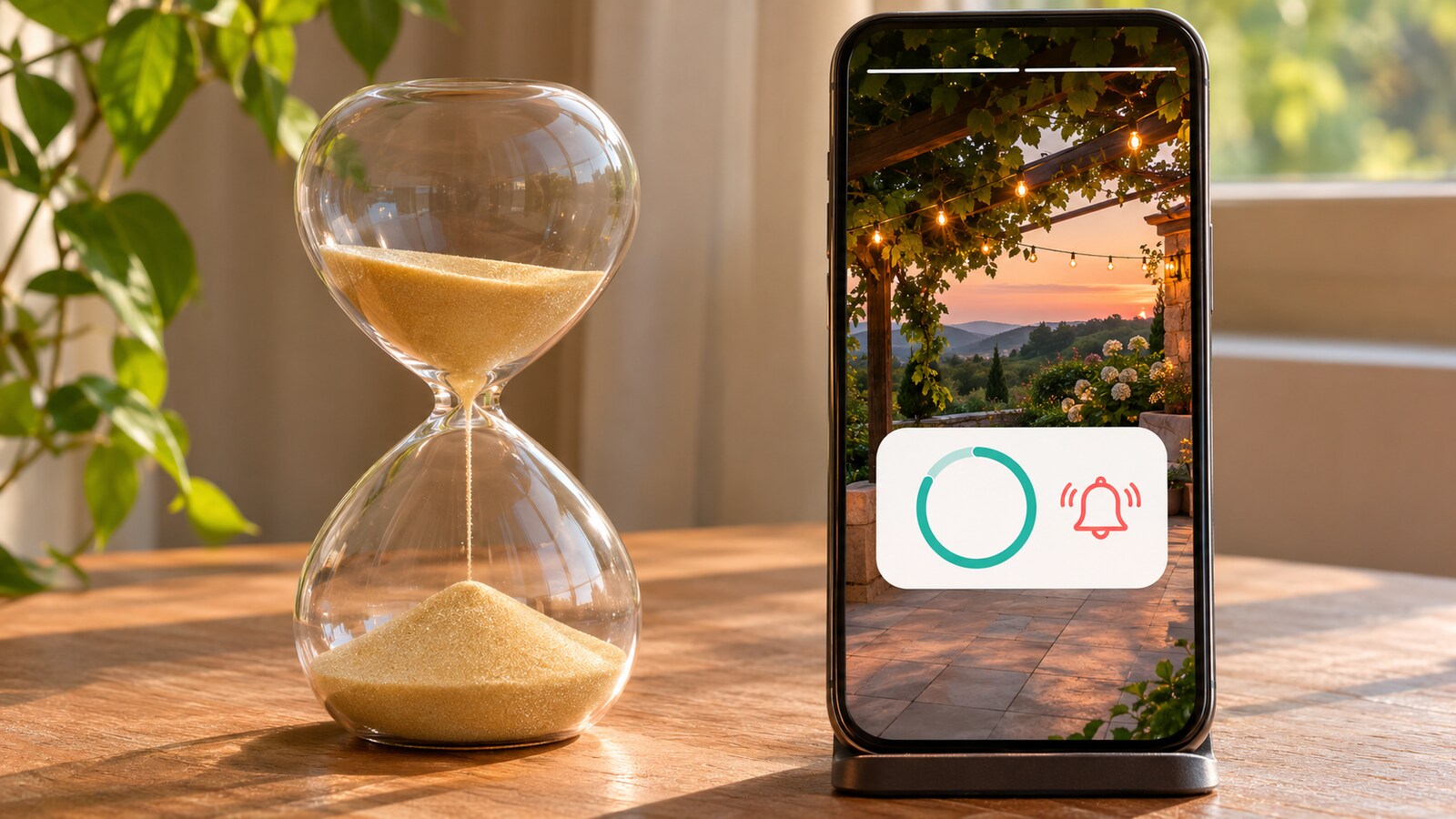
TL;DR: The countdown sticker adds a live, ticking timer to an Instagram Story that counts down to a date and time you choose. To create one, open the sticker tray in Stories, select Countdown, name it, set the end date (and time, unless you choose all day), pick a colour and share. Viewers tap the sticker and choose Remind me to get a notification from Instagram when the timer hits zero; they can also share your countdown to their own Story if you allow it. You receive an activity notification when someone subscribes, and you can tap the sticker on your own Story to see the full list. Countdowns can be reused in later Stories until they expire. Professional accounts also have a separate Add Reminder feature for posts, which sends three notifications: 24 hours before, 15 minutes before and at the start of the event.
There’s a peculiar thing about launches on Instagram. You can announce a product drop to 50,000 followers, and on launch day, half of them won’t open the app at all. Of those who do, many won’t scroll far enough to see your post. Timing beats volume, almost every time.
The countdown sticker solves exactly that problem, and it does so in a slightly sneaky way. Instead of you trying to catch followers at the right moment, followers ask Instagram to catch them. One tap on “Remind me,” and the platform itself taps them on the shoulder when the clock runs out.
We spend our days looking at public Instagram Stories at Dumpor, and countdowns are among the most widely used (and most widely misunderstood) stickers out there. Brands add them, followers tap them, and then everyone wonders why the notification didn’t arrive or how many people actually signed up. Here’s how the whole system works, from both sides of the screen.
What the Countdown Sticker Actually Does
At its simplest, the sticker is a live timer laid over your Story. It shows days, hours, minutes and seconds remaining until a moment you’ve set: a product launch, a webinar, a sale, a concert, a birthday. Viewers watch it tick down in real time.
The clever part is what happens underneath. Each countdown is a little subscription list:
- Viewers can subscribe to the countdown, which means Instagram will notify them when it ends.
- Viewers can share the countdown to their own Stories, spreading it to their followers (if you’ve allowed sharing).
- You can reuse the same countdown in later Stories, so every new frame feeds the same subscriber list.
- You can see who subscribed, which gives you a ready-made list of your most interested followers.
When the timer reaches zero, the sticker simply displays zeros for as long as the Story remains live. Nothing explodes, unfortunately.
How to Create a Countdown Sticker
The process takes under a minute on both iPhone and Android.
-
Open Instagram and create a new Story with a photo, video or plain background.
-
Tap the sticker icon at the top of the screen (the square smiley face).
-
Select Countdown, or type it into the sticker search bar.
-
Tap the title field and name your countdown, for example “Summer Sale Starts” or “Live Q&A.”
-
Set the end date. Toggle All day off if you need a specific end time, then set the hour and minute.
-
Tap the colour wheel at the top to choose a colour scheme.
-
Check the setting that lets followers subscribe to and share your countdown. Leave it on unless you have a specific reason not to.
-
Tap Done, position and resize the sticker, then share your Story.
A detail worth knowing: the name you give the countdown is what subscribers see in their reminder notification. “Sale” tells them nothing a week later. “Spring sale: 30% off everything” tells them exactly why they should open the app.
How Followers Subscribe to Reminders
This is the part most people never think about, yet it’s the whole point of the sticker.
When a viewer taps your countdown sticker, a small panel appears with two options:
- Remind me. Tap this, and Instagram adds the viewer to the countdown’s subscriber list. When the timer ends, they get a notification.
- Share countdown. This opens a new Story draft for the viewer with your countdown already on it. They can add their own photo or comment and post it to their followers.
Subscribing is completely silent from the viewer’s side: no message is sent, nothing appears on their profile. To unsubscribe, a viewer can tap the same sticker again and switch the reminder off.
Once the countdown ends, subscribers receive a notification from Instagram that mentions the countdown’s name and the account that created it. That’s the moment you want to have something ready to see: a new post, a live broadcast, a link sticker pointing to the shop. A reminder that leads nowhere is a wasted opportunity, and a slightly annoying one for your followers.
How Creators See Who Signed Up
The subscriber list is one of the most underrated perks of the sticker.
- Activity notifications. You’ll receive a notification in your activity feed when someone turns on a reminder for your countdown.
- The full list. Open your own live Story and tap the countdown sticker. You’ll see the accounts that subscribed.
- Shares. When followers share your countdown to their Stories, smaller accounts usually receive a direct message notification, which makes it easy to reshare their posts.
Think of the list as a warm audience. These are people who have actively told you they care about the event. Responding to a few of them personally, or thanking those who shared the countdown, often converts curiosity into attendance.
Reusing and Sharing Countdowns
Once you’ve created a countdown, you don’t need to build a new one for every Story. When you open the sticker tray and select Countdown again, Instagram shows your existing countdowns, and you can pick one instead of creating a fresh timer. Every frame that uses the same countdown adds subscribers to the same list.
That makes a simple campaign rhythm possible:
- One week out: introduce the countdown with a teaser image.
- Three days out: reuse it with a sneak peek or behind-the-scenes clip.
- The day before: reuse it again, with a short reminder of what’s coming.
- Launch day: post the final frame, then follow up the moment the timer ends.
Stories with countdowns can also live on beyond 24 hours. If you save them to a Highlight, the sticker stays visible on your profile, which works nicely for long-running campaigns or a dedicated “Coming soon” collection. Curious how big brands organize these? The Dumpor Instagram Highlights Viewer lets you browse any public account’s Highlights anonymously and see how launch countdowns are displayed in practice.
Countdown Sticker vs Post Reminders
Instagram actually offers two different reminder tools, and they’re easy to confuse. The countdown sticker lives in Stories and is available to everyone. Add Reminder is a separate feature for feed posts and Reels, available only to professional accounts.
|
Feature |
Countdown sticker |
Add Reminder on posts |
|---|
|
Where it appears |
Instagram Stories |
Feed posts and Reels |
|
Who can create it |
All accounts |
Professional accounts only |
|
What viewers tap |
The sticker, then Remind me |
The bell icon on the post |
|
Notifications sent |
One, when the countdown ends |
Three: 24 hours before, 15 minutes before and at the event start |
|
Visible after 24 hours |
Only if saved to a Highlight |
Yes, for as long as the post is on your grid |
|
Shareable by followers |
Yes, to their Stories |
The post can be shared like any other |
|
Reusable |
Yes, until it expires |
Yes, for multiple posts about the same event |
|
Best for |
Hype-building, short-term campaigns |
Scheduled events like premieres, lives and launches |
Many brands use both: a reminder post that lives permanently on the grid, plus a series of countdown Stories that keep the event top of mind during the final days. If you manage a business account and haven’t tried post reminders yet, it’s worth exploring when you create your next feed post.
Why Some Reminders Don’t Arrive
It happens. A follower swears they tapped “Remind me” and got nothing. Before blaming yourself, consider the usual causes:
- Notifications are disabled on the follower’s phone. If Instagram notifications are turned off at the system level, reminders won’t appear.
- Instagram’s notification settings. Followers can mute certain types of notifications within the app’s own settings.
- Focus or Do Not Disturb modes hold notifications back until later.
- The countdown was deleted or edited. Removing the countdown can cancel pending reminders.
- Occasional delivery glitches. Instagram notifications are not perfectly reliable, and creators have long reported that some reminders arrive late or not at all.
The practical lesson: never rely on a single channel. Pair the countdown with a final Story at launch time, a feed post and, if you have one, a broadcast channel message.
Clever Ways Brands Use the Countdown Sticker
We see a lot of countdowns, and the best ones share a few habits. Here are ideas that consistently work:
- Product launches. Name the countdown after the product, show a cropped or blurred teaser, and reveal it fully when the timer ends.
- Flash sales. Count down to when the sale starts, then add a new countdown to when it ends. Two timers, two moments of urgency.
- Live broadcasts. A countdown to a live Q&A gives followers time to plan and gets the notification out right before you go live.
- Recurring content. “Tuesday Tips” or “Friday Drops” countdowns build a weekly habit.
- Waitlists and early access. Encourage followers to subscribe for first dibs, then send early-access links to Close Friends.
- Personal milestones. Anniversaries, store openings or a creator’s birthday give fans something to celebrate together.
If you’re planning a launch, it’s worth studying how established accounts in your niche structure their countdown campaigns: how many frames, how often they reuse the timer, what they post the moment it ends. The Dumpor Instagram Story Viewer lets you watch any public account’s Stories anonymously, so you can follow a competitor’s countdown from start to finish without your name appearing in their viewer list.
Common Mistakes to Avoid
- Vague names. The countdown title appears in the notification. Make it specific.
- Too far out. A countdown set two months away loses momentum. One to two weeks is usually ideal for hype.
- Nothing ready at zero. If the timer ends and nothing happens, followers learn to ignore your countdowns.
- Disabling sharing. Unless you have a reason, let followers share. Organic reach is free.
- Covering the sticker. Text, GIFs or a busy background can make the timer hard to read. Give it space.
- Forgetting to follow up. Thank the people who subscribed. A small gesture goes a long way.
Beyond the Countdown
A countdown is only as powerful as the profile behind it. Once followers arrive after a notification, they’ll judge your bio, grid and pinned posts within seconds. Before any big launch, look at your own profile through a stranger’s eyes. The Dumpor Instagram Profile Viewer shows any public profile exactly as a non-follower would see it, including your own, so you can spot anything that needs tidying before launch day.
Type a username into the search bar at the top of the page. No login, no notifications, just a clear view.
FAQ
Frequently Asked Questions
How does the Instagram countdown sticker work?+
The countdown sticker adds a live timer to your Story that counts down to a date and time you set. Viewers can tap it and choose Remind me to receive a notification when the countdown ends, or share it to their own Stories. You can reuse the same countdown in later Stories until it expires, and you can see which accounts subscribed to reminders.
How do followers get reminders from a countdown sticker?+
A viewer taps the countdown sticker in your Story and selects Remind me. Instagram then adds them to the countdown’s subscriber list and sends a notification when the timer reaches zero. For the reminder to appear, the follower’s Instagram notifications need to be enabled on their phone and within the app.
Can I see who set a reminder for my countdown?+
Yes. You’ll get a notification in your activity feed each time someone turns on a reminder. You can also open your live Story and tap the countdown sticker to see the list of accounts that subscribed. Subscribers are not visible to other viewers, only to you as the creator.
Can people tell if I set a reminder for their countdown?+
Yes. The creator of the countdown receives a notification when you subscribe and can see your account in the list of people who turned on reminders. Subscribing isn’t anonymous, though it isn’t visible to other followers or shown on your profile.
How many notifications does a countdown reminder send?+
The countdown sticker sends one notification when the timer ends. If you need several reminders in the lead-up to an event, the Add Reminder feature for feed posts and Reels, available to professional accounts, sends three notifications: 24 hours before the event, 15 minutes before and when it starts.
Can I reuse a countdown in multiple Stories?+
Yes. After you’ve created a countdown, select the Countdown sticker again in a new Story and you’ll see your existing countdowns listed. Choose the one you want, and it will carry the same subscriber list. Reusing a single countdown across several Stories is the best way to build up subscribers ahead of a launch.
Can followers share my countdown to their Stories?+
Yes, if you allow it. When creating the countdown, make sure the option to let followers subscribe and share is turned on. Followers can then tap your sticker and choose to share it, creating a new Story with your countdown attached. This spreads awareness of your event to their followers at no extra cost.
What happens when the countdown ends?+
Subscribers receive a notification from Instagram mentioning the countdown and your account. On your Story, the timer displays zeros for as long as the Story remains live. It’s a good idea to post a new Story, start a live broadcast or publish a feed post right at that moment, so people who open the app have something to see.
Why didn’t I get a notification when a countdown ended?+
The most common reasons are disabled notifications on your phone, muted notification categories in Instagram’s settings, an active Focus or Do Not Disturb mode, or the creator deleting the countdown. Instagram notifications are also occasionally delayed or lost. Check your settings and, if a launch matters to you, follow the account or turn on post notifications as a backup.
Can I add a countdown to a Reel or feed post?+
The countdown sticker is a Stories feature. For feed posts and Reels, professional accounts can use Add Reminder instead, which lets followers tap a bell icon to receive notifications before and at the start of an event. Personal accounts can switch to a free professional account to get access to post reminders.

 Telegram bot
|
TikTok Viewer