How to Save Instagram Stories Before They Disappear: 2026 Methods
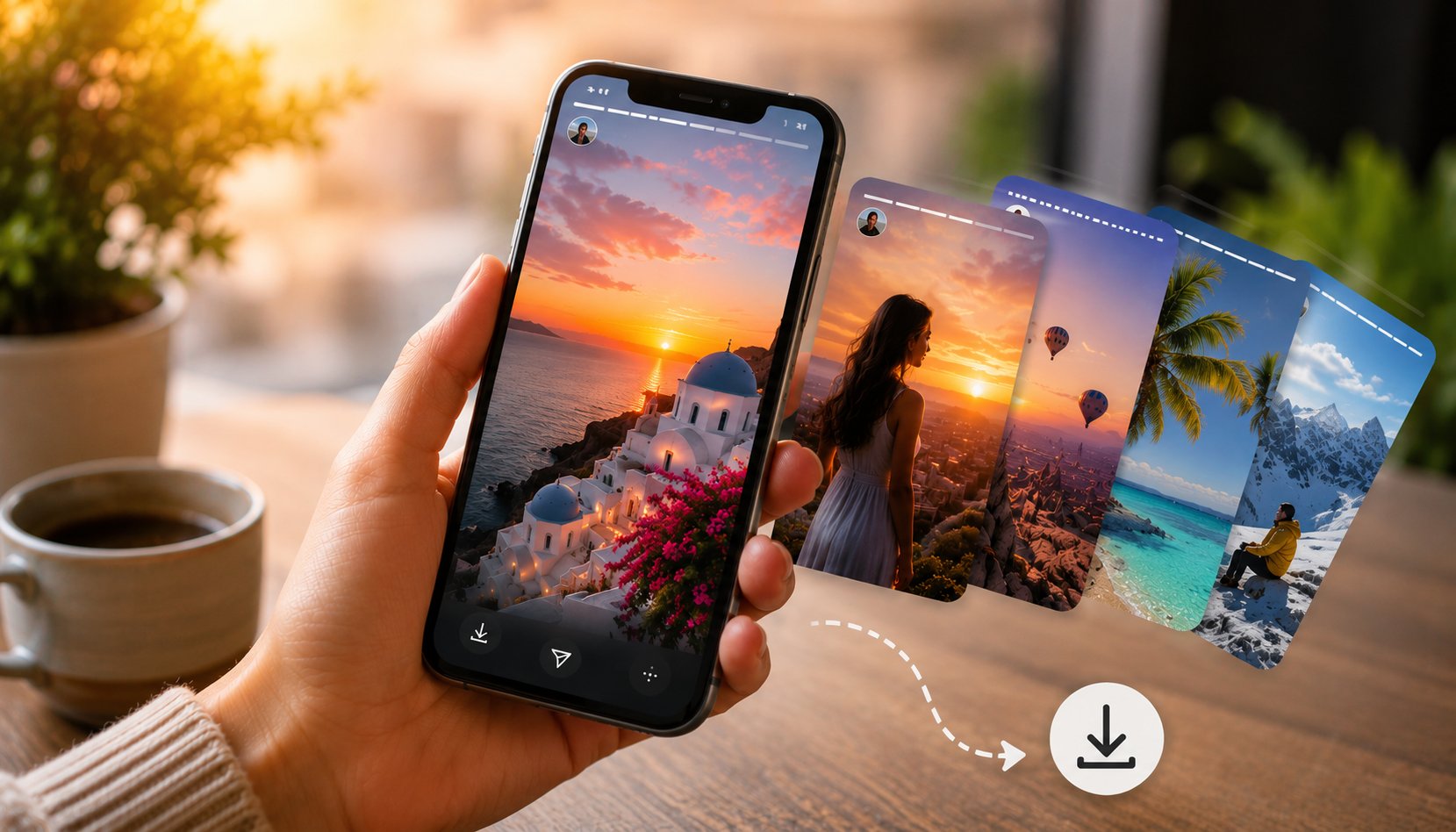
TL;DR: The only reliable way to save Instagram Stories from public accounts before they disappear is through a browser-based proxy tool. Dumpor works on any device, requires no login, and produces clean files without watermarks. You have exactly 24 hours from the moment a Story is posted. After that — nothing helps. Full walkthrough below.
Twenty-four hours. That’s the window. Instagram introduced ephemeral Stories back in 2016, and the clock hasn’t stopped ticking since — which means that somewhere, right now, a Story someone cared about is counting down toward permanent deletion.
Instagram’s position on this is clear: Stories are meant to be temporary. The impermanence is the feature, not a bug. The platform offers exactly one official concession — you can save your own Stories to your Archive, visible only to you. Saving someone else’s Story? The app provides no mechanism whatsoever.
So people improvise. They’ve been improvising for almost a decade. And the methods that work in 2026 look meaningfully different from what worked even two years ago, so a guide that was written in 2024 may be pointing you at tools that have since broken, pivoted to paid models, or quietly disappeared.
This is the current picture.
The Core Problem (and Why It’s Harder Than It Looks)
Saving your own Stories is trivial — the Archive setting in Instagram handles it automatically if you turn it on. Saving someone else’s Story is a different matter entirely.
The technical challenge is this: Instagram’s Stories are served from a content delivery network with time-limited access tokens baked into the media URLs. Once a Story expires, those tokens become invalid — the files don’t disappear from existence, exactly, but they become unreachable through any normal request. Tools that worked by extracting and re-requesting those URLs simply stop functioning when the token expires.
This is why the 24-hour window is genuinely hard. It’s not just a policy — it’s enforced at the infrastructure level.
What does work, before expiration, is the proxy approach: a service that fetches the Story through its own servers using valid session data, then serves the media to you. You’re not touching Instagram’s servers directly; the tool does it on your behalf, and the result lands on your device as a clean file.
Methods That Work in 2026
Method 1: Browser-Based Proxy Tools — The Standard Approach
Dumpor is the most complete option for this: enter a public account’s username, open their Story viewer, download each Story frame with a single click. No login, no extension, no app.
Practical advantages:
-
Works on any browser, any device
-
Anonymous — your Instagram profile doesn’t appear in the Story’s viewer list
-
Handles both photo and video Stories
-
No watermark on downloaded files
-
Covers Stories, Highlights, Reels, and profile content in a single interface
The Instagram Story Viewer component specifically lets you browse active Stories before committing to a download — useful when you want to review what’s there first.
Method 2: Screenshot / Screen Recording (The Fallback)
Yes, this works. It also produces lower-quality output than a direct download, captures UI elements you probably don’t want, and — for video Stories — can’t match the original frame rate unless your device’s screen refresh happens to align with the video’s.
Screenshot for photo Stories in a pinch. Screen recording for video only when nothing else is available. Not the first choice, but universally available without any additional tools.
Method 3: Saving Your Own Stories (Before They Post or After, Via Archive)
This isn’t about saving others’ Stories, but it comes up enough that it’s worth mentioning clearly:
- Before posting: original files live in your camera roll; the Instagram upload doesn’t delete them.
- After posting: Instagram’s Archive feature, if enabled in Settings → Privacy → Story → Save to Archive, keeps a private copy accessible only to you.
- Downloading from Archive: Instagram allows you to request a data export that includes your archived Stories, though the export process takes time and the files arrive in a ZIP archive with no particularly clean organization.
None of this helps with someone else’s Story. It only applies to your own content.
Tool Comparison: Story Savers in 2026
|
Tool |
Photo Stories |
Video Stories |
Highlights |
Login Required |
Watermark |
Works on Mobile |
Uptime (est.) |
|---|
| Dumpor |
✓ |
✓ |
✓ |
No |
None |
Yes |
96–98% |
|
StoriesIG |
✓ |
✓ |
✗ |
No |
None |
Yes |
~95% |
|
IgAnony |
✓ |
✓ |
✓ |
No |
Sometimes |
Yes |
~93% |
|
Inflact |
✓ |
✓ |
✓ |
Partial |
None |
Yes |
~92% |
|
Snapinsta |
✓ |
✓ |
✗ |
No |
None |
Yes |
~89% |
Notes on the table:
Inflact has broad functionality but nudges users toward paid plans for consistent access. “Sometimes” on watermarks for IgAnony reflects inconsistent behavior across different Story types — photo Stories tend to download clean, but some video Stories have had the tool’s branding appear in testing.
Uptime figures reflect 2026 monitoring data. These shift — a tool that’s at 93% one month may drop to 85% the next if Instagram pushes an update that breaks something. The tools that consistently patch quickly are the ones worth building workflows around.
Step-by-Step: Saving a Story with Dumpor
Desktop
-
Open dumpor.io in your browser.
-
Type the username (not the display name — the @handle) of the public account in the search bar. Skip the @ symbol; just the text.
-
Select the correct profile from results. Close username variants exist — confirm it’s the right one.
-
If the account has active Stories, they’ll appear at the top of the profile view with a colored ring around the avatar.
-
Click the avatar to open the Story viewer.
-
Navigate through the Story frames using the arrow controls.
-
Click Download beneath each frame you want to save.
-
Files download to your browser’s default Downloads folder as JPEG (photo) or MP4 (video).
iPhone / iPad
Steps 1–7 are identical. Where it diverges:
-
The downloaded file goes to the Files app — not Photos.
-
To move it to Photos: open Files → navigate to “On My iPhone” → “Downloads” (or the browser-specific subfolder if using Chrome) → long-press the file → Share → Save to Photos (for images) or Save Video (for videos).
This extra step is unavoidable on iOS. The operating system routes browser downloads to Files rather than the Photos library. There’s no shortcut.
Android
Behavior varies slightly by browser:
- Chrome: Downloads go directly to the Downloads folder and typically appear in the Gallery automatically.
- Samsung Internet: Same behavior, sometimes with a save-location prompt.
- Firefox: Downloads go to Firefox’s internal folder; accessible via the browser’s download manager.
For most Android users on Chrome, the file appears in Gallery within seconds of downloading.
Understanding What You’re Getting: File Specifications
|
Story Type |
File Format |
Max Resolution |
Notes |
|---|
|
Photo |
JPEG |
1080 × 1920 px |
Stickers and text overlays baked in |
|
Video |
MP4 (H.264) |
1080 × 1920 px |
Up to 60 sec per segment |
|
Video audio |
AAC |
— |
May be absent if licensed music is regionally restricted |
|
Boomerang |
MP4 |
Varies |
Saved as a short looping video |
On stickers and overlays: When someone adds text, stickers, GIFs, or polls to a Story, those elements get composited into the final rendered version that Instagram stores. What you download is this composited version — the stickers are visually part of the image or video. You can’t strip them out after the fact.
On audio: This is the thing that surprises people most. If a Story was posted with a licensed song, Instagram may mute that audio for viewers outside the song’s licensed regions. The downloaded file reflects what Instagram served — if the audio was muted for you, the MP4 will have no audio. No tool can recover audio that Instagram didn’t provide.
The 24-Hour Rule: What It Actually Means
Stories don’t vanish from the creator’s device — they vanish from Instagram’s servers (or more precisely, from accessible endpoints on those servers). Once the 24-hour window closes:
-
The media URL associated with the Story becomes invalid
-
No proxy tool, no CDN bypass, no archived request can retrieve it
-
The content is effectively gone from any third-party perspective
The only exception: Highlights. When creators save a Story to a Highlight, it persists beyond 24 hours. Highlights are accessible via Dumpor’s Instagram Highlights Viewer indefinitely, as long as the account remains public and the Highlight hasn’t been deleted.
This means the practical advice is simple: if you want a Story, save it while it’s active. There is no recovery method once it’s gone. Not for anyone — not even for the creator, unless they enabled Archive before posting.
Why Some Tools Stop Working (And What To Do About It)
Instagram pushes frontend and API changes regularly. When these changes affect how media URLs are structured, how session tokens are validated, or how profile data is served, third-party tools built around those patterns can break — sometimes overnight.
Signs a tool has broken:
-
Search returns no results for accounts you know are active
-
The profile loads but no Stories appear, even though you can see them on Instagram directly
-
Download buttons produce errors or empty files
-
The video loads but has no audio where audio clearly exists in the original
What to do: Try an alternative tool. If multiple tools are failing simultaneously for the same account, Instagram may have made a change that hasn’t been patched yet across the ecosystem — in which case waiting 24–48 hours and trying again often resolves it.
This is why having a primary tool (like Dumpor) and one backup is sensible practice if you download Stories regularly.
Legal and Ethical Context
The legal landscape around saving other people’s Instagram content is more nuanced than most discussions acknowledge. Here’s a direct breakdown.
Generally acceptable
-
Saving Stories from public accounts for personal, private use — keeping a memory, referencing something later, archiving for personal purposes
-
Backing up your own Stories from your own public profile
-
Documenting public content for journalistic purposes — preserving a public statement before potential deletion
-
Saving creative inspiration for private reference
Where it becomes complicated
- Sharing or reposting someone else’s Story without their consent, even if it was publicly visible — copyright interest follows the creator, not the distribution format
-
Using downloaded Stories for commercial purposes without a license
-
Any kind of systematic harvesting of Stories from multiple accounts in bulk
The Instagram ToS question
Instagram’s Terms of Service formally prohibit third-party downloading. This is a civil matter between you and Instagram — not a criminal one — and the company’s practical enforcement focus is commercial scraping operations, not individual users. That said: knowing the ToS position is part of making an informed choice.
Private accounts
Absolutely off-limits. If an account is set to private, no content from it is accessible through Dumpor or any legitimate tool. Anyone offering “private account Story downloads” is either requiring you to hand over your own credentials (which you shouldn’t do) or operating through unauthorized access methods. Neither scenario ends well.
FAQ
Frequently Asked Questions
Q: Can I save Stories from an account that has blocked me on Instagram?+
If the account is public, yes. Dumpor operates independently of your personal Instagram profile. Whether an account has blocked your @handle has no effect on what Dumpor can access from their public content.
Q: Does the account owner see that I viewed their Story when I use Dumpor?+
No. Accessing a Story through Dumpor routes the request through Dumpor’s servers, not your device. Your identity doesn’t register in the Story’s viewer analytics. You won’t appear in the “Seen by” list.
Q: What if the Story has already expired?+
Nothing can retrieve it. Once past 24 hours, the media is inaccessible through any external means. The only post-expiration option is Highlights — if the creator saved the Story there, it’s still accessible.
Q: Are there Stories that Dumpor can’t download?+
Stories from private accounts — that’s the primary limitation. Additionally, if a Story is in the final minutes of its 24-hour window, there can occasionally be a delay between when Instagram marks it as expired and when that propagates fully, which may cause intermittent issues. Practically: download as early as possible once you know you want something.
Q: Can I download multiple Stories from the same account at once?+
Downloads in Dumpor are per-Story-frame rather than batch. If an account has ten active Story frames, you download each individually. There’s no bulk download option currently.
Q: Does saving someone’s Story notify them in any way?+
No. Instagram doesn’t send notifications for views through third-party tools, and there’s no “screenshot notification” feature for Stories the way some messaging apps have. The creator receives no alert of any kind.
Q: What’s the difference between Stories and Highlights for downloading purposes?+
Stories expire in 24 hours and must be captured within that window. Highlights are curated collections the creator has saved — they persist indefinitely on the profile and can be downloaded at any time the account is public. The Highlights Viewer handles these specifically.
Q: Can I also download Reels and regular posts through Dumpor?+
Yes — Dumpor covers the full range: Stories, Highlights, Reels, profile photos, and tagged content. The Reels downloader handles video content without the 24-hour constraint that Stories have.
Q: Is the Telegram bot useful for Stories specifically?+
The @dumpor_viewer_bot on Telegram is genuinely convenient for mobile users who don’t want to switch browser contexts. Send a username, get profile data and download links back in the chat. For someone regularly monitoring Stories from a handful of public accounts, the bot workflow can be faster than opening a browser each time.
The Summary
Instagram Stories are designed to vanish. The platform puts real infrastructure behind that promise — which means the window to save them is real and the deadline is hard.
In 2026, the method that works consistently is a browser-based proxy tool. Dumpor gives you an interface to browse and download active Stories from any public account, on any device, without logging into anything. It takes about forty-five seconds from opening the site to having a Story file on your device.
The things that don’t help after the fact — recovery tools, expired URL requests, cached previews — genuinely don’t work. The content is gone.
So if there’s a Story you want: act while the clock is still running.

 Telegram bot
|
TikTok Viewer
Telegram bot
|
TikTok Viewer