Best Free Instagram Downloader for Photos, Videos, and Reels (No Watermark, 2026)
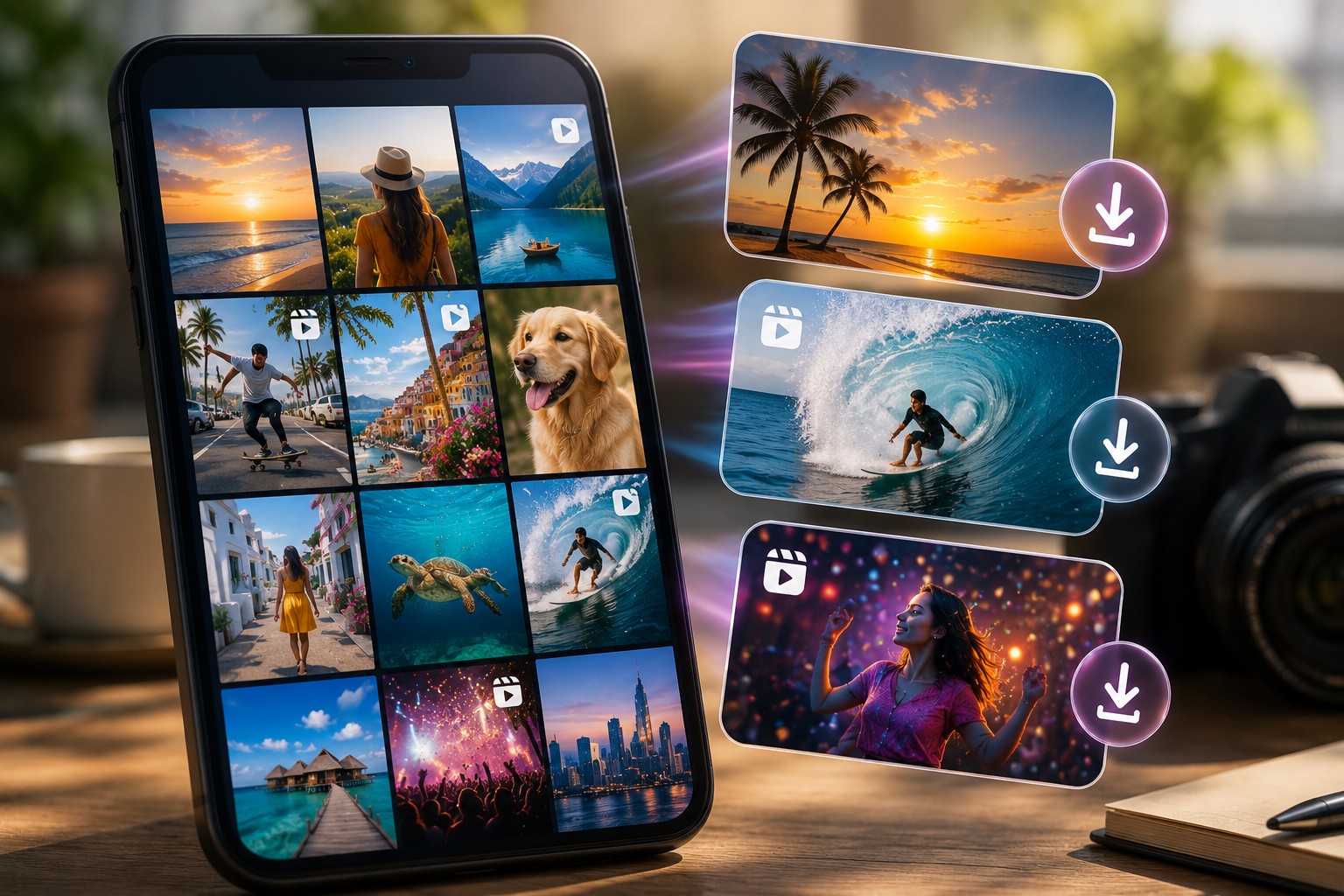
TL;DR: The best free Instagram downloader in 2026 is a browser-based tool — no app required, no account needed, no watermark on the output. Dumpor handles photos, videos, Reels, Stories, and Highlights from any public profile. Works globally, on any device. The full guide below explains how it works, how it compares to alternatives, and what to watch out for.
Nobody told you this when you first signed up for Instagram, but here it is: the platform was never designed to let you keep anything. You can watch. You can like. You can share within the app. But saving content — actually pulling a file off the platform and putting it somewhere you control — that’s a door Instagram keeps firmly shut.
Which creates a genuine problem for a lot of people.
The content creator who wants a quick copy of their own Reel before the algorithm buries it. The marketing analyst archiving a competitor’s time-limited campaign. The journalist grabbing a public statement before it gets quietly deleted. The person who just wants to save a friend’s travel video because it made them happy. These aren’t fringe cases — they’re daily situations for millions of users, and Instagram’s native tools simply don’t serve them.
So the third-party downloader ecosystem exists. It’s been growing since around 2013. And by 2026, it’s dense enough that sorting the genuinely useful tools from the ones that waste your time — or worse, compromise your data — takes real effort.
This guide does that work for you.
The Landscape in 2026: What’s Changed, What Hasn’t
Instagram’s API has tightened considerably over the past three years. Tools that relied on unofficial access methods have broken repeatedly, patched themselves, broken again. The ones still standing in 2026 tend to use one of two approaches: they either operate as proxy services (fetching content through their own servers rather than yours), or they use browser-injection methods that are increasingly fragile and often flagged by security tools.
For end users, the practical implication is simple: browser-based proxy tools are currently the most reliable option. They don’t require you to log in, they don’t touch your Instagram credentials, and they work consistently across platforms.
The watermark question has also more or less resolved itself. Tools that used to stamp their logos on every download have largely dropped the practice — the market got too competitive. In 2026, “no watermark” is table stakes, not a differentiating feature.
What does differentiate tools now:
- Breadth of content types supported (Stories, Highlights, Reels, profile photos, tagged posts)
- Reliability and uptime — some tools are down more than they’re up
- Speed of content delivery
- Privacy posture — does the tool log your searches?
- Mobile usability
Quick Comparison: Top Instagram Downloaders in 2026
|
Tool |
Photos |
Videos |
Reels |
Stories |
Highlights |
Login Required |
Watermark |
Uptime (est.) |
|---|
| Dumpor |
✓ |
✓ |
✓ |
✓ |
✓ |
No |
None |
96–98% |
|
StoriesIG |
✓ |
✓ |
Partial |
✓ |
✗ |
No |
None |
~95% |
|
IgAnony |
✓ |
✓ |
✗ |
✓ |
✓ |
No |
Sometimes |
~93% |
|
Inflact |
✓ |
✓ |
✓ |
✓ |
✓ |
Partial |
None |
~92% |
|
Snapinsta |
✓ |
✓ |
✓ |
✗ |
✗ |
No |
None |
~89% |
|
SaveIG |
✓ |
✓ |
Partial |
✗ |
✗ |
No |
None |
~87% |
A few notes on this table. “Partial” Reels support typically means the tool can download some Reels but fails on longer videos or content with certain audio. Uptime estimates are based on independent monitoring data and user-reported reliability from early 2026 — these shift, so treat them as directional rather than definitive.
Inflact deserves a mention because it offers arguably the broadest feature set, but it increasingly pushes users toward a paid plan for anything beyond basic use. For genuinely free, no-friction access across all content types, Dumpor remains the most complete option.
What Dumpor Actually Does — and Doesn’t Do
Worth being specific here, because overpromising is endemic in this space.
What Dumpor does:
-
Downloads photos, videos, Reels, Stories, and Highlights from public Instagram profiles
-
Operates as an Instagram Story Viewer with anonymous browsing — your identity doesn’t appear in the viewed-by list
-
Functions as a full profile viewer including profile photos at original resolution
-
Handles Reels natively, including audio
-
Provides a Telegram bot (@dumpor_viewer_bot) for access without opening a browser
-
Works on any device — desktop, mobile, tablet — without app installation
What Dumpor doesn’t do:
-
Access private accounts. Full stop. No legitimate tool can do this without the account owner’s cooperation, and anyone claiming otherwise is either lying or operating illegally.
-
Recover content that has already been deleted or expired. Stories are gone at 24 hours; once they’re gone, they’re gone.
-
Bypass regional restrictions Instagram has applied to specific content.
File Formats and Quality: What You Actually Get
One of the more confusing aspects of Instagram downloading — and one that almost no guides explain properly — is the relationship between what you download and what Instagram actually stores.
Instagram’s compression pipeline works like this: when a user uploads a photo or video, Instagram re-encodes it according to its own specifications. You don’t get to opt out of this. So the “original” file you might be trying to recover is, in practice, whatever Instagram’s encoder produced — not the raw camera file.
Photo downloads
|
Specification |
Value |
|---|
|
Format |
JPEG |
|
Maximum resolution |
1080 × 1350 px (portrait) / 1080 × 1080 px (square) |
|
Color space |
sRGB |
|
Watermark |
None (via Dumpor) |
Video / Reel downloads
|
Specification |
Value |
|---|
|
Format |
MP4 (H.264) |
|
Maximum resolution |
Up to 1080p (1080 × 1920 for Stories/Reels) |
|
Frame rate |
Up to 30fps |
|
Audio |
AAC, included |
|
Watermark |
None |
|
Typical file size |
2–25 MB per video |
Story downloads
|
Specification |
Value |
|---|
|
Photo format |
JPEG |
|
Video format |
MP4 |
|
Duration (video) |
Up to 60 seconds per Story segment |
|
Stickers / overlays |
Baked into the image as Instagram renders them |
|
Expiration window |
Must be downloaded within 24 hours of posting |
One thing worth flagging: if a Story video was posted with licensed music that Instagram restricts in your region, the audio may be muted in the downloaded file. This is an Instagram-side restriction, not a tool limitation.
Step-by-Step: How to Download Instagram Content in 2026
For photos and videos from a public profile
- Navigate to dumpor.io in any browser — no account, no extension, no setup.
- Enter the username of the public Instagram account you want to browse. No @ symbol needed; just the handle.
- Select the correct profile from the results. Verify it’s the right account — some usernames are close variants of others.
- Browse the content. Photos and videos will be displayed in the profile grid. Click or tap any item to open it.
- Hit the download button that appears below each piece of content. The file downloads to your device’s default Downloads folder.
For Stories specifically
Stories add a time constraint: they exist for 24 hours after posting. After that, even Dumpor can’t retrieve them — they’re genuinely gone from Instagram’s servers.
-
Follow steps 1–3 above to open the target profile.
-
If the account has active Stories, they’ll appear at the top of the profile view as a ring-bordered avatar.
-
Click the Story viewer to open the full-screen playback.
-
Use the download button beneath each Story frame to save it.
- On iPhone: files go to the Files app, not directly to Photos. Open Files → long-press the downloaded item → select “Save to Photos.”
- On Android: files land in the Downloads folder and typically appear in the Gallery automatically.
- On desktop: standard Downloads folder.
For Reels
The process is identical to standard video, with one practical note: longer Reels (those approaching 90 seconds) may take slightly longer to prepare for download. For Highlights — archived Stories saved beyond the 24-hour window — use the dedicated Highlights viewer.
The Legal and Ethical Framework (Actually Explained)
Most guides in this space either ignore legality entirely or offer vague disclaimers that amount to nothing. Here’s a more useful breakdown.
What’s generally fine
-
Downloading content from public accounts for personal, private use
-
Backing up your own content from your own public profile
-
Downloading content for journalistic documentation
-
Saving creative reference material for private use in your own projects
What’s legally murky or problematic
- Republishing others’ content on your own channels without credit or permission
- Commercial use of downloaded content without a license from the creator
- Systematic scraping of large volumes of content
What’s clearly prohibited
-
Any attempt to access private account content
- Using downloaded content to harass, defame, or harm the original poster
Instagram’s Terms of Service technically prohibit downloading content without their permission — but ToS violations are a civil matter, and enforcement focus is on commercial scraping rather than individual users saving occasional content.
Common Mistakes Worth Avoiding
Searching for already-expired Stories. If a Story is more than 24 hours old, it’s gone. No downloader can retrieve it — the only exception is if it was saved to Highlights.
Confusing display name with username. Instagram usernames are the @ handles, not the display names. Dots, underscores, and numbers matter exactly. A typo is the most common reason searches return no results.
Expecting 4K resolution. Instagram doesn’t store 4K. The platform caps video at 1080p and photos at 1080px on the longer edge. No tool can produce resolution that doesn’t exist in the source file.
Using tools that ask for your Instagram login. There is no legitimate reason for a downloader to need your password. Tools that make this request are, at best, logging your activity; at worst, they’re credential-harvesting operations. Dumpor requires no login — not yours, not any.
FAQ
Frequently Asked Questions
Can I download Instagram content without an account?+
Yes. You don’t need an Instagram account, a Dumpor account, or any registration of any kind. Open the site, search a username, download.
Does the account owner know I downloaded their content?+
No. When you access content through Dumpor, requests go through Dumpor’s servers, not your device directly. Your identity never registers in Instagram’s analytics — you won’t appear in Story views, post impressions, or any metric the account owner can see.
Is there a daily download limit?+
Dumpor has no stated download limit for free use. There’s no paywall, no counter, no “upgrade to download more.” The service is genuinely free.
What happens if the account goes private after I’ve found it?+
Once an account switches to private, Dumpor can no longer retrieve new content from it. You can only download content that’s currently publicly accessible.
Can I download from accounts that have blocked me on Instagram?+
If an account is public, it’s accessible through Dumpor regardless of whether that account has blocked your personal Instagram profile. Dumpor doesn’t interact with your Instagram account at all.
Why does the downloaded video sometimes have no audio?+
Two possible causes. First: the original video had no audio. Second — and more common — the video contained licensed music that Instagram muted for copyright reasons in certain regions. Instagram applies this server-side; Dumpor downloads whatever Instagram serves.
Are there content types Dumpor doesn’t support?+
Private accounts — that’s the primary limitation, and it’s by design. Dumpor also can’t recover deleted content or expired Stories. Everything else — photos, videos, Reels, active Stories, Highlights, tagged posts, profile photos — is supported.
Does Dumpor store the content I download?+
No. Files are routed directly to your device. Dumpor acts as a pass-through between Instagram’s servers and your browser.
Is Dumpor safe to use?+
Dumpor doesn’t require personal information, doesn’t ask for Instagram credentials, and doesn’t install anything on your device. Standard caution applies — as with any web tool, avoid services that request login credentials.
What’s the Telegram bot, and is it useful?+
The @dumpor_viewer_bot lets you download Instagram content directly within Telegram, without opening a browser. It’s particularly useful on mobile. The bot supports the same content types as the web tool.
Conclusion
The best free Instagram downloader in 2026 is the one that works consistently, covers all content types, requires no login, and produces clean files. Dumpor checks those boxes — not occasionally, but as its baseline.
Type in a username. It takes about forty seconds to go from zero to a downloaded file.
Related tools: Instagram Story Viewer · Instagram Reels Viewer · Instagram Highlights Viewer · Instagram Profile Viewer

 Telegram bot
|
TikTok Viewer
Telegram bot
|
TikTok Viewer