Instagram Pinned Comments: How to Answer Repeated Questions Without Rewriting Captions
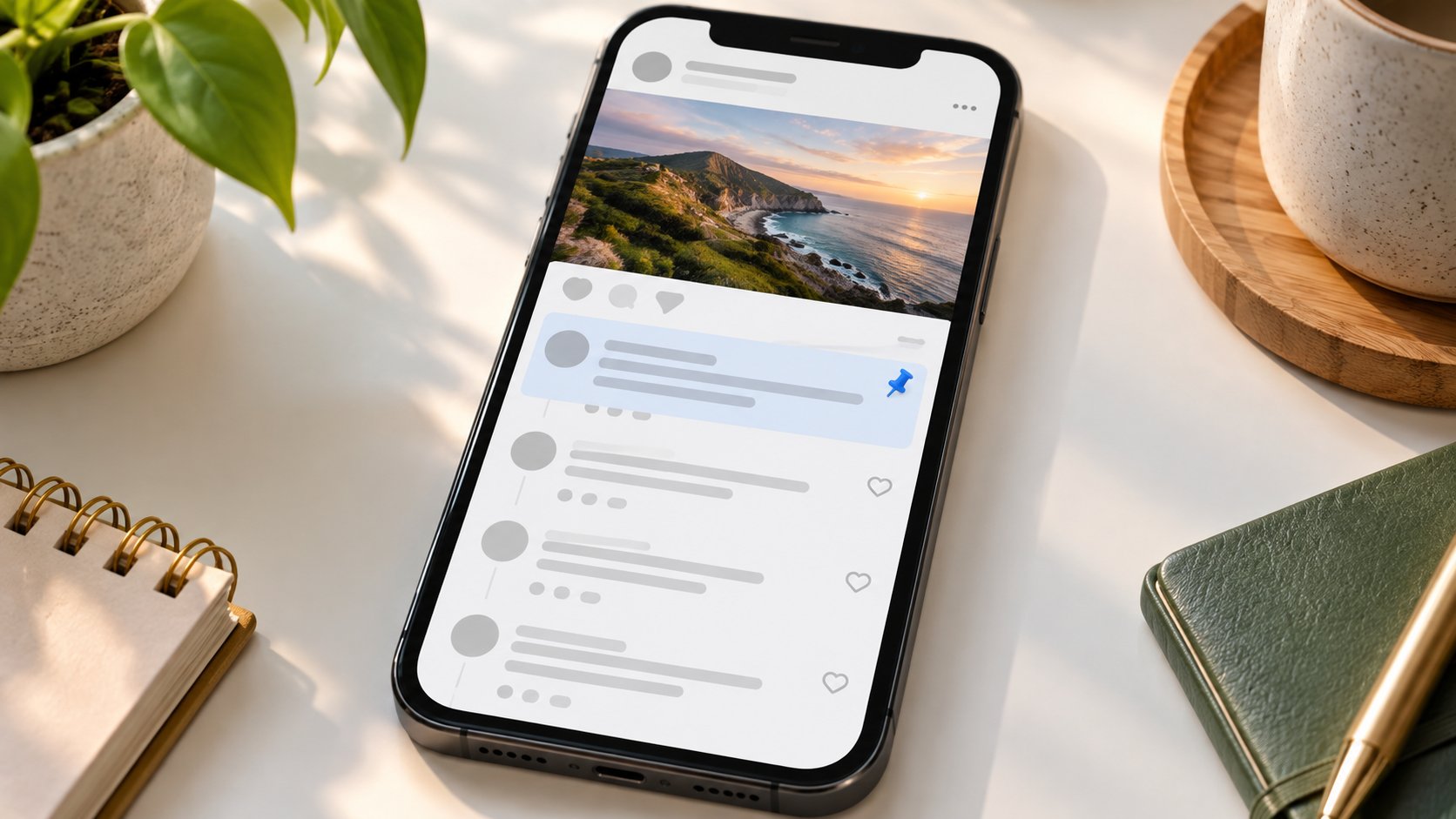
The caption says registration is open. Forty comments later, readers are still asking when it closes, whether beginners can attend, and where to book. Your answers exist. They are simply scattered across the conversation.
At Dumpor, we recommend treating pinned comments as a small information desk beneath a post. Give each one a clear purpose, keep its facts current, and leave the original discussion readable. A useful answer should not require a scavenger hunt.
TL;DR
Instagram lets you pin up to three comments on your own posts and Reels, including comments you write yourself. Open the comments, reveal the chosen comment’s controls, and select the pin icon or Pin. To unpin it, open those controls again and choose Unpin. Unpinning leaves the comment in the thread.
For repeated questions, publish a standalone answer, pin it, and check how it appears when the comments open. Use separate pins for distinct needs, such as booking details, compatibility, or a dated update. Pinning a question does not guarantee that its nested answer will be expanded. Replace stale information promptly, and correct the caption itself when its original claim has become inaccurate.
What a pinned comment actually changes
A pinned comment receives a prominent position at the top of a post’s comment section. It helps readers find information after they enter the conversation. It does not rewrite the caption, alter the media, or move the post to the top of your profile grid.
|
Action |
What readers gain |
What it does not do |
|---|
|
Pin a standalone FAQ answer |
A prominent explanation within the comments |
Ensure everyone watching the post reads it |
|
Pin a customer’s question |
A visible topic for discussion |
Guarantee your reply is expanded beneath it |
|
Unpin an outdated comment |
Remove its priority position |
Delete its text or replies |
|
Replace an obsolete answer |
Bring current information forward |
Correct inaccurate wording elsewhere in the post |
|
Pin a useful audience contribution |
Highlight a relevant experience or clarification |
Verify that every claim in it is correct |
How to pin a comment on Instagram
Use the Instagram mobile app and switch to the account that published the post. A comment you leave on someone else’s content does not become yours to position at the top of their conversation. Publishing the comment and controlling the post are separate permissions.
On iPhone, the usual gesture is to swipe left on the comment. On Android, it is generally a tap-and-hold. Instagram can change the layout of these controls, so look for the pushpin symbol or the Pin option rather than relying on an icon’s exact position.
-
Open your post or Reel and enter its comments.
-
Find the comment you want to feature, or publish your own standalone answer.
-
Swipe left on iPhone, or press and hold on Android, to reveal the available actions.
-
Select the pin icon or Pin, then confirm if prompted.
-
Reopen the comment section and check that the comment carries the pinned indicator.
-
Read the answer in context before leaving it in place.
If three comments are already pinned, remove an existing pin before adding another. Choose by usefulness to the next reader, not simply by how many likes a comment has received. A popular joke may deserve its place in the conversation without occupying the space needed for tomorrow’s opening hours.
When you pin someone else’s comment, Instagram notifies the commenter. Avoid featuring a comment containing an order number, personal contact details, or a sensitive account of a support problem. Being publicly visible already does not make a comment a sensible choice for extra attention.
How to unpin a comment without deleting it
Open the post’s comments and locate the pinned item. Reveal its controls using the same gesture you used to pin it, then select Unpin or the pin icon again and confirm when asked. Check that the pinned indicator has disappeared.
The comment remains part of the discussion. Its priority placement is what changes. Be careful around the nearby delete control: removing a pin and deleting a contribution serve different purposes.
For a routine rotation, unpinning is enough. For an obsolete instruction that could still mislead readers, consider whether leaving the original text visible is appropriate. You can add a clear correction in the relevant thread and publish a current standalone answer. If the inaccurate comment is your own, replacing it may be preferable to leaving contradictory instructions behind.
Choose the question that deserves the top position
Before writing anything, scan the conversation for repeated information needs. Several differently worded comments can point to the same gap. “Will this fit my laptop?”, “Which sizes work?”, and “Does the larger model fit?” may all require one compatibility answer.
|
Repeated question |
Useful pinned answer |
Detail to verify first |
|---|
|
“When does registration close?” |
Deadline, time zone, and booking destination |
The actual closing time |
|
“Is this suitable for beginners?” |
Entry requirements and any exceptions |
Whether equipment or prior experience is required |
|
“Which version works with this?” |
Exact supported models or versions |
The current compatibility information |
|
“Can I order from another country?” |
Available destinations and relevant limitations |
Current shipping coverage |
|
“Is this still available?” |
A dated stock or booking update |
Availability at the time of posting |
Write an answer that stands on its own
Start with the information readers came for. “Yes, beginners are welcome” is more useful than a long introduction about how pleased you are to receive so many questions. Add the necessary qualification immediately afterward, then give a specific next step.
A practical structure is question or topic → answer → condition → next step. This is an editorial template, not an Instagram requirement. Shorten it when the answer needs only a sentence; expand it when leaving out a condition would create a misunderstanding.
For example: “BEGINNER CLASSES: No previous experience is required. Bring a mat; all other equipment is provided. Open the booking link in our bio and select ‘Introduction’ to see available sessions.”
Ordinary website addresses in Instagram comments should not be treated as reliable clickable navigation. If the next step is on your website, direct readers to a clearly named destination in your bio. Check that the destination is actually there. A precise instruction leading to an outdated landing page is still a dead end.
Three pinned-comment examples you can adapt
The following examples show how to answer a recurring question without turning the top of the thread into a second article. Replace the details with verified information for your own post.
Example 1: A product compatibility answer
“COMPATIBILITY: This sleeve fits laptops up to 32 × 23 × 2 cm. Please check your device dimensions rather than screen size alone. Full measurements are in the Size Guide linked from our bio.”
Example 2: An event booking clarification
“BOOKING: The workshop is suitable for beginners aged 18 and over. Tickets cover both sessions on 24 October; materials are included. Choose ‘October Workshop’ through the booking link in our bio.”
Example 3: A dated availability update
“UPDATE — 14 October: The blue edition is sold out. The green edition is still available, and we have not confirmed a restock date for blue. Join the restock list through the product page linked in our bio.”
Use your own answer or pin the audience’s question?
Pin your own standalone answer when accuracy and immediate visibility matter most. You control its wording, can combine closely related questions, and do not need readers to expand a nested reply to find the information.
Pin an audience question when the discussion itself is valuable. A thoughtful question about product care, for instance, may invite useful experiences from other customers alongside your official answer. Respond directly so the person who asked receives an answer in context.
Do not assume that pinning the parent comment gives your answer equal prominence. Replies may be collapsed, and different views can present the thread differently. If the answer is essential, make it independently understandable and check its actual placement.
Give each of the three slots a distinct job
For a busy launch, one slot can answer the main practical question, another can provide a dated change, and the third can highlight a useful community contribution. This arrangement is a suggestion, not a formula every account needs to follow.
Avoid making readers assemble a single answer from three separate comments. Each should work by itself, since you should not rely on a particular sequence across every viewing context. Use short topic labels such as BOOKING, COMPATIBILITY, or UPDATE to distinguish them.
For teams, record the post, the current pinned wording, the person responsible, and the next review point. A shared note is enough for a small account. Tie reviews to real events: registration closing, a stock change, a revised timetable, or the end of a campaign.
When a pinned update is enough—and when the caption needs fixing
A supplementary answer usually belongs comfortably in a comment. Examples include additional measurements, a clarification about equipment, or an answer to an unexpected but reasonable question. The original caption can remain intact because it is still accurate.
A correction is different. If the caption gives the wrong price, location, eligibility requirement, or deadline, placing the truth below it leaves the misleading claim in the main post. Correct the caption where possible and use a dated pin to draw attention to the change.
Likewise, a pin cannot repair incorrect information spoken in a Reel or printed on a carousel slide. Decide whether the media needs replacing, withdrawing, or a more prominent correction. Consider what someone would understand if they never opened the comments.
When replacing a pinned answer, write the new version first, check its details, and then switch the pin. Read the remaining comments afterward for conflicting instructions. Unpinning an old answer reduces its prominence but does not make its words disappear.
Why the pin option may be missing
First, confirm which account you are using and who published the content. Managing several profiles makes this an easy mistake: you can be reading your business post while signed into your personal account.
Next, try a standalone comment on your own post in the current mobile app. A nested reply or a different interface may not offer the same controls. Update Instagram if needed, close and reopen the app, and check the comment’s available actions again.
Count the existing pins as well. Reaching the three-comment limit requires a choice about which answer to replace. Repeatedly tapping the control will not create another slot.
If the option remains unavailable, keep answering questions directly and use a concise caption clarification where appropriate. Report the issue through Instagram’s help controls with the device, app version, and affected post details. Avoid promising yourself that reinstalling the app will fix an account-specific issue; it may not.
Keep the discussion useful after pinning
A pinned FAQ is an invitation to find an answer, not a reason to dismiss anyone who asks again. People may arrive through a shared Reel, miss the comment section, or need clarification about an exception. Read the question before directing them elsewhere.
Where Dumpor fits into the workflow
Manage pinned comments in Instagram, using the account that owns the post. Dumpor is a separate resource for exploring publicly available Instagram content; it does not provide control over your account’s comment settings.
Use Instagram itself to verify the final pinned state. An external viewer may show a different selection or ordering of comments, so it should not be your approval screen for this task. Public browsing and account management have different roles.
For more explanations of Instagram features and viewing limitations, visit the Dumpor blog. If your question concerns content displayed through our service, contact Dumpor with the public page address and a description of the issue. Keep passwords and login codes out of your request.
FAQ
Can I pin my own comment on Instagram?
How many comments can I pin on one Instagram post?+
You can pin up to three comments per post. The limit applies to the combined selection, so one answer from your account plus two audience comments fills all three slots. Choose separate, useful contributions rather than repeating the same message. If another answer becomes more important, unpin one of the existing comments before adding it.
Does unpinning an Instagram comment delete it?+
No. Unpinning removes its featured position, while the comment remains in the conversation. Deleting is a separate action. This makes unpinning suitable for rotating FAQs or removing an expired promotion from the top of a thread. If the old comment now contains incorrect information, address that text as well; losing its pin does not prevent someone from reading it later.
Will someone know that I pinned their comment?+
Instagram notifies the person whose comment you pin. Select contributions that are appropriate to highlight, and read the entire comment before featuring it. A useful opening sentence may be followed by personal information or an unverified claim. If the underlying question deserves attention but the original wording is unsuitable, publish your own general answer without reproducing those details.
Can I pin a question and keep my answer visible underneath it?+
You can pin the question and reply to it, but you should not assume every reader will see the reply expanded. For a straightforward FAQ, a separate pinned answer is more dependable editorially because it carries its own context. You can still reply to the original commenter, then use the standalone version to help everyone arriving later.
Can I use a pinned comment instead of editing my caption?+
Yes, when you are adding useful context to an otherwise accurate caption. It is particularly suitable for answers that emerge after publication. If the caption itself contains an incorrect deadline, price, or other material detail, correct it rather than relying solely on a comment. A reader should not have to open the discussion to discover that the main information is wrong.
Do pinned comments guarantee more reach or engagement?+
No. A prominent answer can make the discussion easier to navigate, but pinning does not guarantee additional distribution, clicks, or sales. Evaluate it against the problem you are solving: fewer unanswered practical questions, clearer next steps, or less time spent repeating the same explanation. Those improvements can be useful even when the post’s overall engagement barely changes.
How often should I update a pinned FAQ?+
Review it whenever the information it contains changes. Time-sensitive posts need checks around deadlines, stock updates, and event changes; an evergreen care instruction may need attention only when the product guidance changes. Assign an owner if several people manage the account. Before replacing a pin, confirm the new answer and consider whether the old comment needs a correction or removal as well.

 Telegram bot
|
TikTok Viewer
Telegram bot
|
TikTok Viewer