Why Do Instagram Highlights Disappear? Reasons, Checks, and Recovery Options
TL;DR
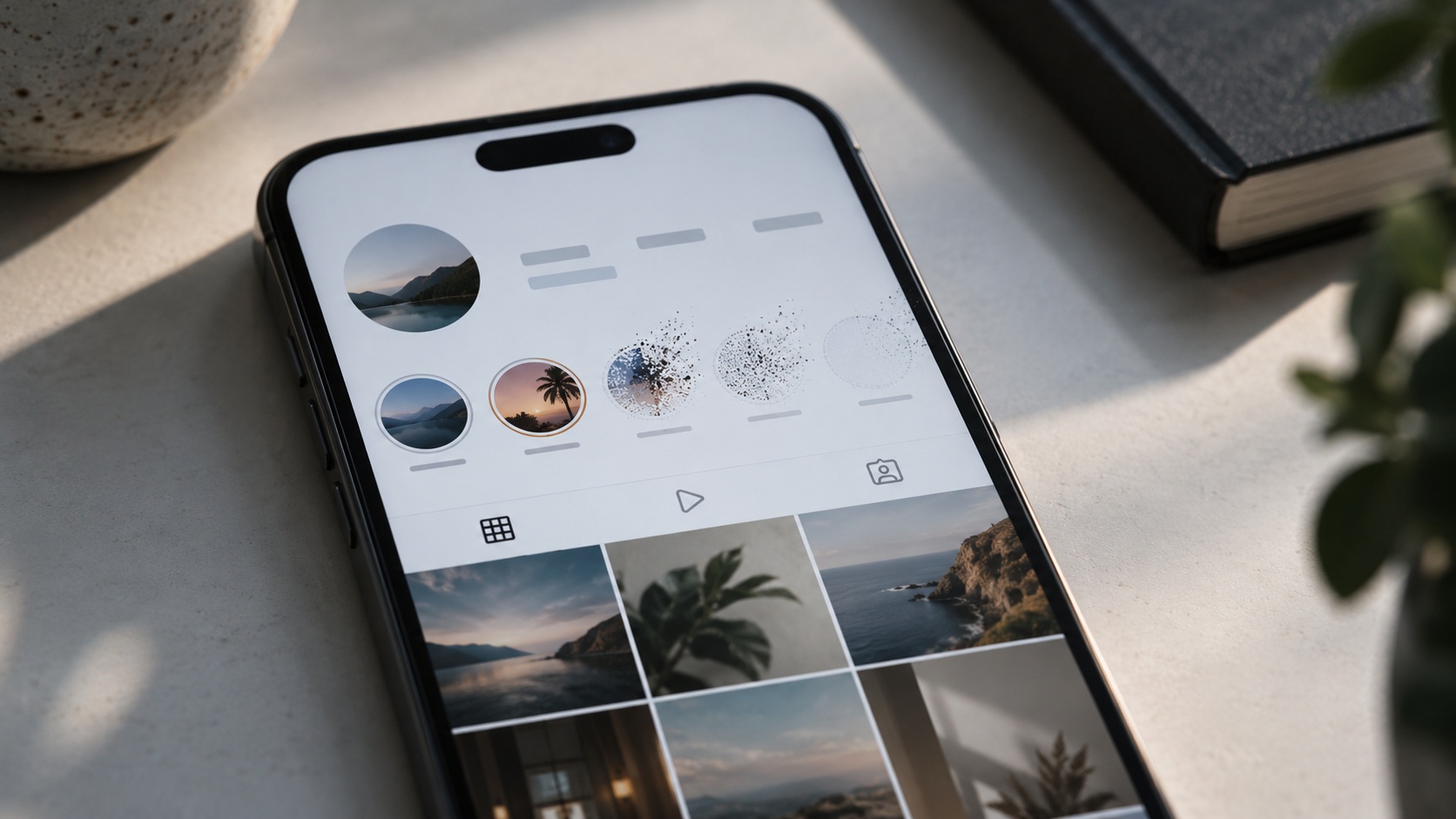
Instagram Highlights do not expire after 24 hours. They can disappear when the owner removes a collection or deletes its underlying Stories, when audience settings change, when the account becomes unavailable, or when Instagram removes content or fails to display it. Missing circles can also be a navigation issue rather than lost media. Owners should check the current profile layout, Stories Archive, Recently Deleted, and account notices before rebuilding anything. Viewers cannot restore somebody else’s deleted or private content.
The holiday collection is gone, but the restaurant guide beside it still opens. Or every Highlight has vanished at once, while the photographs in the grid look perfectly normal.
At Dumpor, we recommend starting with what disappeared: the whole collection, one photo or video, the cover, or simply your access to it. The checks below cover the main explanations without pretending that a blank screen reveals Instagram’s internal diagnosis.
What exactly has disappeared?
A Highlight is a collection of Stories displayed on a profile. Stories Archive is the owner’s private collection of saved Stories. Neither is the same as a backup stored on a phone or computer.
|
What is missing |
What to check first |
What the result can tell you |
|---|
|
One entire Highlight |
Profile layout, edits, and the owner’s Archive |
The collection may be removed while its Stories remain |
|
One item inside a working collection |
Original Story, deletion, or a content notice |
The problem may affect that item only |
|
All collections on your own profile |
Correct account, layout, Archive, and account notices |
Helps separate display trouble from missing source material |
|
Another person’s Highlights |
Current profile and permitted audience |
Visibility may have changed without deletion |
|
Audio, animation, or a playable video |
Media-specific notices and playback |
The Story may still exist in an altered form |
|
Collections only in a third-party viewer |
Availability in Instagram itself |
A viewer failure does not establish deletion |
1. The Highlight was removed or edited
The simplest explanation is an edit. An owner may delete a collection, remove selected Stories from it, rename it, or replace its cover. On a shared business account, another authorised team member may have made the change.
Removing a Highlight and deleting the original Story are different actions. If the original Stories remain in Archive, the owner can use them to build another collection.
Check: Look through the other collections, then open Stories Archive in the correct account. Search by the approximate posting date instead of relying on the old cover image. Ask anyone who manages the account whether they reorganised it.
2. An underlying Story was deleted
A Highlight should not be treated as an independent duplicate of each Story. Deleting the source Story, including from Archive, can remove that material from the places where it was shared as a Highlight.
This is why an Archive clean-up can have consequences on the public profile. Removing an old promotion from one collection is a different task from deleting its source media.
Check: Open Recently Deleted promptly. If the Story appears there and Instagram offers Restore, follow that process. Then revisit the affected Highlight and check whether the item needs to be added again.
3. The Story expired without being successfully preserved
An ordinary Story normally disappears after 24 hours unless added to a Highlight. The collection itself does not have that daily expiry clock.
If something disappears around the 24-hour mark, establish whether it was actually saved in the intended collection. Selecting an item during editing is not the same as confirming that the finished Highlight contains it.
Check: Open the collection and play through it. If the item is absent, inspect Stories Archive. Automatic archive saving must have been available and enabled for that saving route to work; switching it on today does not recreate missing older Stories.
An archive setting can explain why you lack a source to rebuild from. It should not automatically be blamed for deleting a collection that was already working. Preserve that distinction when reporting the problem.
4. The Highlights are somewhere else on the profile
Before assuming deletion, inspect the current profile navigation. Instagram interfaces can differ between accounts and app versions, so instructions describing one fixed position may not match your screen.
Look for a dedicated Highlights area or tab if your version provides one, and check the full collection list rather than only the first items visible. A changed title or cover can also make an existing group surprisingly easy to overlook.
Check: Compare the profile in the app with the website, using the same signed-in account where possible. If the collection opens through one route, you have evidence that at least some content remains accessible.
A missing row alone cannot tell you whether Instagram moved a feature, failed to load it, or removed the underlying material.
5. Story privacy or Close Friends access changed
A Highlight does not make a restricted Story public. The audience allowed to view the Story matters, even when the collection remains on a profile for much longer than a day.
The owner may have hidden Stories from certain people, or the material may belong to a Close Friends audience you cannot access. That can leave other parts of the profile visible while particular Stories are unavailable.
Check: Owners should review their Story audience settings and the intended audience for the affected material. Viewers should first confirm that they are using the expected account.
Do not change a private collection’s audience merely as a troubleshooting experiment. Decide who should see it, then test within those permissions. Seeing the profile’s posts does not, by itself, establish that every Story should be visible too.
6. Account privacy, blocking, or account availability changed
Sometimes the change concerns the account rather than its Highlights. A switch to private can affect non-followers’ access to content. Blocking can affect access between accounts. Deactivation, deletion, or suspension can make the wider profile unavailable.
Check: Open the current profile through a trusted link and note whether its other content is accessible. For your own account, read any login or account-status notice. If the whole profile is affected, address that problem before attempting to rebuild individual Highlights.
A private-account screen means you need the owner’s approval to view private content. It is not evidence that the collection was deleted. Likewise, a failed public lookup does not identify whether a person blocked you. Respect any access boundary the owner has set.
7. Instagram removed content or changed its availability
Content enforcement and rights issues can affect an individual Story. A notice may identify a removal, an unavailable audio track, or another limitation. These outcomes should not be lumped together: a silent video and a deleted Story are different problems.
Check: Owners should examine Account Status and relevant notifications, and open the affected item to read any explanation. If Instagram provides a review or appeal option, use the process attached to that decision.
If there is no notice, leave the cause open. Missing media alone is not enough to conclude that copyright enforcement or a Community Standards decision occurred.
8. Archived media no longer plays as expected
An older Story may still be present but have changed playback. Instagram’s help materials describe audio availability changing when music licensing arrangements change. A muted track can therefore look like damage to a saved memory without the whole Story having disappeared.
Check: Play another Story from the same period and compare the affected one in another available Instagram interface. Look for a message about the media itself.
If you kept the original file, compare it with what Instagram currently displays. That copy may preserve the photograph or video, although platform-added music, stickers, links, and interactive features are not necessarily reproduced in an ordinary saved file.
9. A loading, app, session, or connection problem hides the content
Several collections failing together can point toward a technical issue. A loading problem may affect the display without changing the stored content, which is why deleting and rebuilding everything is a poor first response.
Try these checks in order:
-
Leave the profile and open it again.
-
Close and reopen Instagram.
-
Install an available update from the official app store.
-
Compare a trusted Wi-Fi connection with mobile data.
-
Check the same profile on Instagram’s website, keeping the account consistent.
On Android, clearing cache may help with a local problem. Avoid confusing it with clearing app data. Before logging out or reinstalling, confirm that you can sign back in and preserve drafts you need.
If the problem continues, report it through Instagram’s Help or Report a Problem option. Supply the profile, collection title, affected dates, screenshot, device, and checks already completed.
10. The media is genuinely missing and recovery is unavailable
Sometimes the source Story is absent from both Archive and Recently Deleted. Possible explanations include permanent deletion, an expired recovery window, or a platform problem that the owner cannot repair locally.
Check: Submit a technical report if the loss is unexplained. Preserve screenshots and dates rather than repeatedly deleting, restoring, and recreating collections while trying to force a refresh.
There is no honest promise that every missing Highlight can be recovered. If Instagram no longer offers the source media or a restoration option, an independently saved original may be the only practical way to publish the material again.
How to recover your own missing Highlights
Start with Stories Archive
Open your profile menu, find Archive, and select Stories Archive if several categories are available. Confirm that you are in the right personal, creator, or business account.
Find the relevant date and open the actual items. If they play, use the available Highlight controls to add them to a collection. Check the finished result afterward, including its title, cover, contents, and audience.
Check Recently Deleted without delay
Find Recently Deleted within Instagram’s activity or account-management options. Menu placement can vary. Instagram states that content there is normally deleted after 30 days, with a shorter period of up to 24 hours for Stories that are not in Stories Archive.
Use the time remaining shown for the specific item. If Restore is offered, complete the required confirmation, then verify the Story and its Highlight placement. Do not assume that restoring one item reconstructs every title, cover, or collection arrangement.
Use original files when restoration is not possible
Check your phone gallery, cloud photo storage, and any files kept by an authorised team member. You may be able to publish the material as a new Story and add it to a new Highlight.
That creates a new publication. It does not restore the original posting date, replies, viewer history, or interactive elements. For a business, review the content before reposting: an old price list or expired offer may need updating even if the image is recoverable.
What viewers can check with Dumpor
If your goal is to browse an available public collection, use Dumpor’s Instagram Highlights Viewer. Enter the current public username, choose the account, and open its available Highlight groups.
This is a viewing route, not a recovery service. Dumpor cannot restore deleted Stories, access an owner’s private Archive, or grant access to restricted content. An unsuccessful lookup also does not prove that Instagram deleted the collection.
When an individual item returns an error, our guide to what “This Story Is Unavailable” means explains how to distinguish access changes from unavailable media and loading problems.
If the public Highlight works on Instagram but fails specifically on our website, send the Dumpor team a support request. Include the public username, collection title, error, browser, and approximate time. These details help us investigate a reproducible issue within our service; passwords and verification codes are not needed.
Keep important collections recoverable
-
Save original photos and videos outside Instagram.
-
Keep a brief list of each collection’s title and contents.
-
Review archive-saving settings before important campaigns.
-
Agree who can edit or delete content on shared accounts.
-
After a change, open the finished collection and check its audience.
FAQ
Frequently Asked Questions
Do Instagram Highlights disappear after 24 hours?+
No. The 24-hour lifespan applies to ordinary Stories, while Highlights are designed to keep selected Stories on the profile beyond that period. If an item disappears after a day, check whether it was successfully added to the collection and whether a saved version exists. Deletion, access changes, or display trouble can still affect a Highlight; its age alone does not explain the loss.
Does deleting a Highlight delete the Stories in Archive?+
Removing a collection is different from deleting its source Stories. Check Archive before recreating the Highlight: if the original items remain available, you can select them again. Conversely, deleting a Story from Archive can affect its availability in Highlights. Read the confirmation carefully, particularly when tidying a business account with material reused across several collections.
Will turning on Save Story to Archive bring missing Highlights back?+
No. Enabling automatic saving does not reconstruct older Stories that were never saved or restore deleted files. It helps with future preservation through the archive feature. For an existing loss, inspect Archive and Recently Deleted first, then check independent copies. A changed saving preference should not be treated as proof that Instagram erased collections that were already present.
Why can I see a Highlight cover but not the Stories inside?+
The cover and playable content can behave differently. A visible thumbnail does not guarantee that the underlying items are accessible. Try another collection, reopen the profile, and note any error wording. Owners should then inspect the source Stories and notices. Viewers have less information available, so they should avoid treating a cover with failed playback as proof of deletion or blocking.
Why can someone else see Highlights that I cannot?+
First confirm that you are looking at the same account and collection. Story audience settings, Close Friends eligibility, private-account access, or blocking may explain a difference between viewers. A session or loading problem is also possible. The comparison establishes that visibility differs; it does not identify the reason by itself. A third-party viewer cannot grant permissions you do not have.
Can I restore a deleted Highlight after 30 days?+
If the collection was removed but the original Stories remain in Archive, you may be able to rebuild it regardless of when the collection was removed. If the underlying media was deleted and its recovery window has expired, that is a different situation. Instagram’s restoration feature cannot be assumed to recover it. Look for independently saved files if the source Stories are no longer available.
Why are my old Highlights silent or frozen?+
Missing sound can reflect changes in audio availability rather than deletion of the Story. Frozen playback may instead involve loading or an item-specific problem. Read any notice, test another item, and compare the original file if you have it. Avoid deleting the collection as a first step: doing so may remove a useful reference without resolving the media issue.
Can Dumpor recover private or deleted Instagram Highlights?+
No. Our viewer is for available public Highlights. It does not provide access to private collections, Recently Deleted, or an owner’s Stories Archive. If the collection exists on Instagram but is unavailable through Dumpor, report the website issue with the public account details. Recovery of your own deleted material must use Instagram’s available restoration options or copies you already possess.

 Telegram bot
|
TikTok Viewer
Telegram bot
|
TikTok Viewer