How to See Someone's Instagram Tagged Photos Without Logging In
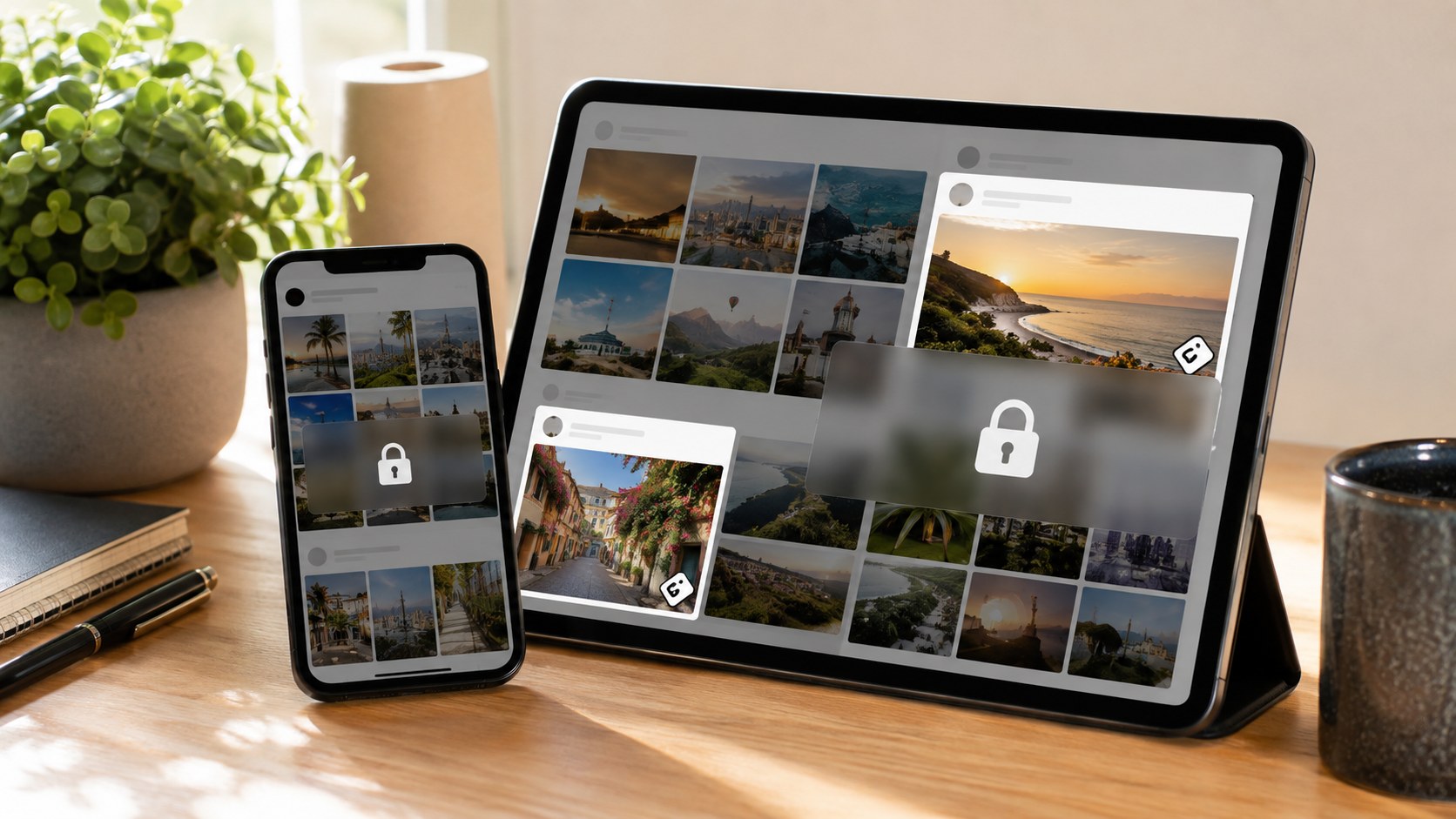
TL;DR: For a public account, yes — you can view its tagged posts without an Instagram account of your own. The tagged tab holds photos and videos other people tagged the profile in, and for public profiles an anonymous viewer loads that tab straight in your browser: paste the username, read the results, done. No login, no sign-up, no notification to anyone. A few honest caveats decide what you’ll actually see. Only tags sitting on public posts appear — if whoever did the tagging is private, that one won’t show. The profile owner can hide the tagged tab entirely or quietly curate which tags stay up. And private accounts? Off-limits, full stop — any tool hawking “private tagged access” for a fee is running a scam. Everything past this line is the how, the why, and the fine print.
The grid is the highlight reel. Carefully chosen, filtered, cropped to flatter. The tagged tab is the other thing entirely — everyone else’s camera roll, the shots a person didn’t pick and sometimes wishes they could un-pick. That’s precisely why people go looking. You want the unposed version, the candid one, the photos taken by friends at the party rather than the single frame that survived the edit.
And here’s the good news, if you don’t have an account or just don’t feel like logging in: for public profiles, that tab is reachable.
First, what “tagged posts” even are
Quick definition, because the tagged tab gets muddled with a few other things.
When someone tags a profile in their own post — a friend posting a group photo and @-tagging everyone in it, a brand tagging a creator, an event page tagging attendees — that post can surface on the tagged profile’s “Tagged” tab. The little person-shaped icon, over past the Posts and Reels. Crucially, this is content other people made. It’s not what the profile posted itself; it’s what the world posted about them and pinned their handle to. Which is exactly what makes it interesting, and occasionally revealing.
Since it’s other people’s content, the owner has only partial control over it — and that partial control is where most of the quirks live. More on that in a minute.
The straight answer, and how it works
Can you see it without an account? For public profiles — yes. The tagged posts on a public account are public data, same as the grid, so you don’t need to log in to look. You just need a way around the app’s habit of nagging you to sign in the moment you start tapping around.
That’s what an anonymous tagged viewer is for. It reads the public tagged tab on its own side and lays the results out in your browser — thumbnails you can open full-size, usually with captions, sometimes comments, and the handle of whoever did the tagging. Nothing to install. No account of yours anywhere in the picture.
Walking through it:
- Copy the exact username from the profile URL. Common names spawn a hundred lookalikes; don’t guess.
- Open a legitimate viewer. Instagram’s tagged viewer loads a public profile’s tagged posts without asking you to log in to a thing.
- Paste the handle and search.
- Browse the tagged feed — photos and videos others attached the account to, in one scrollable set.
- Open anything full-size to read the caption, see who else got tagged, and clock which account posted it.
Thirty seconds, give or take. And the person whose tags you’re browsing gets no ping, because tagged posts — unlike Stories — carry no viewer list.
What actually decides whether a tag shows up
This is the part the one-line answers skip, and it explains every “why is the tab empty / why is that photo missing” head-scratcher.
A tagged post is a handshake between two accounts — the one that got tagged and the one that did the tagging — plus whatever the owner chose to allow. Any of those can change what you see:
|
Factor |
What happens |
|---|
|
Target profile is public |
Tagged tab is viewable without an account |
|
Target profile is private |
Tab is hidden to non-followers — no tool changes that |
|
The tagging account is private |
That post won’t appear publicly, even on a public profile’s tab |
|
Owner hid the whole tagged tab |
Nothing shows, even though tags exist |
|
Owner manually curated a tag |
Removed or unapproved tags simply don’t surface |
|
Tab looks empty |
Either nobody tagged them publicly, or they curate tightly |
Read that and a couple of myths die on the spot. An empty tagged tab isn’t proof the person has never been tagged — it might just mean they keep it tidy, or the folks tagging them post privately. And a public viewer showing fewer tags than you expected usually isn’t broken; it’s mirroring exactly what the owner currently permits to be public. The tab is a reflection of permissions, not a full archive.
One more, worth underlining: because Instagram lets owners toggle the tagged tab off completely, its absence tells you nothing except that it’s off.
Why the tagged tab is the honest one
Marketers and researchers have a soft spot for this tab, and it’s not sentiment. It’s signal.
A profile’s own grid is curated to within an inch of its life. The tagged feed isn’t — it’s assembled by other people, which makes it one of the more candid corners of anyone’s public presence. Want to know who someone actually spends time with? The tagged posts say more than the grid ever will. A few things it quietly surfaces:
- Brand relationships a creator’s grid won’t advertise. One scroll through who’s tagging them, and undisclosed partnerships or affiliations start poking out.
- Real-world associations. Who shows up in photos with whom, at what kind of events, how often.
- Social proof for a business. Every customer who tags your product is user-generated evidence sitting in one place.
- Event coverage. Photos attendees tagged a public profile in, gathered without you being at the event or in anyone’s circle.
For anyone vetting an influencer before a deal, that candid layer is gold — it’s the reality check against a polished pitch deck. If you want the wider profile picture too, our profile viewer pulls the whole public account — bio, grid, counts — alongside the tagged set.
Tagged, mentioned, collab — a quick untangle
People lump these together, then wonder why the tab doesn’t match their memory. They’re not the same thing.
A tag is when another account attaches your handle to the photo itself, and that’s what lands on the Tagged tab. A mention is when someone drops your @handle in a caption or a Story — that pings your notifications but doesn’t park a thumbnail on your tagged tab. A collab post is jointly owned; it shows on both accounts’ main grids rather than living in the tagged section at all. So if you’re hunting a specific picture and can’t find it, the reason is sometimes just this: it was a mention or a collab, never a tag. Knowing which is which saves a lot of fruitless scrolling.
The wall you can’t cross, and the scam that pretends you can
Time for some straight talk, because this niche is crawling with dishonest pitches.
Private accounts. If a profile is private and you’re not an approved follower, its tagged tab is sealed — Instagram returns a polite “nope,” and that’s the correct behavior. No legitimate tool gets around it. So when you stumble on a service promising to unlock a private account’s tagged photos — often dressed up as “paid processing” that mysteriously “takes a few days” — read that for what it is. It’s a scam. Best case, you pay and get nothing. Worst case, they wanted your Instagram password all along, and now your account is sending spam to your contacts.
Here’s how to spot a viewer that plays straight, versus one that doesn’t:
- It never asks for your password. Public content needs no login, ever. A password prompt is a red flag, full stop.
- It shows content right in the browser. No app to sideload, no “verification” survey.
- It says plainly it handles public content only. Honesty about limits is the tell of a real tool.
- It doesn’t promise the impossible. Anything vowing permanent access or private-account magic is selling smoke.
Apply those four and you’ll dodge basically every junk site in the space.
Will the person know you looked?
No. Viewing a public profile’s tagged posts through a viewer leaves no trace the owner can read. Instagram sends no “someone viewed your tagged tab” alert — no such thing exists. You’re not following, not liking, not commenting, not opening a Story, so nothing surfaces your identity. The lookup is invisible, and that holds whether you’re idly curious or doing real research where discretion matters. We break down exactly what is and isn’t detectable in our guide on whether Instagram can tell if you viewed a profile anonymously.
Being reachable doesn’t make everything fair game, mind you. Checking a brand’s tagged posts is research; fixating on a private individual to unsettle them isn’t, and no tool should be twisted toward that. Public data, decent intentions — keep both and you’re fine.
Where Dumpor fits
We built Dumpor’s tagged viewer for exactly this job: seeing what others tagged a public account in, with no login, no sign-up, and no footprint pointing back at you. Requests route through an anonymous proxy, so Instagram sees the proxy, not you, and the profile stays none the wiser. It’s free — no pro tier, no drip-fed “processing” gimmick — and it presents the tagged feed cleanly, with the posting account and the tagged handles laid out so you can actually make sense of it.
Public profiles only, and we’re upfront about that. We don’t reach into private accounts and we won’t pretend otherwise, no matter how much a shadier competitor swears it can. For nearly every honest reason you’d want to see someone’s tagged photos, public is the whole answer.
A quick checklist
- Confirm the account is public. Private tagged tabs aren’t viewable by anyone outside the circle — accept it.
- Use a no-login viewer. Password requested? Close the tab and move on.
- Read the tab as permissions, not an archive. Missing tags usually mean curation, not conspiracy.
- Don’t over-read an empty tab. It might just be tidy, or the taggers post privately.
- Keep it above board. Research and curiosity, yes. Harassment, never.
Do that, and you’ll see everything a public profile allows — quickly, safely, and without a soul knowing.
The short version, one more time
Instagram tagged posts on a public account are public content, and an anonymous viewer lets you read them with no account and no trace. What shows is shaped by permissions — the tagging account’s privacy, whether the owner hid or curated the tab — so treat the result as a live snapshot of what’s currently allowed, not a complete history. Private accounts stay shut to everyone, and any “private tagged” service charging for the impossible is a con. Handled honestly, though, the tagged tab is the candid, revealing layer of someone’s presence, and it’s yours to browse in seconds.
If you’re vetting creators, gathering user-generated content, or running any research that leans on tagged data at scale — or you’d like to ask about business and API access to the Dumpor toolset — reach out and leave us a request. We’ll give you a straight answer, public data only.
FAQ
Frequently asked questions
Can I view Instagram tagged posts without an account?+
Yes, as long as the profile is public. Tagged posts on a public account are public content, so you don’t need to log in or create an account to see them — you just need a viewer that loads the public tagged tab in your browser. Enter the username, and the photos and videos others tagged the account in appear, usually with captions and the handle of whoever posted. The only accounts that stay off-limits are private ones, where the tagged tab is hidden to anyone who isn’t an approved follower.
Why are some tagged photos missing from the tab?+
Because the tagged tab reflects permissions, not a full archive. A few things can hide a tag: the account that did the tagging is private, so their post never becomes public; the profile owner manually removed or declined that tag; or the owner switched the entire tagged tab off. Instagram gives people real control here, so what you see is only what’s currently public and allowed. A shorter-than-expected tab usually means tight curation, not a broken tool.
Will the person know I looked at their tagged posts?+
No. Unlike Stories, tagged posts carry no viewer list, and Instagram sends no notification when someone views a tagged tab. Reading the content through an anonymous viewer doesn’t touch the account at all — you’re not following, liking, or interacting, so nothing reveals your identity. The lookup is completely invisible on their end, which is why it suits both casual curiosity and discreet professional research.
Can any tool show me a private account’s tagged photos?+
No, and anything claiming to is a scam. A private account’s tagged tab is visible only to approved followers — that’s a structural privacy boundary, not a setting a tool can slip past. Services advertising “private tagged access,” especially the ones charging a fee for “processing” that takes days, are either taking your money for nothing or fishing for your Instagram password, which can get your own account hijacked. Legitimate viewers work with public profiles only and never ask you to log in.
What can the tagged tab tell me that the main grid can’t?+
Plenty, because it’s made by other people rather than curated by the account owner. The tagged feed can reveal who someone genuinely spends time with, which brands or creators they associate with, and partnerships that never make it onto their polished grid. For anyone vetting an influencer before a collaboration, that candid layer is a valuable reality check. For businesses, it’s a ready-made stream of user-generated content and social proof, all pinned to one tab.
Do I need to download anything to view tagged posts?+
No. A proper tagged viewer runs entirely in your web browser on mobile or desktop, showing the content directly with nothing to install. Be wary of any site pushing you to download an app or complete a “verification” survey to see public content — that’s a hallmark of junk tools. The genuine ones load public tagged posts on the spot, no software, no sign-up, no personal details required.
Is it against Instagram’s rules to view public tagged posts?+
Viewing public content that people have chosen to make visible is generally fine and doesn’t breach Instagram’s rules the way bulk scraping or bypassing privacy controls would. Tagged posts on a public profile are, by definition, out in the open. What matters is intent and restraint: use the data for legitimate research or honest curiosity, don’t try to force past privacy walls, and never bend these tools toward stalking or harassing an individual. Public is public, but conduct still counts.

 Telegram bot
|
TikTok Viewer
Telegram bot
|
TikTok Viewer