Why Public Instagram Profiles Can Look Empty When You’re Logged Out
TL;DR
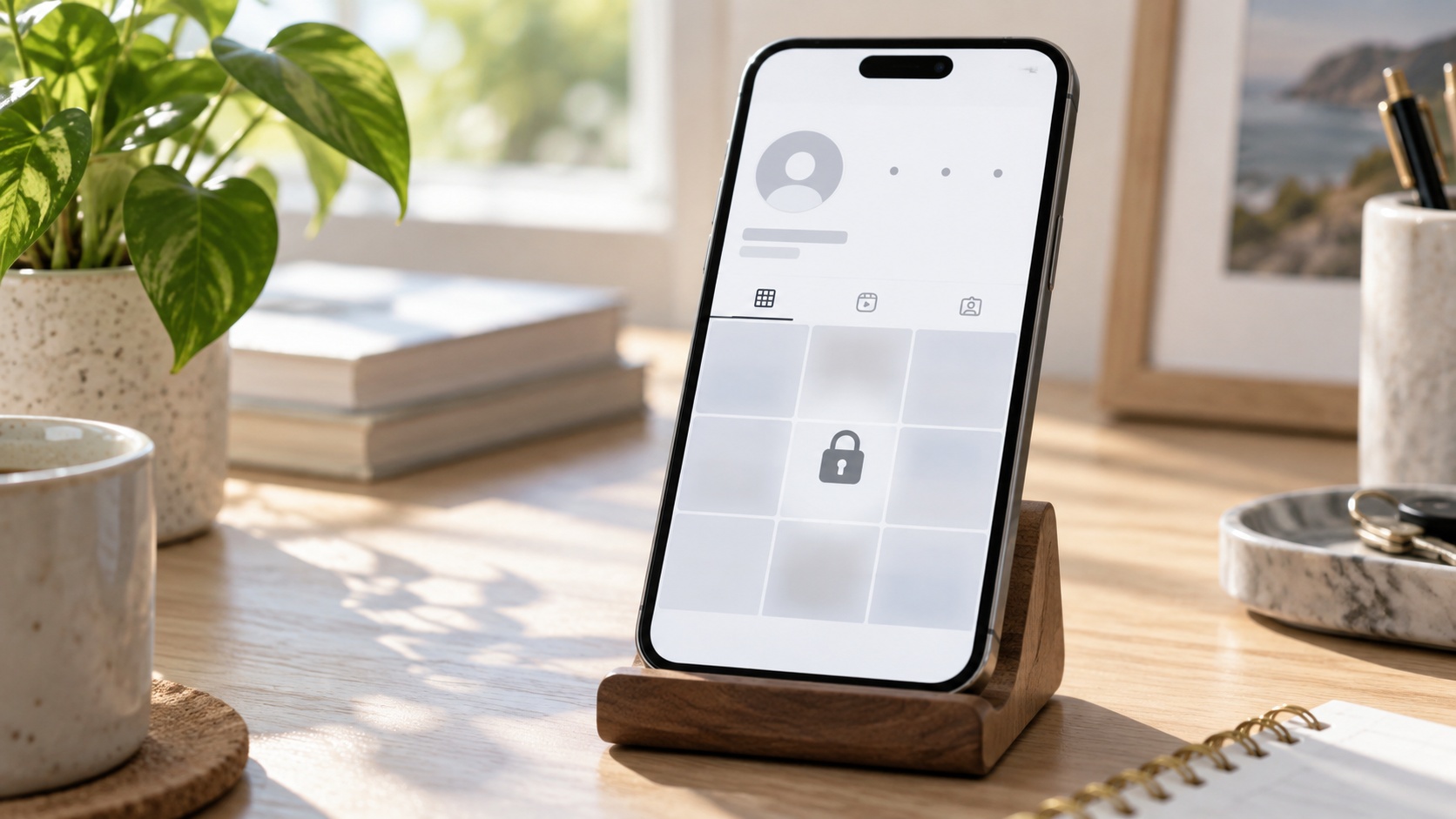
A public Instagram profile can look empty to a logged-out visitor even when its posts still exist. Public visibility describes the intended audience; it does not guarantee that every browser session will receive a complete profile page. Sign-in prompts, incomplete loading, audience restrictions, outdated links, or genuinely unavailable posts can produce similar results. Check the current username, read the page’s message, and compare the same profile through a permitted viewing route. A blank grid alone does not prove deletion, a private account, or a personal block.
The biography loads. The profile photograph looks familiar. The post count suggests years of activity, but the grid underneath offers nothing to open.
At Dumpor, we recommend separating what the account contains from what the current page displays. That distinction helps you decide whether to check a link, investigate your browser, sign in through Instagram, or simply accept that the content is unavailable through the route you chose.
Public visibility and logged-out access are different questions
Instagram’s Help Center describes public profiles and posts as viewable on the web. It also distinguishes public account information from content limited to approved followers.
Think of three separate questions:
- Does the account exist at this address? A current username and matching profile details help establish identity.
- Is the particular content intended for public viewing? Account privacy and item-specific audience settings matter.
- Is this browser session able to display it now? Login requirements, loading behaviour, and technical problems affect the result.
Read the page before interpreting the empty grid
A blank area, a login panel, and an explicit private-account message are different observations. Record the wording instead of summarising all three as “nothing there.”
|
What the page shows |
What it establishes |
What to check next |
|---|
|
A login or sign-up prompt |
This viewing route is asking for authentication |
Use Instagram’s official sign-in route if you choose |
|
Name, biography, and a blank grid |
Some profile information loaded |
Check another page and compare browsers |
|
A nonzero post count with no thumbnails |
The displayed count and visible grid differ |
Avoid treating the grid as a complete inventory |
|
An explicit private-account notice |
Private content requires the appropriate access |
Respect the owner’s audience choice |
|
An age-related notice |
An eligibility check may apply |
Follow the official age or sign-in instructions |
|
“No posts yet” |
No posts are being shown in that view |
Check account identity and other available sections |
|
“Page isn’t available” or a similar error |
The page could not be delivered normally |
Verify the current link and account availability |
1. Instagram is asking the visitor to sign in
An account can remain public while Instagram presents a sign-in prompt to a visitor. The owner has not necessarily changed the account to private; the website is asking for an authenticated session.
What to do: Read the prompt. If you want to continue through Instagram, use its official app or website and your own account. If you prefer not to sign in, recognise that this route may not provide the content you need.
Repeated refreshing is not a reliable way to turn a login requirement into unrestricted access. Nor is there a dependable number of thumbnails or profiles that every logged-out visitor can view before a prompt appears.
2. The profile header loaded, but the media did not
A profile is made of several visible parts: identity information, counts, navigation, thumbnails, captions, and playable media. A partially rendered page can show some of these while leaving the rest blank.
This is one reason a familiar avatar is not proof of a complete load. A browser may be displaying information already available to it while other parts of the page fail to appear.
What to do: Open one unrelated public profile and compare the pattern. If both show headers but no media, investigate the browser or viewing session before assuming both owners deleted their posts.
Try the same current link in another browser. If necessary, compare a trusted Wi-Fi connection with mobile data. Change one variable at a time so the result tells you something useful.
3. Browser settings or extensions interfere with the page
Content filters, script restrictions, browser extensions, and stored site data can affect how a complex webpage behaves. The effect may be obvious, such as a blocked element, or less obvious, such as an empty content area.
What to do: Update the browser and inspect any visible warning. Test another browser with its normal settings. If you suspect a particular extension, check its site-specific behaviour rather than disabling every protection on your device.
Clearing Instagram-specific site data is another possible diagnostic step, but it can remove a saved session. Make sure you can sign back in before removing data from a browser you use for your own account.
A private browsing window can provide a separate session for comparison. It does not grant extra viewing rights, and it may display a sign-in request precisely because your ordinary logged-in session is absent.
4. Temporary limits or service problems affect the request
Meta publicly describes using rate and data limits to constrain access to its products. Those controls explain why availability is not simply a matter of whether an account’s privacy switch says public.
They do not, however, prove that a particular empty page was rate-limited. A blank grid contains too little information to identify Instagram’s internal decision.
What to do: If the page explicitly asks you to try again later, stop repeated requests and follow that instruction. If several unrelated pages fail at the same time, note the scope of the problem and try again later through a normal access route.
5. The account or its content has an audience restriction
A public account does not make every possible item visible to every visitor. Stories can have a selected audience, and other eligibility conditions may affect access to an account or its content.
Instagram also allows professional accounts to set a minimum age. A visitor without an authenticated account may be unable to establish eligibility through the current page. An age-related prompt is therefore relevant evidence; a blank screen without one is not enough to diagnose an age gate.
What to do: Follow the official instructions when an age or access notice appears. Owners should check that their audience settings accurately reflect the intended audience and any applicable requirements.
Do not remove a necessary restriction merely to make a logged-out screenshot look complete. Likewise, a third-party viewer should not be treated as a route to private or age-restricted material.
6. The profile is no longer public—or the link is outdated
A profile described as public in an old article or message may have changed. The owner could have made it private, changed the username, or moved to a different account.
Basic profile details do not settle the privacy question. Instagram identifies information such as names, usernames, biographies, and profile photographs as publicly visible even when account content is private.
What to do: Obtain a current link from a source the owner controls, such as an established website. Compare the handle carefully, including punctuation and any location suffix.
If Instagram explicitly identifies the account as private, that is more informative than an old search snippet calling it public. If the current address produces an unavailable-page error, use our guide to Instagram’s “Page Isn’t Available Right Now” message to distinguish link and access problems.
7. There really are few or no visible posts
Sometimes the empty appearance accurately reflects what the owner is displaying. Public accounts are allowed to have no posts. Owners can also archive publications, which hides them from their profile without requiring permanent deletion.
Other media may be available in a different section. Check any visible Reels, tagged-content, or Highlights navigation rather than assuming the first grid represents every type of content.
Stories are another source of confusion. They normally expire after 24 hours unless added to Highlights, so yesterday’s active Story does not guarantee something will be visible today.
What to do: Inspect the available sections and, if it is your account, compare them with your archived and published content. If it is someone else’s account, avoid interpreting a quiet profile as proof of inactivity outside Instagram.
8. The account or particular posts became unavailable
Deleted posts, account deactivation, suspension, and other availability changes can affect what visitors see. An old preview, saved link, or search result may outlast the content it refers to.
What to do: Owners should sign in through Instagram’s official interface and read any account notice. If only selected items are missing, inspect the relevant content and account-status information before assuming the whole account is affected.
If the same current profile opens normally after sign-in, that is evidence against the simple explanation that all its displayed content was permanently deleted. It still leaves open why the logged-out route did not show it.
Does an empty logged-out profile mean you were blocked?
No. An empty grid is not a reliable block detector, especially when the page is asking for login or failing to load media.
Comparing logged-in and logged-out views changes the session as well as the account context. A difference between those views therefore does not isolate one cause.
If someone has blocked you, respect that boundary. Creating replacement accounts or pursuing ways around the block is not a necessary troubleshooting step.
A short check that produces useful evidence
- Confirm the current profile link. Use the owner’s official source where possible.
- Record the exact message. Distinguish a sign-in request from a private-account notice or loading error.
- Inspect what loaded. Note the header, grid, visible tabs, and whether any item opens.
- Compare one other profile. This helps separate a profile-specific issue from broader loading trouble.
- Try one alternative browser or permitted signed-in view. Record which change affects the result.
- Stop at an explicit access requirement. Follow the official route instead of repeatedly forcing requests.
If you report a technical issue, include the browser, device, approximate time, current URL, and those observations. “The header loads, but thumbnails remain blank only when logged out” is considerably more useful than “Instagram deleted everything.”
How Dumpor fits into public-profile viewing
For available public information, Dumpor’s anonymous Instagram viewer offers a browser-based way to look up profiles without signing in to Instagram. Enter the current public username or account link and review the content our service can display.
An unsuccessful Dumpor lookup does not prove deletion, privacy, or blocking. A successful lookup does not guarantee that every post, Story, or older item is available. We do not provide access to private content or restore removed publications.
If public content works on Instagram but a lookup fails specifically on our website, send the Dumpor team a support request. Include the public username, the affected page, your browser, and the error or missing section. Please do not include passwords or verification codes.
What businesses should do when customers see an empty profile
Check your current website link, intended privacy setting, and any professional-account audience controls. Then ask for a precise description of the failure. Avoid changing the username, privacy setting, and content library together, since that makes later comparisons harder.
Keep essential information available on your own website as well: opening hours, service details, contact information, and booking instructions. A customer should not have to resolve an Instagram login prompt to find out whether your business is open.
FAQ
Frequently Asked Questions
Can a public Instagram account require login to view its posts?+
Yes, a visitor can encounter a sign-in requirement while opening a public account. The privacy setting and the website’s access requirements answer different questions. Read the current prompt rather than assuming the owner made the account private. If you choose to sign in, use Instagram’s official interface. Public status is not a guarantee that every logged-out session will display the same content.
Why can I see the biography but no photos?+
Some profile information may have loaded while the media did not, or the page may be limiting further access. Basic identity details can also remain public on a private account. Check for a login prompt, privacy notice, or loading error, then compare the same link in another browser. The biography alone cannot establish either public post access or deletion of the photographs.
Why does the profile show a post count but an empty grid?+
The count and grid are different parts of the page, and their visible states may not match during incomplete loading or limited access. Record the mismatch and check whether media opens through another permitted route. Do not treat the empty grid as a complete inventory, but do not assume the count guarantees that every item remains accessible either. The loaded posts are the stronger evidence.
Does incognito mode let me see every public Instagram profile?+
No. Private browsing creates a separate browser session; it does not supply viewing permissions or an authenticated Instagram account. It can help compare stored-session behaviour, but it may also encounter a sign-in prompt that your normal browser avoids because you are already logged in. Use it as a diagnostic comparison, not as a guaranteed way to obtain unrestricted access.
Why does one public account load without login while another does not?+
The profiles may differ in audience conditions, available content, or current account state. The viewing session and page-loading behaviour can differ as well. Start with the exact message on the page that fails. A working comparison confirms that some public content is accessible through your browser; it does not establish that every other public account should produce an identical result.
Can a minimum-age setting affect a public profile?+
Yes. Instagram provides minimum-age controls for professional accounts, separate from ordinary public-versus-private privacy. A visitor may need to establish eligibility before content is available. Look for a specific age-related notice rather than diagnosing the setting from a blank grid. Owners should review their intended audience, while viewers should follow the official access instructions and respect restrictions.
Does an empty profile mean the owner deleted all their posts?+
Not necessarily. A login requirement, a partially loaded page, or changed access can hide media that still exists. Owners may also archive posts, which removes them from the profile without permanent deletion. If the content appears in a permitted signed-in view, it plainly remains available there. Confirm the current account and viewing context before concluding that the entire collection was erased.
Can Dumpor show every post from a public account?+
We cannot guarantee a complete history for every public profile. Available results depend on the account and the content our service can access at the time. Dumpor does not reveal private posts, recover deleted media, or diagnose personal blocks. If something publicly available on Instagram fails specifically on our website, provide the public link and error details so our team can investigate.

 Telegram bot
|
TikTok Viewer
Telegram bot
|
TikTok Viewer