61
204.5k profiles viewed today · 18.2k stories viewed today · 100% anonymous — zero tracking · Instagram viewer without an account · 7 free tools — stories, reels, followers & more · $0 forever — not a trial, genuinely free · 204.5k profiles viewed today · 18.2k stories viewed today · 100% anonymous — zero tracking · Instagram viewer without an account · 7 free tools — stories, reels, followers & more · $0 forever — not a trial, genuinely free · 204.5k profiles viewed today · 18.2k stories viewed today · 100% anonymous — zero tracking · Instagram viewer without an account · 7 free tools — stories, reels, followers & more · $0 forever — not a trial, genuinely free ·
Dumpor website logo

Instagram Reels Not Loading: Causes and Fixes for 2026

reels_preview_under_300kb.jpg

TL;DR: Reels usually stop loading for one of three reasons: your connection is weaker than the app needs, the Instagram app has choked on its own cache, or Instagram’s servers are having a bad day. Clear the cache first. Then check your connection on another app. Then check if Instagram itself is down. Those three steps solve roughly 80% of cases. For the stubborn remainder — and for anyone who just wants to watch Reels without wrestling with the app at all — you can open any public profile’s Reels straight in your browser with Dumpor’s Reels viewer. No login, no app, no cache to clear.

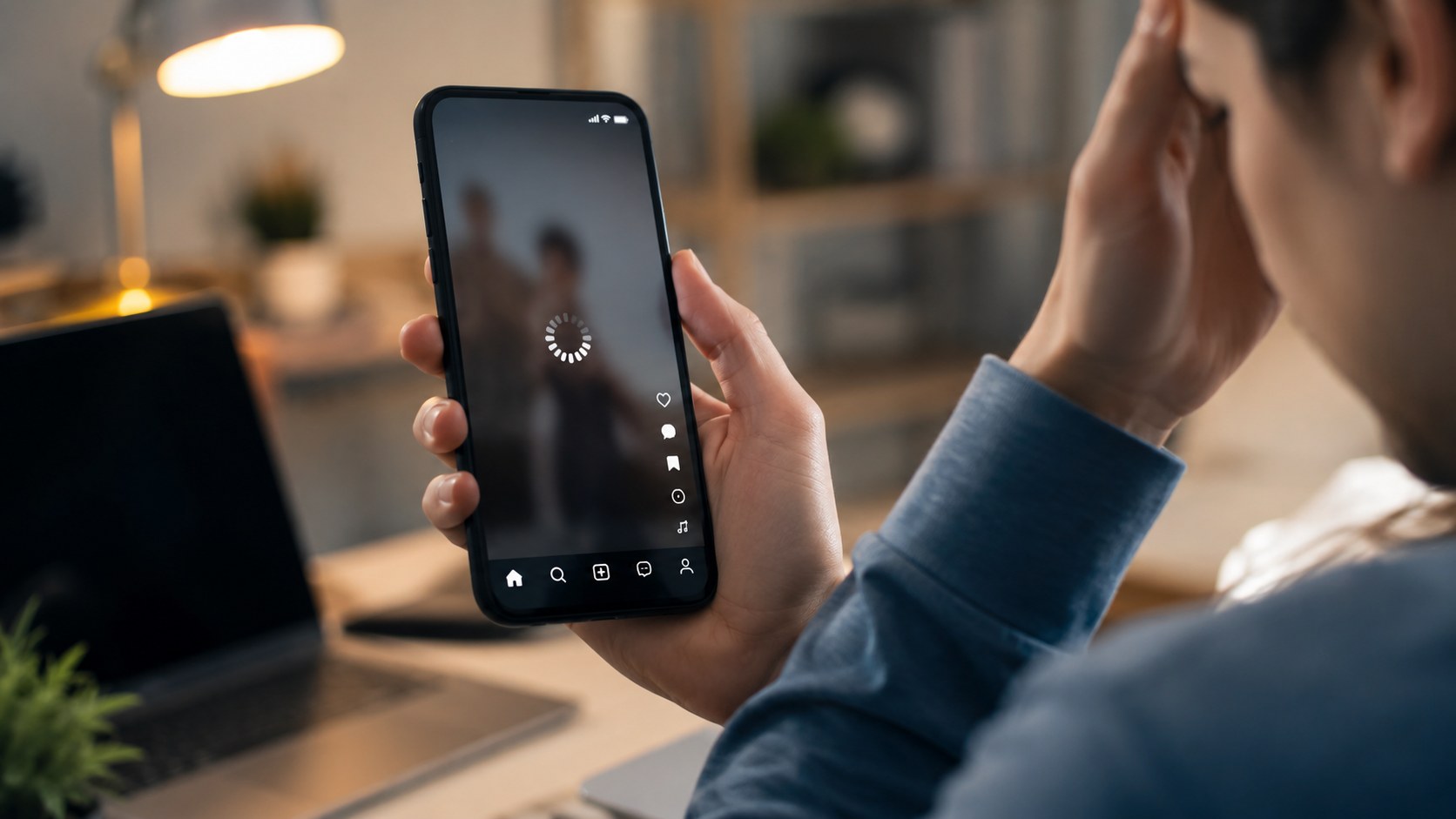
You tap a Reel. The screen goes black. A spinner appears, spins, keeps spinning, and eventually Instagram gives up with that unhelpful “Couldn’t load. Tap to retry” message. Tapping to retry, of course, does nothing.

We hear about this constantly. It’s one of the most common complaints that brings people to our site, and 2026 hasn’t made it rarer — if anything, Instagram’s push toward higher-bitrate video has made Reels heavier and fussier than they were two years ago. The good news: almost every loading failure has a known cause and a fix that takes under five minutes.

First, figure out whose fault it is

Before you start reinstalling things, spend thirty seconds narrowing the problem down. This table saves a lot of wasted effort.

Symptom Most likely culprit Start with
Only Reels fail; feed and Stories work App cache or Reels-specific bug Clear cache, update app
Everything in Instagram is slow Your connection or phone Speed test, restart phone
One specific Reel won’t play Deleted, region-locked, or restricted content Nothing to fix — the Reel is gone
Instagram won’t load anywhere, for anyone Instagram outage Wait, or use a web viewer
Reels load on Wi-Fi but not mobile data Data Saver or carrier throttling Check app data settings

Now to the causes in detail.

The seven causes on your end

1. Overloaded app cache. This is the big one. Instagram caches enormous amounts of video to make scrolling feel instant, and after a few weeks that cache can swell past several gigabytes. Once it gets bloated or corrupted, Reels start half-loading, freezing on the first frame, or playing without sound. Android users can clear it directly (Settings → Apps → Instagram → Storage → Clear Cache). iPhone offers no cache button, which is genuinely annoying — your only real option there is deleting and reinstalling the app.

2. Outdated app version. Instagram ships updates almost weekly, and Meta has a habit of breaking older versions on purpose to force upgrades. If your app is more than two or three versions behind, Reels are often the first feature to degrade.

3. Weak or unstable connection. Reels in 2026 stream at higher bitrates than before. A connection that handles your feed fine may still stumble on video. Run a quick speed test; anything under 3–4 Mbps will struggle.

4. Data Saver mode. Instagram’s own Data Saver setting (and the system-level equivalents on both iOS and Android) quietly restricts video preloading. People turn it on, forget about it, and then wonder why Reels buffer endlessly on mobile data. Check Instagram Settings → Media quality.

5. No storage space. When your phone drops below roughly 1 GB free, video caching breaks down and playback gets erratic. Delete something. Old downloads folders are usually a goldmine.

6. Battery saver / low power mode. Both operating systems throttle background network activity in power-saving modes, and video preloading is one of the first things sacrificed.

7. VPN interference. Some VPN endpoints get rate-limited by Instagram’s CDN. If Reels fail only while your VPN is on, you’ve found the answer.

The causes on Instagram’s end

Not everything is fixable from your couch, and it helps to know when to stop trying.

The fix sequence, in order

Work through these top to bottom. Stop when Reels start playing.

  1. Close Instagram fully (swipe it out of the app switcher) and reopen it.
  2. Toggle airplane mode on for ten seconds, then off. This forces a fresh network handshake.
  3. Switch between Wi-Fi and mobile data to isolate the connection.
  4. Clear the app cache (Android) or reinstall the app (iPhone).
  5. Update Instagram from the App Store or Google Play.
  6. Turn off Data Saver in Instagram’s media quality settings.
  7. Disable any VPN and test again.
  8. Restart the phone. Old advice, still effective.
  9. Free up storage if you’re under 1 GB.
  10. Log out and back in — this refreshes your session tokens, which occasionally go stale and break media loading specifically.

If you’ve done all ten and Reels still won’t load, the problem almost certainly isn’t on your device.

Quick reference by platform

Fix iPhone Android Desktop browser
Clear cache Reinstall app Settings → Apps → Clear Cache Clear browsing data
Update App Store Google Play Refresh / hard reload
Data Saver check iOS Settings + in-app System + in-app Not applicable
Alternative viewing Browser viewer Browser viewer Works natively

When the app won’t cooperate: watch Reels in your browser

Here’s the part most troubleshooting guides skip. You don’t actually need the Instagram app — or even an Instagram account — to watch Reels from public profiles.

Our Instagram Reels viewer loads public Reels directly in any browser, on any device. Type in a username, open the profile, watch. Because it runs through our servers rather than the app on your phone, it sidesteps the usual failure points entirely: no local cache to corrupt, no app version to update, no login session to expire. It’s also anonymous — the account owner sees nothing.

The same goes for other content types. If Stories are acting up alongside Reels (they often fail together, since both lean on the same video infrastructure), the Story viewer works the same way. And when you want the full picture of an account — posts, Reels, bio, the lot — the profile viewer pulls it all up in one place, no app required.

To be clear about the limits: these tools work with public profiles only. Private accounts stay private, as they should.

FAQ

FAQ

Why do Reels load but play without sound?+

Usually one of three things. Your phone’s ringer switch is on silent and Instagram is respecting it (tap the speaker icon in the Reel to override). The cached audio track is corrupted, which a cache clear fixes. Or the Reel’s music track was pulled for licensing reasons after posting, in which case the video plays mute for everyone, not just you.

Why does one specific Reel refuse to load while others play fine?+

The Reel was probably deleted, archived, restricted by age or region, or its audio was muted for your country. There’s no fix because there’s no error — that content just isn’t available to you anymore. If it opens for a friend abroad but not for you, it’s a regional block.

Do Reels loading problems mean I’ve been shadowbanned?+

Almost never. A shadowban affects how your content reaches others, not how content loads for you. Loading failures are a delivery problem, not a penalty. That said, if you’ve been using automation tools and notice degraded performance across the whole app, Instagram may be throttling your session — pausing the automation for a week usually clears it.

Why do Reels work on Wi-Fi but not on mobile data?+

Check three settings in this order: Instagram’s Data Saver (Settings → Media quality), your phone’s system-wide data saver, and whether your carrier plan throttles video streaming. Some budget plans cap video at low resolution, and Instagram’s higher-bitrate 2026 Reels handle that badly.

Can I watch Reels if Instagram is completely down?+

If Instagram’s core servers are down, everything that pulls from them is affected. But partial outages — where the app breaks while the underlying content delivery still works — are more common than total ones, and during those, a browser-based viewer often keeps working when the app doesn’t. Worth trying before you give up.

Does clearing the cache delete my photos or messages?+

No. The cache holds temporary copies of media you’ve already viewed. Your posts, DMs, saved collections, and drafts live on Instagram’s servers and stay untouched. The only side effect is that the app feels slightly slower for the first few minutes while it rebuilds the cache.

Reels loading problems are annoying precisely because Instagram tells you so little about what went wrong. The spinner looks the same whether your cache is corrupted or half of Meta’s infrastructure is on fire. Work through the checklist above, and when you’d rather skip the troubleshooting altogether, watch public Reels in your browser — free, anonymous, and no app required.