Can Someone See Who Viewed Their Instagram Highlights After 48 Hours?
TL;DR
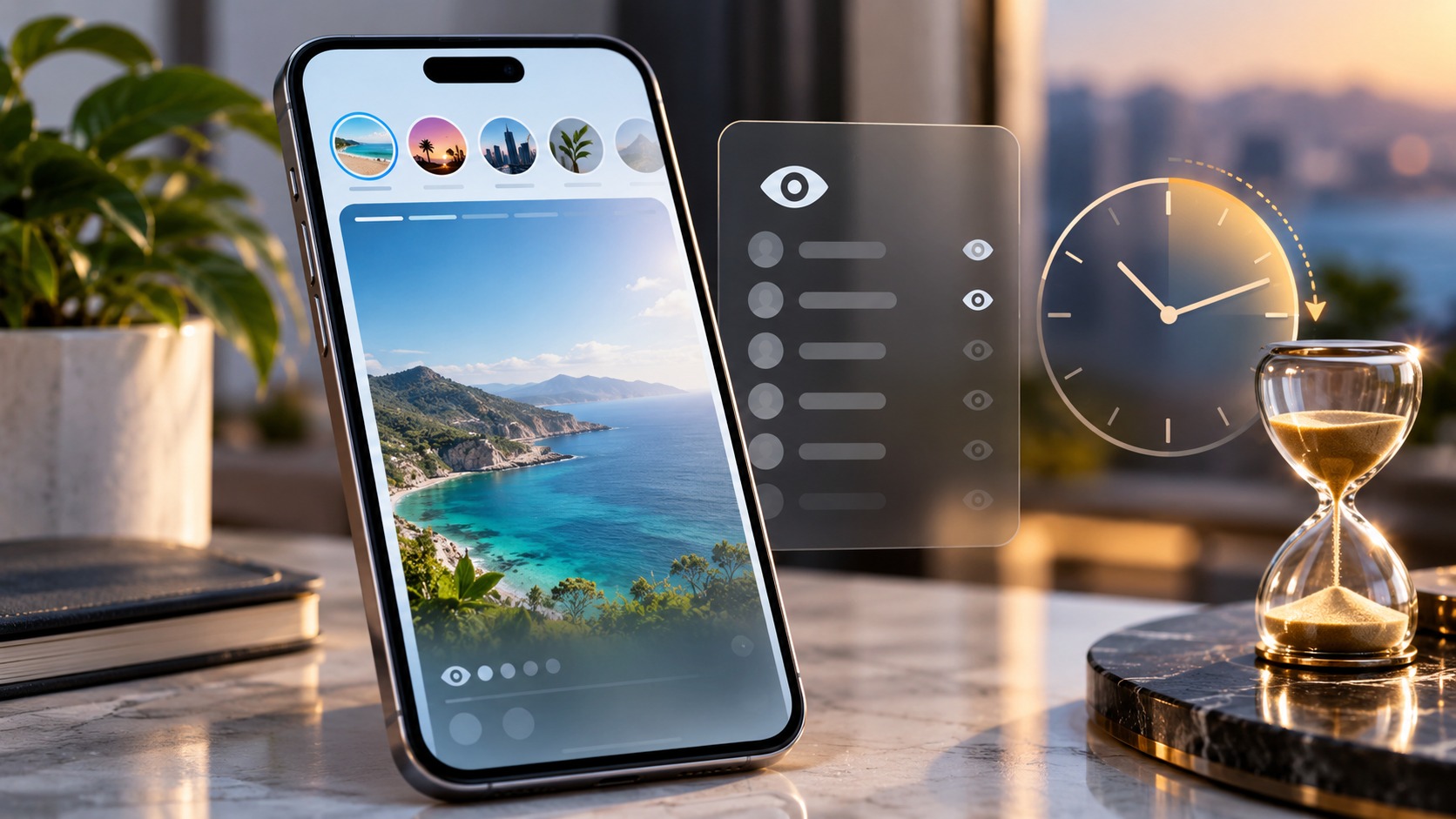
Under Instagram’s standard Story viewer rule, the owner cannot check the named viewer list after 48 hours from the original Story’s publication. Adding that Story to a Highlight does not restart the clock. A Highlight can remain visible long after its viewer list stops being available.
Check the age of each Story, not the age of the collection. An old Highlight may contain a fresh item whose viewers are still visible. Professional Insights and Instagram Plus features should not be confused with a permanent list of named Highlight visitors. Also, the cutoff does not erase a screenshot the owner already took or a separate interaction you made.
A Highlight called “Summer” might contain last year’s holiday photos and a clip uploaded this morning. The cover tells you almost nothing about which viewing rules apply to the next item.
At Dumpor, we recommend separating three things: how long the content stays available, how long names can be checked, and what other interactions reveal. Those questions overlap, but they do not have the same answer.
The 48-hour clock belongs to the original Story
Instagram’s Help Center says owners can check who saw a Story for up to 48 hours after posting it. For an ordinary Story saved into Highlights, use that original publication time as the reference point.
The date you create a Highlight is a separate event. So are renaming it, changing its cover, or adding an existing archived Story. Organizing old content does not turn it into a newly published Story.
Here is a practical example. You post a café recommendation on Monday at 10 a.m. and add it to a Highlight on Tuesday at 4 p.m. Only 18 hours remain before the original 48-hour point on Wednesday at 10 a.m. You do not receive another two days simply because you organized the recommendation later.
Posting the same photograph again as a new Story is different: that creates another publication with its own timing. Identical media does not necessarily mean the same Story item.
A simple timing table
|
Situation |
What matters for named viewers |
|---|
|
A Story was published 6 hours ago and immediately highlighted |
It is still within the standard viewer window |
|
A Story was published 30 hours ago and added to Highlights today |
Its original publication time remains the reference |
|
A week-old archived Story is placed in a new Highlight |
Creating the collection does not renew the expired viewer list |
|
A year-old Highlight receives a Story published this morning |
The new item must be assessed separately from the older items |
|
An old image is uploaded again as a new Story |
The new publication has its own viewer window |
|
The owner recorded the viewer list before it expired |
Their earlier record may still exist afterward |
Content availability and viewer visibility are different
A standard Story normally remains live for 24 hours. Highlights let selected Story content stay on a profile beyond that ordinary lifespan, while Archive gives the owner a place to retain eligible past Stories privately.
Neither feature should be treated as a promise of permanent viewer identities. Keeping the content and keeping access to its named audience are separate functions.
This explains why an owner can open a perfectly playable Highlight but no longer find the same viewer information they saw earlier. The media has not necessarily broken. The reporting available for it may simply have changed with time.
The reverse is possible as well: a missing or unplayable Story does not prove anything about its viewer list. Deletion, audience settings, and loading problems concern access to the item itself. Our guide to what “This Story Is Unavailable” means explains those situations.
Can someone identify a late Highlight viewer?
For a standard Story already outside the viewer window, an ordinary passive Highlight view is not exposed through a newly available named viewer list. That is the useful answer for someone wondering about an older item.
It is still too broad to promise that another person could never know you encountered the content. They might have seen your name while it was recent, retained an earlier record, or received a message from you about it.
A reply, reaction, or other available interaction is separate from passive playback. If you identify yourself through one of those actions, the age of the underlying content does not make the interaction anonymous.
Likewise, an owner may make an inference from context. An inference is not an Instagram feature. Knowing that you discussed a particular photograph does not mean the platform supplied a hidden visitor report.
One Highlight can contain Stories of different ages
This is the detail most likely to change the answer during an actual visit. The Highlight’s name and cover may stay the same while its contents change.
Imagine a brand’s “FAQs” collection. Most slides were published months ago, but the team adds a new delivery update today. A person who opens the collection may move from older slides into the recent update without returning to the profile.
The owner may still be able to inspect viewers for that recent Story. The existence of older material elsewhere in the collection does not make the new item’s audience invisible.
For viewers, do not use the collection’s familiar appearance as proof of its age. For owners, inspect the exact item that matters instead of looking for one visitor list covering every Story ever included in the Highlight.
How owners can check viewers while the list is available
Use Instagram’s own interface while signed into the account that published the Story. The mobile app is usually the clearest place to inspect the relevant controls.
-
Open your profile and select the relevant Highlight, or open the recent Story directly.
-
Move to the specific photo or video you want to inspect.
-
Look for Activity, a viewer indicator, or the available swipe-up viewer panel.
-
Check whether it displays account names, a total, interactions, or Insights; those are different information types.
-
If the Story has left its ordinary live placement, check Stories Archive where available and verify the original posting time.
Menu labels and placement can differ between versions. A screenshot of someone else’s interface is not a reason to assume the same control must appear on your account.
If names are missing for a genuinely recent Story, confirm that you selected the correct item. Then restart or update the app and check again. Technical troubleshooting can help a display problem; it cannot renew reporting that is no longer available under the feature’s normal rules.
Avoid repeatedly deleting and recreating Highlights as a test. That changes the presentation of your content without addressing the age of the original Story.
What business and creator accounts can still measure
Professional accounts may have access to eligible Story Insights, including aggregate performance and interactions. The exact metrics and reporting period depend on the content and interface available to the account.
A metric is not a named audience list. Seeing a total or a change in performance does not identify a particular late visitor, and switching to a professional account is not a way to recover expired names.
Read the label of the metric you are using. Views and accounts reached describe different things, and neither should automatically be interpreted as a list of unique Highlight visitors. Do not subtract one figure from another and assign the result to a person you suspect of watching repeatedly.
Does Instagram Plus change the answer?
Meta’s June 2026 Instagram Plus announcement includes an option to extend a live Story to 48 hours, Story rewatch insights, and search within the Story viewer list.
Those are distinct features. Extending a Story’s live availability does not, by itself, establish a further 48-hour period afterward. Searching an available viewer list also does not mean searching an unlimited historical record.
The announcement does not promise permanent named Highlight viewers or recovery of expired viewer lists. That limit in the published description matters: “more insights” should not be rewritten as “every visitor’s identity forever.”
The package also describes publishing directly to a profile or Highlights. For those newer workflows, check the feature-specific information shown in the app. Do not invent a viewer-retention rule by assuming every direct Highlight upload follows an older Story-to-Highlight sequence.
Availability and controls may evolve. Assess the actual feature rather than treating a paid subscription, a verification badge, and a professional account as interchangeable products.
Repeat views, notifications, and viewer order
A person appearing in a recent Story’s viewer list establishes that their account viewed that content. It does not explain their motive or necessarily show the route they used to reach it.
Ordinary Story playback is also different from sending a message. A view can be visible in the appropriate list without producing a separate direct message announcing it. Conversely, the absence of a notification does not establish that your account was absent from the list while it was available.
Rewatch reporting, where offered, needs the same care. Read whether the feature reports a total, individual accounts, or another measure. Do not turn a count into an identity that the interface does not actually provide.
If you are interpreting an old screenshot, note when it was captured. Evidence collected while a Story was recent can be shown later; seeing that screenshot afterward does not prove Instagram is still exposing a live viewer list.
Can Archive, a data download, or an app restore the names?
Stories Archive is useful for finding content you previously published and retained. It should not be described as a permanent directory of everyone who viewed it.
There is likewise no documented ordinary account-download procedure that guarantees recovery of an expired Highlight viewer list. An export may contain account information and recorded activity, but its existence is not evidence that it contains the particular list you want.
Third-party claims deserve the same scrutiny. A tool can display public information or analyze data an account legitimately authorizes it to access. That does not establish access to an expired private viewer list.
Before trusting a “Highlight stalker detector,” ask what its names represent. Followers, recent commenters, and people who liked a post are not interchangeable with viewers of a particular old Story.
Be especially cautious if the service:
-
Promises to recover every visitor without describing a verifiable source.
-
Requires payment before showing whether the promised data exists.
-
Produces a ranking that resembles your followers or recent interactions.
-
Asks for your password or verification code to unlock hidden identities.
If an owner needs a record of information currently available in their own account, they must capture it while it is accessible. An earlier screenshot preserves that earlier state; it does not update with subsequent visitors.
Why “anonymous viewing tricks” are unreliable
Airplane mode, partial swipes, temporary blocking, and rapid account changes are often presented as universal ways to avoid appearing. None should be treated as a guarantee that a view cannot be recorded or later synchronized.
The practical question is which content you are opening and under which account. If the collection may contain recent Stories, assume ordinary playback can have the visibility associated with those Stories. If you do not want to perform that action, avoid opening it rather than relying on an unverified reversal trick.
Where Dumpor fits into public Highlight browsing
The Dumpor Instagram viewer provides a way to look for publicly accessible Instagram content without signing into your Instagram account. It can be useful for browsing available public material through a separate interface.
That role is different from recovering an owner’s viewer history. Dumpor does not reveal the names behind expired viewer lists, grant private-account access, or establish who repeatedly visited a Highlight.
A result missing from a public viewer also does not establish that nobody watched it. Retrieval availability and audience reporting are separate matters. Check the source content before drawing conclusions from a blank result.
If public content works on Instagram but fails to load through our website, contact Dumpor support with the public profile URL, the affected item, your browser, and the error text. We can investigate a problem with our service. Do not include Instagram passwords, verification codes, or screenshots of unrelated private conversations.
FAQ
Can someone see that I viewed a Highlight after 48 hours?
Does adding a Story to Highlights restart the 48-hour timer?+
No. Moving an existing Story into a Highlight changes where it remains accessible, not when that Story was originally published. Uploading the same media again as a new Story is a different event. For newer direct-to-Highlight publishing features, follow their specific guidance instead of assuming the timing from a different workflow.
Can I see viewers after 24 hours but before 48 hours?+
For a standard Story, the viewer-checking period can extend beyond its ordinary 24-hour live lifespan. Owners may need to open the retained Story through Archive or its Highlight placement. Confirm that archiving was available and that you are inspecting the right item. A missing menu can also reflect a different app interface.
Can a business account see who watched an old Highlight?+
A professional account can have aggregate Insights without having a permanent named viewer list. Available metrics may help assess content performance, but they do not establish the identity of each late viewer. Replies and other voluntary interactions are separate sources of information. Changing account type does not promise restoration of expired viewer identities.
Will the owner know how many times I replayed it?+
Do not infer an individual replay count from the position of your name or a general view total. Some features provide rewatch information, but its meaning depends on what the interface actually reports. A total, a named viewer, and a per-person replay count are different claims; only the displayed information supports the corresponding conclusion.
Can someone keep proof that I viewed a Story before the cutoff?+
Yes. If your account appeared while the list was available, the owner may already have seen it or recorded the screen. The end of the reporting window does not remove information they retained separately. Such a record shows an earlier state; it does not prove they can identify new viewers of the same old item.
Why can I see some viewers in a Highlight but not others?+
First check whether you are comparing different Story items. A collection can combine publications with different ages, and the reporting available for each may differ. Also distinguish names from interaction records and aggregate figures. If a genuinely recent item appears to malfunction, update the app and report the specific problem rather than rebuilding the collection.
Can Dumpor show who viewed my Highlights after the list disappears?+
No. Dumpor’s public browsing tools do not recover private or expired viewer records. Use Instagram’s available reporting for your own content, and interpret aggregate metrics according to their labels. If you need help with a public item failing to load on Dumpor, our support team can investigate that service issue without requesting your Instagram credentials.

 Telegram bot
|
TikTok Viewer
Telegram bot
|
TikTok Viewer