Instagram Collaborative Collections: How to Save and Organize Posts Together
TL;DR
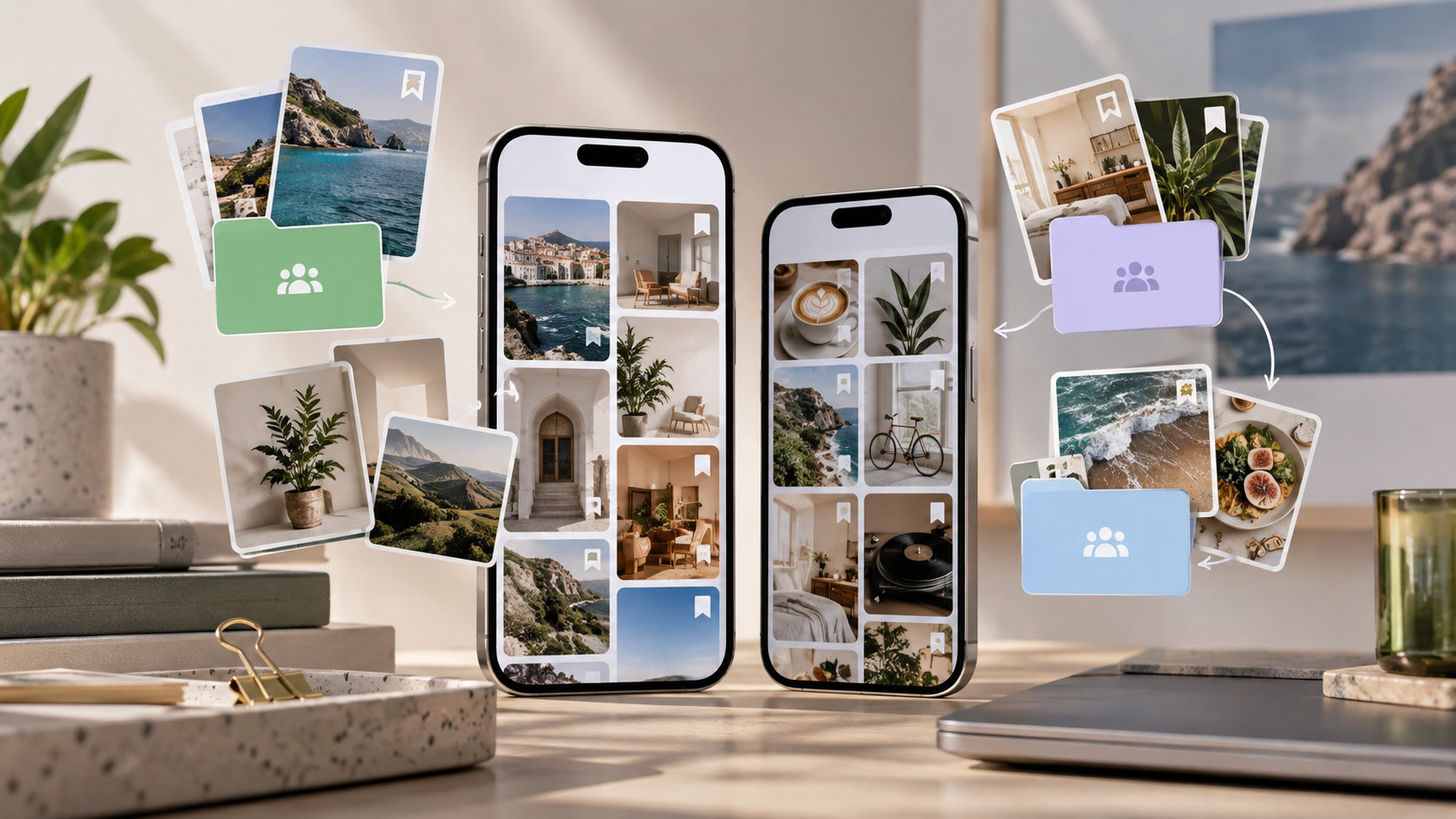
Instagram collaborative collections let selected people save posts and Reels into the same shared collection. You can start from a post or a Direct conversation, choose the participants during setup, and return through Saved or the relevant chat. Contributions are shared with participants rather than published as a collection on your public profile.
Use the feature for trip ideas, creative references, and small-group shortlists. It does not grant access to private source posts, preserve deleted content, or replace a project-management system. Check the actual collection and chat settings before changing membership or deleting anything. Shared saving, coauthoring a Collab post, and approving content for publication are separate activities.
A group chat can contain twenty restaurant suggestions and still leave everyone asking where the good breakfast place went. A shared collection gives those references somewhere to live beyond the message stream.
At Dumpor, we recommend treating it as a joint shortlist. Decide who needs access and what belongs there before adding dozens of posts. The first collection is easy to create; keeping it useful requires a little agreement among the people using it.
What is an Instagram collaborative collection?
It is a shared version of Instagram’s collection feature: selected participants can contribute saved references and browse material contributed by others. Meta describes the workflow as available from both Feed and Direct, including conversations with a friend or a group.
The content remains attached to its original Instagram publication. Saving a café Reel does not upload a separate copy into a group-owned media library. The source creator still controls the original, and participants still need permission to view it.
Which Instagram feature do you need?
|
Goal |
Relevant feature or workflow |
Main distinction |
|---|
|
Keep a joint shortlist of posts |
Collaborative collection |
Selected people contribute to a shared collection |
|
Send one reference for discussion |
Direct message |
The item appears in a conversation |
|
Publish a post with another author |
Instagram Collab |
Coauthorship concerns the published post |
|
Collect ideas without sharing them |
Personal collection |
Other people are not collaborators |
|
Approve campaign assets and track deadlines |
A separate team workflow |
Requires explicit decisions, responsibilities, and records |
Create a shared collection from a post or Reel
Use the Instagram mobile app as the starting point. Button placement can differ by content type and app version, so follow the labels in your interface rather than the exact position shown in an older screenshot.
The setup sequence is:
-
Open the post or Reel you want to collect and select Save.
-
Open the collection choices and choose New Collection where offered.
-
Enter a recognizable name.
-
Turn on Collaborative before completing setup.
-
Select the people or relevant conversation offered by Instagram.
-
Confirm with Save or the equivalent completion button.
Before adding more material, ask a participant to open the collection and contribute a relevant public post. This checks that you created the intended shared space under the correct accounts.
Choose a name that tells people what belongs there. “Lisbon — October Food Ideas” is more useful than “Saved Together.” For a work project, “Autumn Launch — Product Demonstrations” gives contributors a selection rule without a long explanation.
Create a collection from an existing DM conversation
The chat route is useful when the people and purpose are already established. Open the conversation containing a shared post, use the save control beside that item, and choose an existing collection or create a new one.
A message and a collection solve different problems. The message explains why the reference matters; the collection keeps it easy to find. For example, send “Useful opening shot, not a product recommendation” alongside a Reel, then retain the Reel in the shared reference collection.
Merely sending a post does not establish that it has been added to the intended collection. After setup, open the collection itself and confirm that the item is present.
Find the collection and keep adding to it
Meta describes two access routes: your profile’s Saved area and the details of the associated conversation. In Direct, opening the person’s or group’s name at the top of the chat can lead to the shared collections.
For subsequent contributions, select the intended shared collection as the save destination. Your existing personal folders may appear nearby, so do not assume the first suggestion is correct.
Use one collection per decision or clearly defined topic. A team evaluating packaging ideas may need a different collection from the one gathering filming references. Keeping everything in a single “Inspiration” folder soon recreates the search problem you were trying to solve.
Who sees shared saves and notifications?
Participants can see the material shared within their collection. Meta’s launch instructions also explain that adding a post sends a notification into the associated friend or group chat.
That does not guarantee an immediate push alert on every participant’s device. Notification settings affect what a person notices, so a quiet phone is not evidence that the contribution remained private.
The original creator is not automatically invited because their post was saved. If they are a participant, they can see the shared material in that role. Otherwise, a shared collection should not be confused with a public repost announcing the group’s interest.
Nor does membership reveal every participant’s unrelated personal collections. The collaboration concerns the shared space, not unrestricted access to someone’s entire Saved area.
Can you change the participants later?
Plan the intended group before setup. Do not treat a collection as a workplace folder with guaranteed administrator, editor, and viewer roles, or assume you can freely transfer ownership when a project ends.
Membership behavior needs particular care when a collection is associated with a group chat. Check both the collection details and the conversation’s current membership. Do not infer that changing one setting necessarily produces every access change you want elsewhere.
If your app does not offer a suitable way to change the participant set, create a replacement with the intended people and add the required references again. Confirm access before making the old collection redundant.
For ongoing projects, record the participating accounts, the person coordinating the shortlist, and essential source links outside Instagram. These are team arrangements, not Instagram permission roles.
Can an existing personal collection become collaborative?
Set up collaboration when creating the shared collection rather than planning around a later conversion. If an existing personal collection has no supported collaboration option, create a new shared collection and add the relevant posts there.
Review the contents before doing so. A private reference folder may include unrelated items, rejected ideas, or material you never intended to share with colleagues.
Editing, removing items, and deleting collections
Open the exact collection and inspect its menu for the available editing and removal controls. Read the confirmation text before proceeding, particularly when the action concerns a shared collection.
Distinguish three operations:
|
Operation |
What to establish before confirming |
|---|
|
Edit the collection’s name or cover |
Whether you are changing the shared collection everyone uses |
|
Remove a reference |
Whether the action removes it from the shared destination, your saved items, or another scope shown by the app |
|
Delete the collection |
Whether the whole shared collection will disappear for participants |
Do not use Delete Collection as a substitute for “stop showing this to me.” A shared deletion can affect other people’s access to the organized shortlist. Likewise, deleting a DM thread should not be assumed to perform a clean membership change or collection handover.
Before substantial cleanup, tell the group what is changing. Retain important source URLs and decisions in the agreed project record. A removed collection reference is not the same as deleting the creator’s original post, but rebuilding the group’s organization can still take time.
Why one member cannot open a saved post
A collection shares references; it does not override the original audience. If a post comes from a private account, a member without the necessary access may be unable to view it even when another participant can.
Compare the source before troubleshooting the collection. Ask whether the affected person can open the same post directly, using the same Instagram account. If not, the underlying access problem needs attention first.
If the difficulty starts with finding the source account, our guide to Instagram profiles not showing in search explains the relevant checks. A missing search result alone does not prove that the shared collection is broken.
A practical workflow for friends
Consider a group planning a weekend trip. Create a collection for one decision, such as restaurants, and agree on a simple rule: save places that fit the area and approximate budget.
When adding an item, put useful context in the conversation. “Near the station; check Sunday opening” gives the group a next step. The saved Reel by itself may show attractive food without confirming location, availability, or current prices.
Record the final choice explicitly in the chat. Leaving five restaurants saved does not tell everyone which one was booked. Once the decision is made, the collection can remain a reference without acting as the itinerary itself.
A practical workflow for creative teams
For a small team, a collaborative collection can serve as a place to gather references during everyday Instagram browsing. Give it a narrow brief, such as “clear product-size demonstrations,” rather than “content we like.”
Ask each contributor to explain why they added a reference. Was it the opening, the demonstration, the audience question, or the way captions made the video understandable without sound?
Review the shortlist at a defined point and transfer selected learnings into an actual brief. A saved post should not silently become an approved execution.
A useful external record includes:
-
The source URL and date reviewed.
-
The reason it was selected.
-
The original idea your team wants to develop.
-
The person responsible for the next step.
-
Any permission required for using a specific asset.
Shared saving does not give your brand reuse rights. A publicly visible video may be a useful reference without being available for your advertisement. Keep inspiration, licensed assets, and approved deliverables distinct.
Where shared collections stop being enough
Collections work best when everyone already uses Instagram and the task is gathering existing posts. They are less suitable when a project needs detailed permissions, formal approvals, assignment tracking, or a dependable record of every change.
Do not rely on them as a public portfolio, a client approval portal, or a guaranteed offline archive. Sending someone an individual source link is not the same as giving them access to the whole shared collection.
Troubleshoot a collection that is missing or not updating
Work through the scope of the problem before reinstalling the app or rebuilding the group’s references.
- Confirm the account. Check that you are using the account included in the collaboration.
- Open the original DM thread. Inspect its details for the intended collection.
- Check the collection type. A similarly named personal folder will not show other people’s contributions.
- Compare one item. Ask another member whether the same post and collection open for them.
- Test the original post. Separate source availability from collection visibility.
- Update and restart Instagram. Use the current mobile app when browser controls are incomplete.
- Report a reproducible problem. Include the app version, device, exact symptom, and steps through Instagram’s reporting option.
If everyone sees the references but only one person receives alerts, inspect notification settings before treating it as a synchronization failure. If only one source item fails, concentrate on that item rather than rebuilding the collection.
Where Dumpor fits
The Dumpor Instagram viewer can support discovery of available public profile content without signing into Instagram. It is a separate browsing tool, not a way to enter a private collaborative collection.
A Dumpor search or download does not add a post to your Instagram group. To contribute through Instagram, open the appropriate original content and use the shared-saving workflow from the account included in the collection.
If public content fails specifically on our website, contact Dumpor support with the public URL, your browser, and the error you encountered. We can investigate that service issue. Please do not include passwords, verification codes, or private group-chat screenshots.
FAQ
How do I create an Instagram collection with a friend?
Where can I find a collaborative collection someone shared with me?+
Check Saved on the participating account and the details of the associated Direct conversation. If it is missing, confirm which account received the shared collection and whether you are opening the correct chat. Ask the other participant for the collection’s exact name before creating a duplicate that divides the group’s references.
Does everyone receive a notification when a post is added?+
Meta describes new additions as generating a notification in the relevant chat. Whether someone receives or notices a device alert depends on their settings. Treat the contribution as visible to collection participants even if nobody reacts immediately. A lack of a push notification does not make a shared save private.
Can I invite another person after creating the collection?+
Do not assume that collections provide freely editable membership like a workplace folder. Inspect the current collection and conversation controls, especially for a group-linked collection. If the desired change is unsupported, create a replacement with the intended people, add the needed references, and verify access before retiring the old workflow.
Can I make an old personal collection shared?+
Use collaboration during new collection setup. If the existing folder has no supported conversion control, create a shared destination and add the relevant posts again. Review them first: a personal collection may contain material outside the group’s purpose. Renaming the original folder does not change its access settings.
Why can my friend see a collected post when I cannot?+
The original post may have an audience restriction that your account does not satisfy. Collection membership does not override private-account permissions. Test the exact original post from the affected account. If the source itself is unavailable, changing the collection name or refreshing Saved will not grant the missing access.
Does deleting a collection delete the original posts?+
Deleting a collection concerns the organized references, not the creator’s original publications. However, deleting a shared collection can affect other participants’ access to that shortlist. Read the confirmation carefully and retain important links before proceeding. Do not assume deletion is equivalent to leaving or hiding a collection only for yourself.
Can a team use collaborative collections instead of a project-management tool?+
They can help a small group gather Instagram references, but approval decisions, deadlines, responsibilities, and content permissions need an explicit record. Use the collection for discovery and discussion, then put chosen ideas and next steps into the team’s normal project workflow. A shared save is a suggestion, not automatic approval.

 Telegram bot
|
TikTok Viewer
Telegram bot
|
TikTok Viewer