One Post, Several Grids: How Instagram Collabs Actually Work
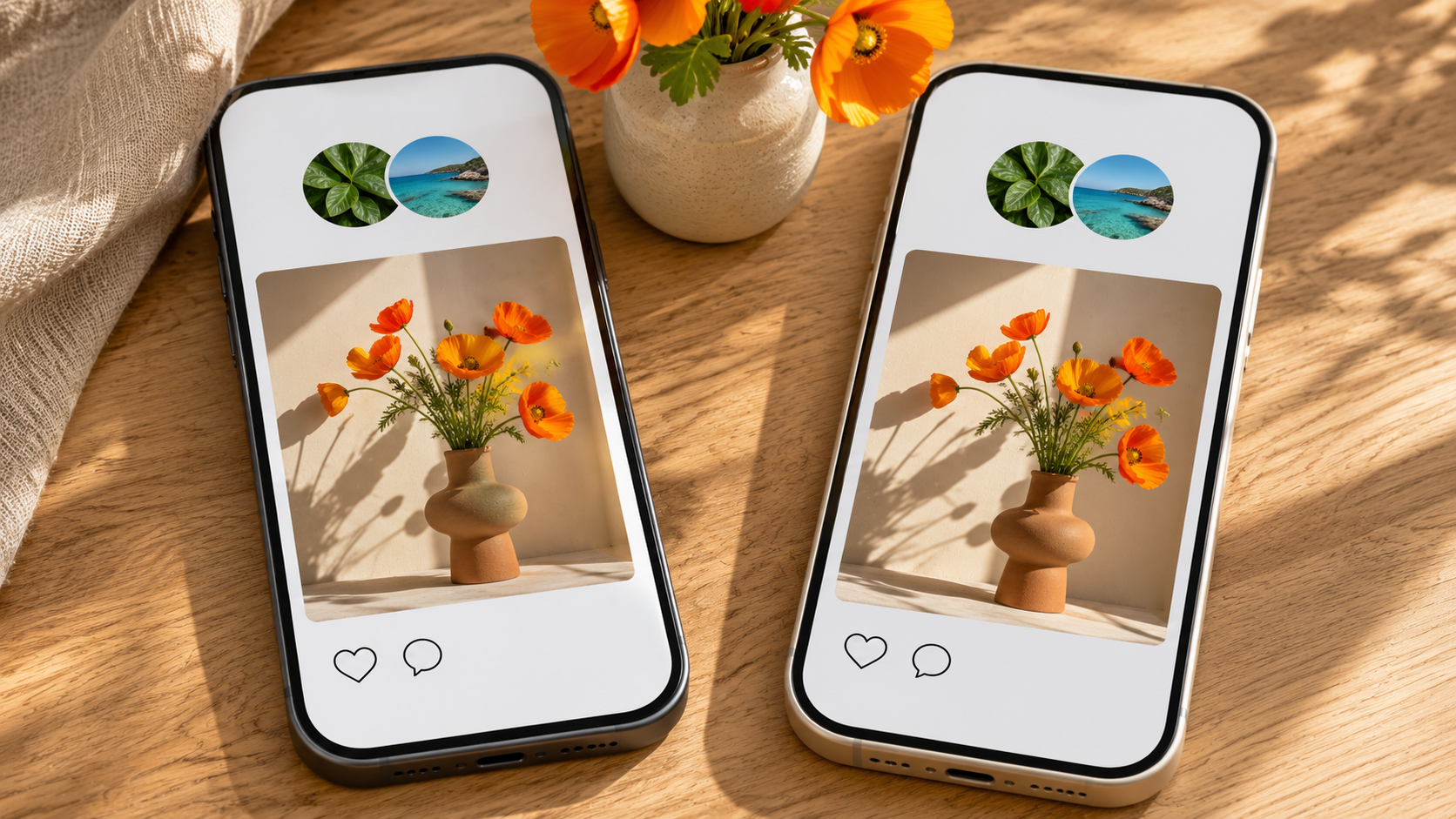
TL;DR: An Instagram Collab post is a single feed post, carousel or Reel with up to six authors: the original creator plus as many as five invited collaborators. Once an invite is accepted, the post shows every co-author in its header, appears on each of their profile grids and is distributed to all of their audiences, while likes, comments, shares and views pile up on one shared counter. Public accounts can invite anyone; private accounts can invite only people who follow them. The original author keeps control of the caption, edits and deletion, and can add or remove collaborators at any time through Edit → Tag people. A collaborator can walk away whenever they like by tapping the three dots on the post and choosing to stop sharing it, which takes the post off their own grid but leaves it live everywhere else. Stories do not support Collabs.
Picture two accounts that each have 40,000 followers. Normally, if they want to promote the same giveaway, they publish two separate posts, split the comments between them and end up with two half-full like counters that impress nobody. A Collab removes that duplication. There is one post, it lives in two places at once, and every heart lands in the same bucket.
That is the whole pitch, really. The details, though, are where people get tripped up: who holds the keys, what happens when a partnership goes sour, why the invite button sometimes refuses to show up. We look at Instagram all day (it is, after all, what Dumpor is built around), so below we have laid out how the feature behaves in practice — not just what the release notes promised.
What Makes a Collab Different From a Tag or a Mention
People confuse these three constantly, and it’s understandable, because they all live under the same “Tag people” menu. Functionally, though, they’re worlds apart.
A tag pins an account onto a photo. The tagged person gets a notification, and the post appears in their Tagged tab, but not on their main grid. A mention is simply an @handle in the caption or a comment; it is a clickable link and nothing more. A Collab, by contrast, makes the invited account a genuine co-author whose name sits right in the post header next to yours.
|
Feature |
Collab |
Photo tag |
@Mention |
|---|
|
Name shown in post header |
Yes, all co-authors |
No |
No |
|
Appears on the other account’s main grid |
Yes, after acceptance |
No (Tagged tab only) |
No |
|
Shown to the other account’s followers |
Yes |
Rarely, indirectly |
No |
|
Likes and comments shared |
One combined counter |
Stay with the poster |
Stay with the poster |
|
Requires approval |
Yes, an invite must be accepted |
Optional, depends on tag settings |
No |
|
Maximum per post |
5 collaborators |
20 tags |
Limited by caption length |
|
Works in Stories |
No |
Mentions only |
Yes |
The table makes one thing obvious. If the goal is borrowed reach, only a Collab delivers it in a structured, measurable way.
Who Can Collaborate With Whom
Privacy settings decide most of this, and Instagram is fairly strict about it.
- Public account as the creator. You can invite any public or private account. No follow relationship is required.
- Private account as the creator. You can invite public or private accounts, but only those that already follow you. Instagram shows a short explainer the first time you try.
- A public account accepting a private account’s invite. Here is the quirk: the post becomes publicly visible through the public collaborator’s profile, even though the creator’s own profile stays locked. Worth thinking about before you press Share.
- A private account accepting an invite. Its username appears on the post, yet anyone who wants to see the rest of that profile still has to send a follow request.
- Creator switching from public to private later. After the switch, the post is visible only to the creator’s followers, even if the collaborators run public accounts.
There is no follower minimum. A brand-new profile with twelve followers can start a Collab just as easily as a celebrity can — whether anyone accepts is another matter entirely. Instagram does note, however, that accounts that have broken its Community Guidelines may lose access to the feature, so a missing button is occasionally a quiet penalty rather than a glitch.
How to Send a Collab Invitation
The process takes under a minute. Here is the standard route on both iOS and Android:
-
Create a feed post, carousel or Reel and go through the editing screens as usual.
-
On the final screen, before publishing, tap Tag people.
-
Tap Invite collaborator.
-
Search for the account, select it and repeat for up to five accounts in total.
-
Tap Done, finish the caption, then tap Share.
Your post goes live on your profile straight away. It only lands on each collaborator’s grid after that person accepts.
Forgot someone? You can add them after posting
For a long stretch, the only fix for a forgotten partner was to delete the post and publish it again, which reset every like and comment to zero. That’s no longer the case. Instagram’s Help Center now states that the original author can add or remove a collaborator at any time. Open the published post, tap the three dots in the corner, choose Edit, then Tag people, and invite the account from there. If the option seems to be missing, update the app first; feature rollouts on Instagram are notoriously uneven, and an outdated build is the usual culprit.
Accepting or Declining an Invitation
Invitations arrive as notifications and, depending on your app version, as a message in your inbox. Tap the invite, then Review, and you’ll see a preview of the post along with two buttons. Accept, and the post joins your grid and starts appearing to your followers. Decline, and nothing changes on your side; the post stays exactly where it was on the creator’s profile.
A practical suggestion from our side: read the caption carefully before accepting. You’re lending your name to text you did not write and, as we’ll explain shortly, cannot edit. An awkward typo or a claim you’d never make in public will now sit under your handle as well. Not ideal.
Shared Reach and Shared Engagement: What Really Gets Pooled
This is the part brands care about most — and the part most often oversold.
Reach
When the invite is accepted, the post is distributed to the followers of every co-author. If your audience and your partner’s audience overlap by, say, 30 percent, the remaining 70 percent of their followers are people who may never have seen your account before. That non-overlapping slice is where the value of a Collab sits. Two lifestyle bloggers in the same city with near-identical audiences will gain far less than a coffee roaster teaming up with a cycling club.
The post can also surface in Explore and Reels feeds for all participating accounts, so a Reel that performs well for one co-author tends to drag the others along with it.
Engagement
Every like, comment, share, save and view is counted on one post. Nothing is split, nothing is duplicated. A follower of Account A and a follower of Account B leave comments in the same thread and can reply to each other. Socially, this is one of the feature’s underrated perks: the comment section turns into a meeting point for two communities instead of two quiet rooms.
What the numbers do not tell you
Because everything is combined, the public like count alone won’t reveal which partner brought in the crowd. Professional accounts can open the post’s insights and check metrics such as reach, accounts reached who don’t follow you and profile visits. Those are the figures to compare when deciding whether a partnership earned a repeat. A practical tip: agree on how you’ll share results before launch, because each side’s dashboard may show slightly different detail depending on account type and app version.
Also, a Collab is not a magic algorithm cheat code. A weak post shown to two audiences is still a weak post; it just disappoints more people at once.
Who Controls What After Publishing
Ownership in a Collab is lopsided, and that’s by design. The original creator is the primary author. In plain terms:
- Caption, cover, location and edits — original creator only.
- Adding or removing collaborators — original creator only.
- Deleting the post — original creator only. Deletion removes it from every co-author’s grid at once.
- Archiving — if the creator archives the post, it disappears from all grids; once unarchived, it comes back for everyone.
- Leaving the Collab — any collaborator, at any time, without asking permission.
- Policy violations — if the post breaks Instagram’s rules, the platform may act against the creator and the collaborators alike.
So a collaborator gets visibility, not control. If your brand is the invited party and your legal team is nervous about that (some are, with good reason), agree on the caption in writing before anything is published.
Removing a Collaborator: Three Scenarios
Relationships end. Sponsorships expire, a partner rebrands, an influencer lands in a scandal. Instagram gives you a clean exit in each of these situations.
1. Before the post is published
-
On the final screen, tap Tag people.
-
Tap the X next to the collaborator’s name.
-
Tap Done and publish as usual.
Nothing is sent, and the other account never learns it was briefly on the list.
2. After publishing, if you are the original creator
-
Open the post on your profile.
-
Tap the three dots in the top right corner.
-
Tap Edit, then Tag people.
-
Tap the X next to the collaborator’s account.
-
Tap Done, follow the prompts on screen and save.
The post disappears from that person’s grid and their name drops out of the header. The likes and comments already earned remain on the post, including those left by the removed account’s followers.
3. After publishing, if you are the collaborator
-
Find the post on your profile.
-
Tap the three dots in the top right corner.
-
Choose Stop sharing (the label can vary slightly between app versions) and confirm.
The post leaves your grid, your name comes off the header, and the post stays live on the creator’s profile and any other collaborators’ grids. If what you actually want is the post gone everywhere, you’ll have to ask the creator to delete it; only they can.
One more nuance. Removing someone or leaving is quiet, but not invisible: the other side will eventually notice the post has vanished from a grid or a header. If the split is amicable, a short heads-up message saves a lot of awkwardness.
When the Invite Button Won’t Appear
Most Collab problems have boring explanations. Run through this list before contacting support:
- Wrong format. Stories don’t support Collabs; only feed posts, carousels and Reels do.
- Limit reached. The post already has five collaborators. Remove one first.
- Privacy mismatch. Your account is private and the person you’re inviting doesn’t follow you.
- Outdated app. Update Instagram and restart it, especially if you’re trying to invite after publishing.
- Account restrictions. Recent guideline violations can quietly disable the feature.
- Third-party schedulers. Some publishing tools work through Instagram’s API, which may refuse private or restricted collaborators even when the app itself would allow them.
Checking Collabs Without Logging In
Here’s where we come in. Before a brand agrees to co-author anything, it’s sensible to look at the potential partner’s recent output: which accounts they have already collaborated with, how their Reels perform, what sort of comments their audience tends to leave. Doing that research from your official business account, however, can feel a bit conspicuous (stories show who viewed them, and accidental likes happen to everyone).
With the Dumpor Instagram Profile Viewer, you can browse any public profile’s grid anonymously, without an Instagram account, and spot Collab posts by the multiple names in their headers. The Instagram Reels Viewer lets you check how a creator’s video Collabs perform before you commit, and the Instagram Tagged Viewer shows which brands and people regularly tag the account — often a clearer sign of real partnerships than the grid itself.
Type a username into the search bar at the top of the page and see for yourself. It takes seconds, it’s free, and nobody gets a notification.
FAQ
Frequently Asked Questions
How many collaborators can I add to one Instagram post?+
You can invite up to five collaborators to a single feed post, carousel or Reel. Counting the original creator, a Collab can therefore have as many as six authors. If you need to bring in a new partner and the post already has five, remove one of the existing collaborators first through Edit → Tag people, and the free slot opens up immediately.
Can I add a collaborator after the post is already published?+
Yes. Instagram’s own Help Center confirms that the original author can add or remove collaborators at any time. Open the post, tap the three dots, choose Edit, then Tag people, and send the invite. Older guides say you must delete and repost, but that advice is outdated, and following it would wipe out every like, comment and view the post has already gathered. If the option isn’t visible, update the app.
Do both accounts get the same likes and comments?+
There is only one post, so there is only one set of numbers. Every like, comment, share, save and view is counted once and shown to everyone, no matter which co-author’s profile the visitor came from. Followers of different accounts end up in the same comment thread. To understand which partner drove the results, each professional account should look at its own post insights, particularly reach from non-followers and profile visits.
What happens to the post if I remove a collaborator?+
The removed account’s name disappears from the post header, and the post leaves their profile grid. Everything else stays: the post remains live on your profile and on the grids of any remaining collaborators, and all engagement collected so far, including likes and comments from the removed account’s followers, stays attached to it. The removed account cannot edit or restore the post on its own.
How do I remove myself from someone else’s Collab?+
Open the post on your profile, tap the three dots in the top right corner and choose Stop sharing, then confirm. The post will no longer appear on your grid, and your name will be removed from the header. Keep in mind that this does not delete the post. It remains on the original creator’s profile, and only the creator can delete it entirely.
Can a private account take part in a Collab?+
Yes, with conditions. A public account can invite any private account. A private account can start a Collab too, but only with accounts that follow it. If a public account accepts an invite from a private one, the post becomes publicly visible through the public collaborator’s profile, which surprises many users, so review your privacy expectations before inviting anyone.
Can I create a Collab in Instagram Stories?+
No. Collabs are available for feed posts, carousels and Reels only. In Stories, you can mention another account or reshare a post, but there is no Invite collaborator option, and engagement is not pooled between accounts.
Who can edit or delete a Collab post?+
Only the original creator. They control the caption, the cover, the list of collaborators, archiving and deletion. If the creator deletes or archives the post, it vanishes from every co-author’s grid at once. Collaborators can only choose whether the post stays on their own profile, which is why it’s wise to agree on the final caption before accepting an invite.
Why can’t I see the Invite collaborator option?+
The most common reasons are an outdated app, an attempt to add a collaborator to a Story, a post that already has five collaborators, or a private account trying to invite someone who doesn’t follow it. Instagram also notes that accounts with guideline violations may lose access to Collabs. Work through those causes one by one before contacting support.
Can I view someone’s Collab posts without an Instagram account?+
Yes, as long as the profile is public. Dumpor lets you open any public Instagram profile anonymously, scroll through its grid and Reels, and see which posts are co-authored, all without logging in and without the account owner being notified. It’s a quick way to vet a potential partner before you send or accept a Collab invitation.

 Telegram bot
|
TikTok Viewer