How to See Someone's Instagram Following List Without Logging In
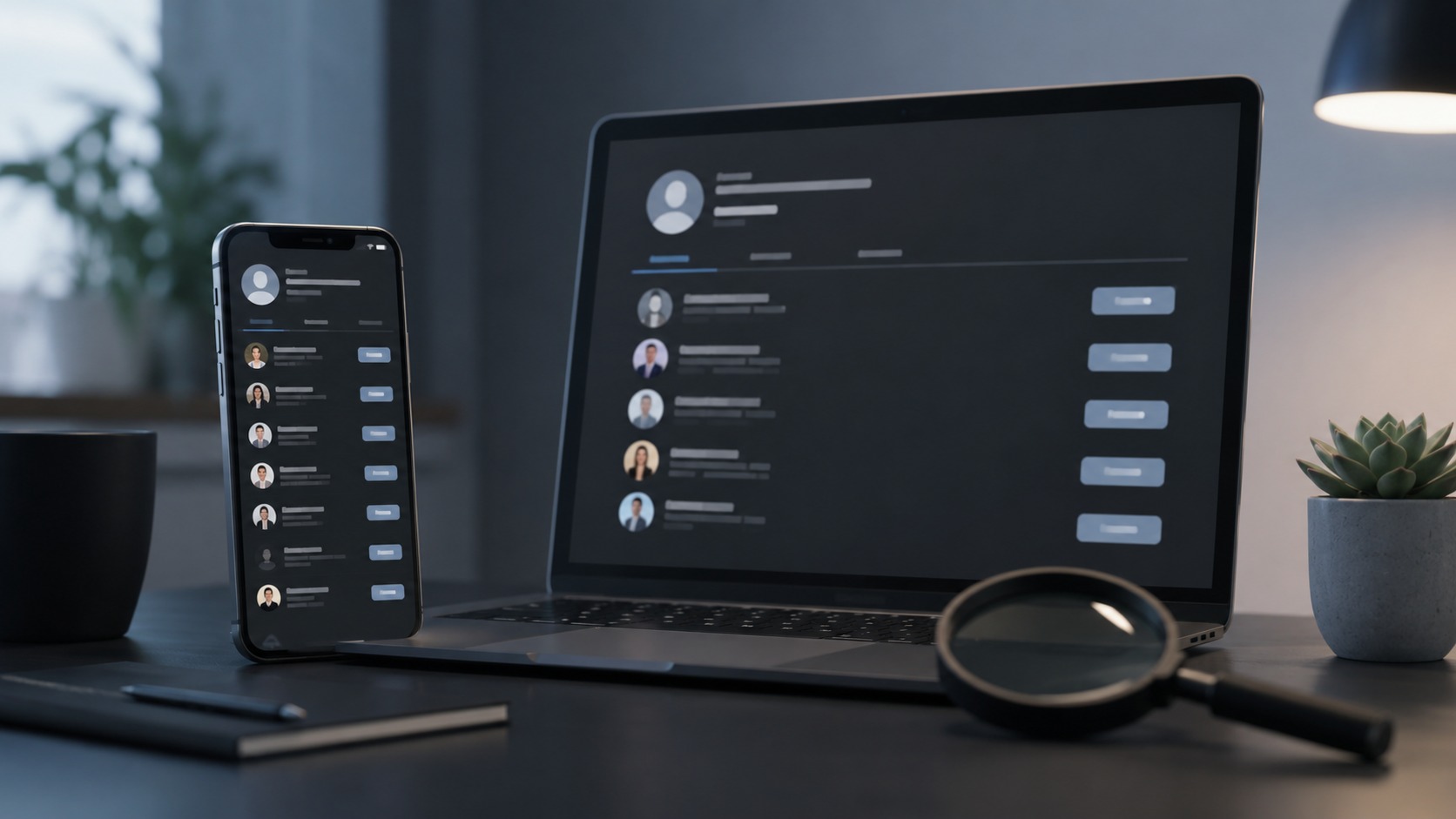
TL;DR: You can absolutely check who a public account follows without an Instagram account of your own — you just can’t do it inside the app anymore. Tap “Following” while logged out and Instagram slams a login wall in your face, on public and private profiles alike. The workaround is an anonymous viewer: type in the public username, the tool pulls the list through its own connection, and you read who they follow without ever signing in or tipping the person off. Two hard limits, though. Private accounts you don’t already follow stay sealed — no legitimate tool cracks those, and anything promising to is a scam angling for your password. And the list Instagram shows is ranked by familiarity, not date, so “who they follow” and “who they just followed” are two different questions. Below: the method, the catch, and where the real signal hides.
You tap “Following.” Up comes the wall.
That little prompt demanding you log in — it wasn’t always there. For years you could glance at anyone’s follower and following lists straight from the browser, no account, no fuss. Instagram bricked that up. Now the counts still tease you from the profile (“1,204 following”), but the instant you reach for the actual list, authentication gate. Doesn’t matter if the account is wide-open public. Doesn’t matter if you’re a lurker with no profile at all. Meta decided follower data needs a login, and that was that.
So the question isn’t really “can I see who someone follows.” For public accounts, that information is still public by nature. The question is how you reach it without surrendering to the wall — or, worse, to some sketchy app that wants your credentials for the privilege.
Why Instagram bricked up the lists
Quick detour, because it explains everything that follows.
Follower and following lists are gold for scrapers, bots, and anyone building shadow databases of who-knows-whom. Left fully open, they got hammered. Walling them behind a login lets Instagram throttle that traffic, tie activity to accounts it can police, and generally make bulk snooping harder. Reasonable, from their chair.
The side effect landed on ordinary people. Now even a totally innocent peek — is this influencer following brands or just farming follow-backs? does my new business contact follow our competitor? — runs headfirst into the same gate. The data’s public; the doorway got locked. That gap is the whole reason no-account viewers exist.
The method that actually works
Here’s the honest shortlist of ways to see a following list with no account, ranked by whether they, you know, actually work in 2026:
- An anonymous viewer tool. The reliable route. Reads the public list through its own connection, shows it to you, needs nothing from you but a username.
- Search-engine leftovers. Occasionally a cached page or a
site:instagram.com search surfaces fragments. Unreliable, patchy, and mostly a dead end since the wall went up. - “See shared activity.” Instagram’s own feature for spotting mutuals — but it needs you logged in, so it’s out for our purposes.
- Scrolling manually. Requires an account and the login you’re trying to avoid. Circular.
Realistically, it’s the first one or bust. So let’s do that properly.
An anonymous viewer works on a simple principle: it fetches the public data on its side, not yours. You hand it a public username; it queries what Instagram already shows to any logged-in user, then hands you the following list in a clean, scrollable panel. No sign-up. No password. No footprint pointing back at you, because your account was never in the loop — you don’t have one in the loop, that’s the point.
Step by step, it’s almost embarrassingly quick:
- Grab the exact username. Copy it from the profile URL to avoid the dozen near-identical handles that plague popular names.
- Open a reputable viewer — Instagram’s follower and following viewer does this without asking you to log in to anything.
- Paste and search. Drop the username in, hit go.
- Read the list. You’ll see who the account follows, with profile pictures and handles, laid out for scanning.
- Use the in-panel search to check a hunch — does he actually follow her? — instead of thumb-scrolling through eight hundred accounts.
That’s it. No app store detour, nothing installed, and the person you looked up gets no ping, no hint, nothing.
Visible versus useful — the bit nobody explains
Now the part that trips people up, and it’s a big one.
Seeing the list and getting the answer you actually came for aren’t always the same thing. Most people who search this are really asking a sharper question: who did this person follow recently? A new flame. A rival brand. A club, right before a transfer leaks. And here’s the rub — Instagram does not order the following list by date. It ranks it algorithmically, weighted toward accounts you’d probably recognize, not toward when the follow happened. No timestamps. No “followed 3 days ago.” No tidy diff showing what changed since last week.
Let me lay it out plainly:
|
What you want to know |
Does the raw list tell you? |
|---|
|
Who they follow right now |
Yes — the full public list |
|
Whether they follow one specific account |
Yes — search the list for the handle |
|
Their following-to-follower ratio |
Yes — the counts are right there |
|
Who they followed most recently |
No — order is by familiarity, not time |
|
The exact date of a follow |
No — Instagram shows no timestamps |
|
What changed since your last check |
No — a single look is a snapshot, nothing more |
See the split? For “does he follow her,” a one-off look nails it. For “who did she just add,” the raw list buries the newest follows somewhere in the middle, indistinguishable from a follow made three years ago. Some trackers re-sort public data to float recent follows to the top, which is the genuine trick to that question — but understand it’s a re-ordering of public information, not some secret Instagram gave up. If a tool claims literal follow dates, be skeptical; Instagram simply doesn’t publish them.
For sizing up an account, though — authenticity, interests, who’s in their orbit — the list as-is does the job beautifully. A creator following two thousand accounts to score follow-backs looks very different from one following a curated eighty. That ratio alone tells a story before you read a single handle.
The wall you don’t get past
This one isn’t a workaround waiting to be found. It’s a brick wall, and it should be.
If an account is private and you don’t already follow it, its following list is invisible. To you, to me, to every tool on the internet. That’s structural — baked into how privacy works on Instagram, not a setting someone forgot to flip. So any service swearing it’ll reveal a private account’s follows is lying, and the lie usually ends with your Instagram password in the wrong hands, your account blasting spam, and possibly a ban for your trouble.
Burn this into memory: a legitimate viewer only ever needs a public username. The moment something asks you to log in — to “unlock” private follows, to “verify,” whatever the excuse — you’re looking at a phishing hook, not a feature. Close it. If you want the longer version of why anonymous viewing stays safe and what actually is and isn’t detectable, we walk through it in our guide on whether Instagram can tell if you viewed a profile anonymously.
Will they know you looked?
No. That’s the short, clean answer.
Pulling a public following list through a viewer pings nobody. There’s no “so-and-so checked your follows” notification anywhere in Instagram — it doesn’t exist. You didn’t follow them, didn’t like anything, didn’t view a Story, didn’t leave a trace they can read. The lookup is invisible by design, which is exactly why the method suits everything from casual curiosity to legitimate research where discretion is the whole point.
Worth saying, since we’re being straight: public data being reachable doesn’t make every use of it fair game. Checking who a business follows is research. Obsessively monitoring an individual to control or intimidate them isn’t, and no tool should be bent to that. Public is public — how you act on it still matters.
Who checks following lists, and why
Plenty of ordinary, above-board reasons, actually:
- Vetting an influencer before a collaboration. Their following list and ratio expose whether the audience is real or a follow-back mirage.
- Competitor research. Watching who a rival brand follows — agencies, suppliers, new hires, partners — leaks strategy in plain sight. We dig into the discreet version of this in our piece on monitoring a competitor’s Instagram without following them.
- Checking mutuals. Seeing whether two accounts follow each other, or who they share, before an intro or a deal.
- Plain human curiosity. Sometimes you just want to know, and there’s nothing sinister in a glance.
Every one of those is served by a public list read anonymously — no account, no drama.
Where Dumpor fits
We built Dumpor’s follower and following viewer for precisely this: seeing who a public account follows without a login, without a sign-up, and without your name touching the request. Everything routes through an anonymous proxy, so Instagram sees the proxy rather than you, and the account you’re checking stays none the wiser. It’s free — no pro tier gating the one feature you came for — and it shows both directions, followers and following, plus the ratio that tells you at a glance whether an account’s numbers add up.
Public profiles only, always. We don’t pry into private accounts and we don’t pretend we can. For the vast majority of “who does this person follow” questions, that’s not a limitation — it’s the entire, honest answer.
Quick checklist before you dig
- Get the exact handle. Copy it from the URL; don’t trust memory with common names.
- Use a no-login viewer. If a tool wants your password, it’s fishing — walk away.
- Know what you’re really asking. Whole list, or just recent follows? They’re different jobs.
- Respect the private wall. No account you don’t follow is fair game, full stop.
- Stay decent. Research, yes. Surveillance of an individual, no.
Follow that and you’ll get your answer in about thirty seconds, safely, and without anyone being the wiser.
The short version, one more time
Instagram locked follower and following lists behind a login, but for public accounts the data itself is still open — you just reach it through an anonymous viewer instead of the app. Type a public username, read the list, learn nothing about private accounts (because that door is bolted for everyone), and remember that Instagram ranks the list by familiarity, not date, so recent follows take a re-sort to surface. Done right, it costs nothing, needs no account, and leaves no footprint.
If you’re running influencer vetting, competitor research, or any workflow that leans on this at scale — or you’d like to ask about business and API access to the Dumpor toolset — reach out and leave us a request. We’ll give you a straight answer, public data only.
FAQ
Frequently asked questions
Can I really see who someone follows on Instagram without an account?+
For public accounts, yes. The information is public by nature, so you don’t need an Instagram account to reach it — you need a way around the login wall Instagram now puts on the list itself. An anonymous viewer does that by pulling the public following list through its own connection and showing it to you, no sign-up required. The only accounts that stay off-limits are private ones you don’t already follow, and that restriction applies to everyone, tools included.
Will the person find out I checked their following list?+
No. Instagram has no feature that notifies anyone when their follower or following list is viewed, and reading public data through an anonymous viewer doesn’t touch their account at all. You’re not following them, not interacting, not viewing a Story — nothing that would surface your identity. The lookup is completely invisible on their end, which is why it works equally well for a quick curiosity check or discreet professional research.
Why can’t I just tap “Following” in the app like before?+
Because Instagram added a login wall to follower and following lists. Tap the count now and you’re prompted to sign in, whether the target account is public or private and whether or not you have an account yourself. Instagram did this largely to curb mass scraping and tie list access to accounts it can monitor. The public data didn’t become private — the front door just got a lock, which is the gap no-account viewers step into.
Can any tool show me a private account’s following list?+
No, and treat any claim otherwise as an outright scam. A private account’s following list is visible only to approved followers — that’s a structural privacy boundary, not a setting a clever tool can sidestep. Services promising to “unlock” private follows are almost always after your Instagram password, and handing it over risks a hijacked account, spam sent in your name, and a ban. Legitimate viewers work with public usernames only and never ask you to log in.
Can I see who someone recently followed, not just their whole list?+
Not from the raw list alone. Instagram orders the following list algorithmically, by how likely you are to recognize each account, and it attaches no dates or timestamps. So a follow from yesterday sits jumbled in with follows from years ago. Some trackers re-sort the same public data to push recent follows to the top, which is the practical way to answer “who did they just add” — but it’s a clever re-ordering of public information, not access to hidden follow dates, which Instagram doesn’t publish to anyone.
Is it legal or against the rules to check someone’s public following list?+
Checking public profile information is generally fine — it’s visible to anyone by definition, and looking at it doesn’t breach Instagram’s rules the way scraping at scale or bypassing access controls would. Where it turns questionable isn’t the viewing, it’s the intent: using the data to stalk, harass, or intimidate an individual is wrong regardless of how you obtained it. Stick to public accounts, don’t try to force past privacy walls, and use what you find for legitimate purposes.
Does Dumpor charge for this?+
No. Dumpor’s follower and following viewer is free, with no pro tier locking the feature away. Enter a public username and you can see who the account follows, who follows them, and the ratio between the two, all through an anonymous proxy that keeps your lookup private and needs no login. The one deliberate limit is that it handles public accounts only and never bypasses privacy settings — which, for almost every legitimate reason you’d want to check a following list, is exactly what you need.

 Telegram bot
|
TikTok Viewer
Telegram bot
|
TikTok Viewer