How to Convert Instagram Reels to MP4 or MP3
TL;DR
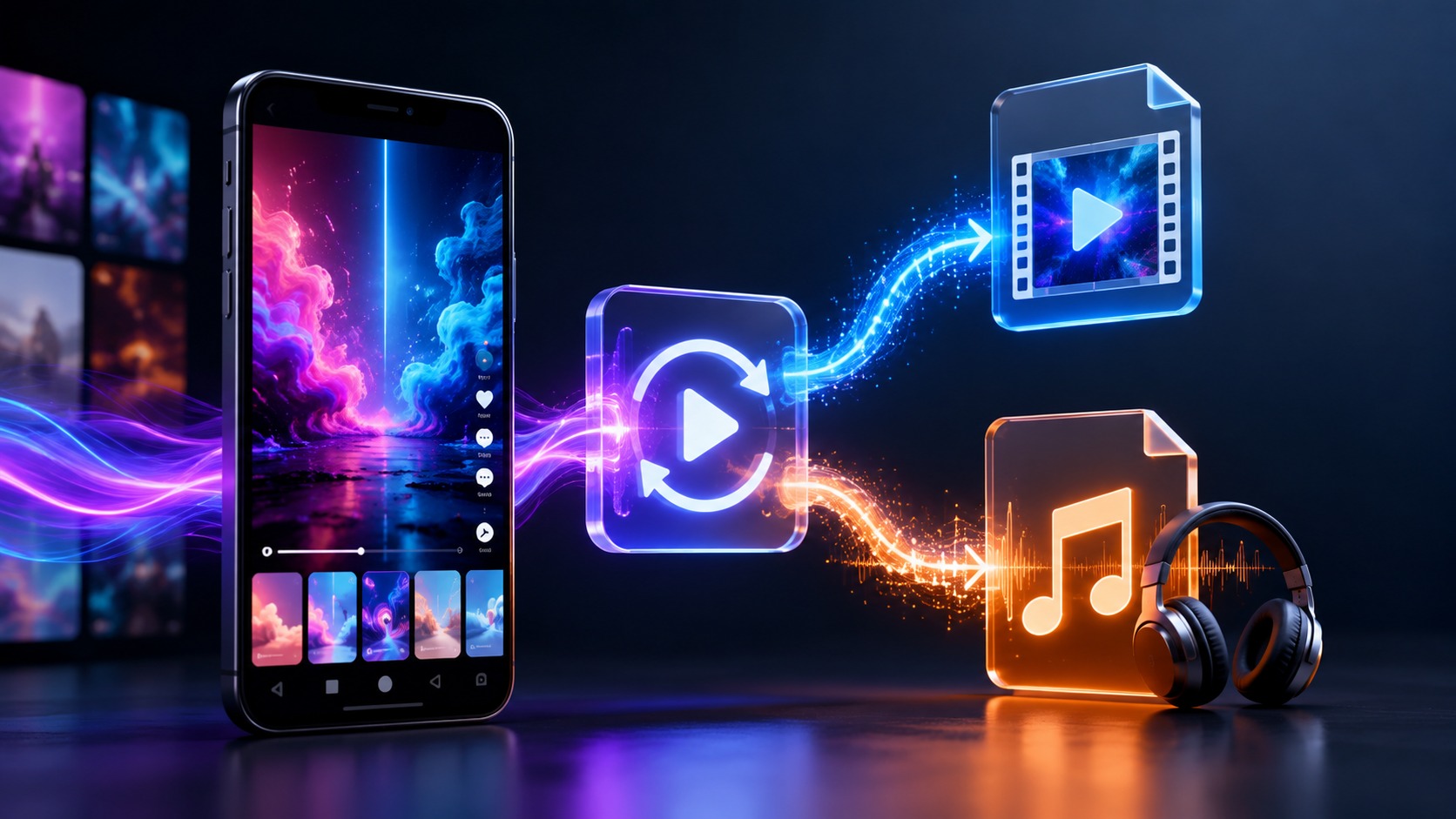
Here’s the plot twist that saves you a step: an Instagram Reel is already an MP4. Instagram stores and serves Reels as MP4 video (H.264 video, AAC audio), so “converting to MP4” usually isn’t converting at all — it’s just downloading the file cleanly, without a tool that re-compresses it or stamps a watermark on top. MP3 is the different one. That means stripping the audio out of the video and saving it as an audio-only file, which is genuinely a conversion — and one that comes with a copyright checkpoint, because most Reel music is licensed and not yours to keep. So: for MP4, download the real file at full quality. For MP3, extract the audio only where you’ve got the rights (your own content, royalty-free, or permission). And steer well clear of converter sites that ask for your Instagram login or bury you in dodgy pop-ups.
The thing nobody tells you about “converting to MP4”
You probably don’t need to convert anything.
Seriously — this trips people up constantly. They go hunting for a “Reels to MP4 converter” as if the video arrives in some exotic format that needs wrangling. It doesn’t. Instagram’s Reels are MP4 files from the jump. So when you save a public Reel properly, what lands on your device is an MP4, full stop. The only question worth asking is whether you saved it cleanly — original quality, no fresh compression, no watermark baked on — or whether some clumsy tool degraded it on the way out.
That reframes the whole task. For video, you’re not converting; you’re downloading well. For audio, now that’s a real conversion. Let’s split them.
MP4 vs MP3 — what you’re actually dealing with
Quick grounding, because the two words get thrown around loosely.
- MP4 is a container. It holds both the video and the audio together — it’s the whole Reel, moving pictures and sound.
- MP3 is audio only. No video, just the sound, in a widely-compatible compressed format.
- M4A/AAC, worth a mention, is another audio-only format — often better quality than MP3 at the same file size, and it’s actually what a Reel’s audio already is under the hood. If your player supports it, M4A can be the smarter pick.
So “Reel to MP4” = keep the whole thing. “Reel to MP3” = throw away the picture, keep the sound. Different jobs, different tools sometimes.
Getting the MP4 (a.k.a. just download it right)
Since the file’s already MP4, your only mission is a clean save. The gold standard is a tool that hands you Instagram’s original file untouched — same resolution, no re-encode, no logo slapped in the corner.
The general flow, whatever tool you use:
-
Open the Reel and copy its link (tap the ⋯ or share icon → Copy link).
-
Paste that link into a downloader.
-
Choose the highest-quality option offered.
-
Save the MP4 to your device.
Two things to watch. First, avoid screen recording — it captures your screen’s rendering, not the file, and quality nosedives (we went deep on why in our piece on why Instagram compresses photos and videos). Second, dodge tools that brand your download with their own watermark or run it through another compression pass. The whole point is to come away with the original, not a battered copy of it.
Getting the MP3 — but first, the copyright checkpoint
Before the how, the should. Extracting audio is technically a doddle; the legality hinges entirely on whose sound it is.
|
The audio is… |
Convert to MP3? |
Why |
|---|
|
Licensed commercial music |
No |
Copyrighted; ripping it to keep or repost is infringement |
|
Someone else’s original audio |
Only with permission |
Their copyright; ask first |
| Your own Reel or original sound |
Yes |
It’s yours to do with as you like |
|
Royalty-free / Creative Commons |
Usually |
Mind the specific licence and attribution terms |
|
Public-domain audio |
Yes |
No copyright to worry about |
Blunt version: converting your own Reel’s audio to MP3 is fine. Ripping a chart song out of someone else’s Reel to keep on your phone is not — that’s the same as pirating the track, and Instagram’s licence covering in-app use doesn’t stretch to cover you. When in doubt, buy or stream the song instead. (General info, not legal advice.)
Cleared to proceed? The mechanics: save the Reel as an MP4, then run it through a converter or editor that extracts the audio track to MP3 or M4A. If it’s your own footage, exporting the audio straight from your editing app is cleaner still — one less compression round-trip.
The tools, compared honestly
There’s no single “best” — it depends on whether you’re on a phone or a laptop, and how much you care about fidelity. Here’s the lay of the land.
|
Method |
Best for |
Watch out for |
|---|
| Web downloader (link-paste) |
Quick, clean MP4 with no install |
Pick a reputable one; some re-compress or watermark |
| Online MP4→MP3 converter |
Fast audio extraction, no software |
Ad-heavy, pop-up-prone sites; upload limits |
| Desktop: VLC |
Free, offline convert of files you have |
Slight learning curve for the convert menu |
| Desktop: HandBrake / FFmpeg |
Power users, batch jobs, precise control |
Overkill for a single clip; FFmpeg is command-line |
| Mobile apps |
On-the-go saving and converting |
Permissions creep; check reviews before installing |
For most people, a trustworthy link-paste downloader covers the MP4 need, and a simple converter (or VLC on desktop) handles the MP3 when they’re entitled to it. Power users with a stack of clips reach for FFmpeg and never look back.
Quality — don’t stack compression on compression
A recurring theme across everything Instagram, and it applies squarely here.
The Reel you’re saving has already been compressed once by Instagram. Every extra re-encode after that — a downloader that re-compresses, a converter that transcodes needlessly, a re-upload somewhere — shaves a little more off. So the rule is simple: minimise the passes. Grab the original MP4 without a re-encode; only convert when you actually need a different format; and when you do convert to MP3, pick a sensible bitrate (192–256 kbps is plenty) rather than cranking it sky-high in the vain hope of adding quality. You can’t. The audio inside a Reel is roughly AAC around 128 kbps, so a 320 kbps MP3 just wraps a bigger box around the same contents — wasted space, no gain.
Keep it lean. One clean download, one conversion only if you truly need it.
A concrete example: MP4 to MP3 in VLC
Because “use a converter” is vague, here’s one dependable, free, offline route for audio you’re entitled to convert — VLC, which runs on Windows, Mac and Linux.
-
Open VLC, then go to Media → Convert / Save.
-
Click Add and pick the Reel MP4 you saved.
-
Hit Convert / Save at the bottom.
-
In the Profile dropdown, choose Audio – MP3.
-
Set a destination filename ending in
.mp3. -
Click Start, and let it run — the progress bar tells you when it’s done.
That’s it. No shady website, no upload, nothing leaves your machine. For a whole folder of your own clips, a command-line tool like FFmpeg does the same job in bulk with a single instruction, but for one or two files VLC is the friendliest option going.
Staying safe with converter sites
The “free converter” corner of the internet is, frankly, a bit of a swamp. A few ground rules keep you out of trouble.
- Never enter your Instagram login into a converter or downloader. No legitimate tool needs it to grab a public Reel. Anything demanding your password is a red flag the size of a barn.
- Beware the pop-up carousel. Sites that fling fake “Download” buttons and redirect you three times before the real file appears are exactly where malware hitches a ride.
- Check the file extension you actually receive. You asked for
.mp4 or .mp3 — if you’re handed an .exe, bin it immediately. - Favour tools that don’t oversell. “Enhance quality,” “4K upscale from any Reel,” “download private accounts” — all impossible or dishonest, and a tell that the site plays fast and loose.
Boring caution, sure. But a ruined afternoon reinstalling your browser is more boring still.
Where Dumpor fits
Practical part, said plainly. Since a Reel is already an MP4, the only thing that matters is saving it cleanly — and that’s precisely the lane our tools sit in.
-
The Instagram Reels Viewer lets you watch public Reels anonymously — no login, no watermark — and save them as the MP4 they already are, at whatever quality the creator uploaded.
-
The Instagram Story Downloader does the same for public Stories and Reels, handing you the real video file (audio included) without re-compressing it — so from your own or cleared content, you’ve got a clean MP4 to extract an MP3 from.
The lines we keep firm: we don’t re-encode your download or brand it, we only touch public content, and no tool of ours turns copyrighted commercial music into something you’re free to keep. For a licensed song, stream it or buy it — that’s the honest route, and the better-sounding one. We’re independent of Instagram, as ever.
Myths worth clearing up
|
Myth |
Reality |
|---|
|
“I need to convert a Reel to make it an MP4” |
It’s already MP4; you just need a clean download |
|
“A converter can make my MP4 sharper than the Reel” |
No tool exceeds the source; the best just avoids adding loss |
|
“A higher-bitrate MP3 recovers lost audio quality” |
It can’t add detail that isn’t there; ~192–256 kbps is plenty |
|
“All Reel audio is free to convert to MP3” |
Licensed music isn’t; that’s the same as ripping a song |
|
“I must log in to a site to download a public Reel” |
Never. A login demand is a scam or malware flag |
|
“MP3 is always the best audio format” |
M4A/AAC often sounds better at the same size |
Do I actually need to convert a Reel to MP4?+
Usually not. Instagram serves Reels as MP4 already, so saving a public Reel with a proper downloader gives you an MP4 directly — no conversion step. The real goal is a clean save: original quality, no extra compression, no watermark. If someone’s selling you a “Reels to MP4 converter,” what you really want is just a good downloader.
How do I turn an Instagram Reel into an MP3?+
Save the Reel as an MP4, then extract the audio to MP3 with a converter or a desktop tool like VLC — or, for your own footage, export the audio straight from your editing app. The catch is rights: only convert audio you’re entitled to (your own content, royalty-free, public-domain, or with permission). Ripping licensed commercial music is infringement.
Will converting a Reel reduce its quality?+
It can, if you stack compression. The Reel is already compressed once by Instagram; a clean download of the original MP4 adds nothing, but re-encoding it or running it through a transcoding converter shaves a little more each time. Grab the original file untouched, and only convert format when you genuinely need to.
What MP3 bitrate should I use?+
Around 192–256 kbps is more than enough. A Reel’s audio is roughly AAC at about 128 kbps, so a very high MP3 bitrate just makes a bigger file around the same amount of actual sound — no quality gained. Don’t confuse a bigger number with better audio here.
Are online Reel converters safe?+
Some are fine; plenty aren’t. Never enter your Instagram login into one — no legitimate tool needs it for a public Reel. Avoid sites drowning in fake download buttons and redirects, and check that the file you receive is genuinely an .mp4 or .mp3, not an executable. When a site promises impossible things (4K upscaling, private-account downloads), treat that as a warning.
Is MP4 or M4A better for keeping just the audio?+
Neither is “audio” in the video sense — MP4 keeps the whole video. For audio-only, the choice is MP3 versus M4A/AAC. M4A generally sounds better than MP3 at the same file size and matches what the Reel’s audio already is under the hood, so if your devices support it, M4A is often the smarter pick. MP3 wins purely on universal compatibility.
Can I convert a Reel from a private account?+
No. Public-content tools — ours included — only reach content that’s public; private accounts stay private and nothing bypasses that. And regardless of access, the copyright rules still govern what you may do with the audio or video once you have it.
Can I convert Reels on a computer without installing anything?+
Yes. A link-paste web downloader handles the MP4 with nothing to install, and a browser-based converter can turn that into MP3. If you’d rather keep it offline, VLC (free) converts files you already have on your machine. For one clip, web tools are simplest; for many, a desktop app saves time.
Strip the jargon away and this is a two-word task with one honest footnote. For MP4, you’re not really converting — you’re downloading the file Instagram already made, and the only skill is doing it cleanly, without a watermark or a needless second squeeze. For MP3, you’re genuinely converting, pulling the sound out into its own file — fine for what’s yours or cleared, off-limits for the licensed track you don’t own. Keep the passes few, keep the login details to yourself, and pick the right format for the job. When all you want is a clean, watermark-free MP4 of a public Reel to work from, that’s exactly the quiet lane Dumpor was built for.

 Telegram bot
|
TikTok Viewer