How to Back Up Your Own Instagram Account Before Deleting It
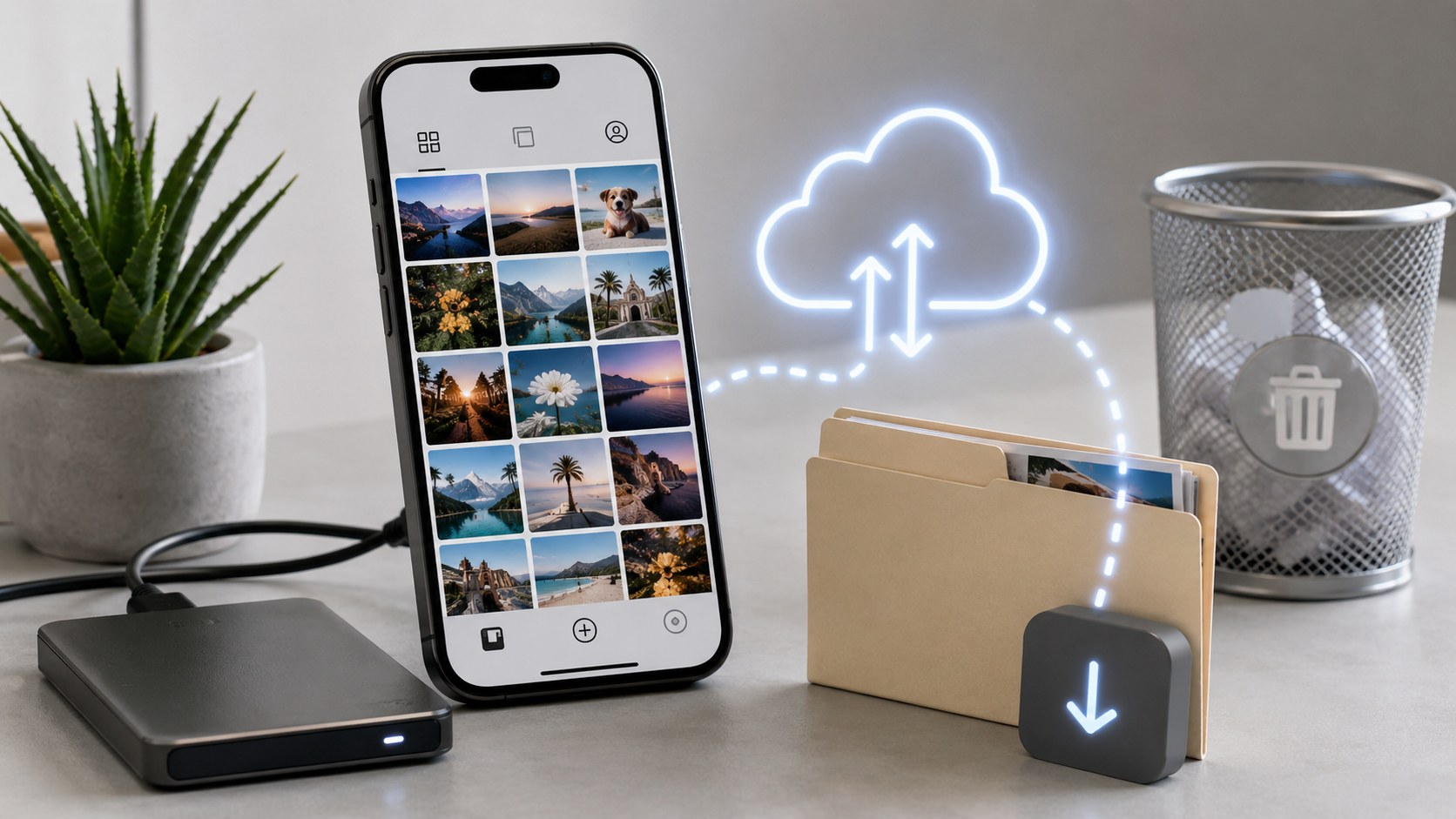
Request the archive first, delete second — and leave a comfortable gap between the two. Instagram’s export lives in Accounts Center → Your information and permissions → Download your information, and while a small account’s file often lands within 48 hours, a decade-old profile stuffed with Reels can take considerably longer to generate. The download link also expires, typically after about four days, so it’s not a fire-and-forget affair. Choose HTML if you just want to browse your memories; choose JSON if you plan to import anything anywhere. Then delete, and remember: your account hides immediately, but the 30-day grace period is real, and logging in even once during it cancels the whole thing. After those 30 days? Gone. No undo, no support ticket, no recovery.
The mistake almost everyone makes
They tap delete, then think about the photos.
It’s such an easy trap. You’ve made the decision, you’re feeling resolute, the settings menu is right there — and the archive request feels like an afterthought you can handle later. Except “later” is now a thirty-day clock, and if you let it run out, everything you never bothered to save goes with it. Permanently.
So: order of operations matters more here than anything else in this article. Archive first. Verify the file opens. Then delete.
We see plenty of people at Dumpor arrive at this topic in a hurry — burnt out on the platform, ready to walk — and hurry is precisely what causes the regret. Slow down by two days and you keep everything.
Deactivate or delete? Get this straight first
Half the panic around this subject comes from conflating two very different buttons.
|
Deactivate |
Delete |
|---|
| What it does |
Hides your profile temporarily |
Erases the account permanently |
| Your content |
Preserved, untouched |
Wiped after 30 days |
| Username |
Stays reserved for you |
Released after the grace period |
| Coming back |
Log in, and you’re back |
Only within 30 days; after that, never |
| Best for |
A break, a detox, a breather |
A clean, final exit |
If you’re not certain — and plenty of people aren’t — deactivate. It costs you nothing, it keeps your handle, and you can sit with the decision for a month or a year. Deletion is a one-way street with no hard shoulder.
That said, back up your data either way. Deactivated accounts are safe, but “safe” and “in your own hands” aren’t the same thing.
Requesting your archive: the current path
Meta reshuffled these menus, which is why so many tutorials floating around are now flatly wrong. Here’s where things actually live in 2026.
-
Open Settings and activity (the three lines on your profile).
-
Tap Accounts Center.
-
Go to Your information and permissions.
-
Choose Download your information (sometimes labelled Export your information).
-
Select Download to device — or request a transfer to a cloud service, if you’d rather.
-
Pick the profile you want, if several are linked under one Accounts Center.
-
Choose All available information unless you specifically want to trim it down.
-
Set your date range to All time. This one gets skipped constantly, and skipping it truncates your history.
-
Pick your format — HTML or JSON. More on that below.
-
Set media quality to High. The default isn’t always the best available, and there’s no second chance once the account’s gone.
-
Submit, then wait for the email.
Note step ten especially. People assume the export automatically hands over the originals at full fidelity. It doesn’t necessarily, and downgraded copies of ten years of photographs is a miserable thing to discover after the fact.
HTML or JSON? A quick decision
|
Format |
What it’s good for |
Downside |
|---|
| HTML |
Browsing your archive like a little offline website — posts, captions, DMs, all readable in any browser |
Awkward to feed into other software |
| JSON |
Migrating data, importing into another platform, anything programmatic |
Raw and unfriendly to read directly |
Most people want HTML. If you’re a developer, or you’re moving to another service that accepts imports, take JSON. Genuinely torn? Nothing stops you requesting both — submit two separate exports.
How long the wait actually is
Here’s where the timing goes wrong for folks.
Instagram sends a download link by email once the archive is assembled. Modest accounts often see it inside 48 hours. But heavy accounts — years of video, thousands of posts, endless message history — can take substantially longer to process, and Meta’s own guidance allows for up to 30 days on large requests.
Then the second trap: the link doesn’t sit there forever. It typically expires after roughly four days. Miss that window and you’re starting over from scratch, waiting all over again.
Practical implication, spelled out plainly:
-
Request the archive before you touch the deletion settings.
-
Watch your email (and your spam folder) for the link.
-
Download it promptly — don’t leave it a week.
-
Open the ZIP and actually check the contents before deleting anything.
That last step is the one nobody does, and it’s the cheapest insurance available.
What the archive doesn’t include
Worth knowing so you’re not blindsided. The export is thorough, but it isn’t omniscient.
- Other people’s content. Posts you saved, Reels you loved, anything you reshared — none of that is yours, so none of it comes along.
- Disappearing messages and expired Stories. If it vanished by design, it isn’t sitting in a vault waiting for you.
- Certain metadata and interactions, which are stored in forms that don’t map neatly to a downloadable file.
- Anything from accounts you’ve since lost access to. The export only covers what you can currently log into.
So if there are specific images you truly cannot lose — the wedding, the dog, the trip — save those manually to your device in addition to the archive. Belt and braces. It takes ten minutes and removes the single most common regret in this whole process.
The pre-delete checklist
Beyond the archive, a handful of loose ends catch people out after the account’s already gone:
- Cancel subscriptions tied to the account. Meta Verified in particular — cancel it through your Apple or Google billing settings first, or you may keep getting charged during the grace period, with no account to manage it from.
- Revoke third-party app access. Anything using your Instagram login to authenticate will break. Sort it now rather than discovering it at an inconvenient moment.
- Warn the people you actually talk to. If your friendship lives in DMs, get their number before those DMs become unreachable.
- Save your follower and following lists if they matter to you professionally — screenshots work fine.
- Note down anything only stored in your bio. Links, contact details, that one caption you’ll want later.
- Unlink from Facebook thoughtfully. Your Facebook account survives, but a linked login setup may need re-verifying afterwards.
Then delete — and understand the 30 days
Deletion sits under Accounts Center → Personal details → Account ownership and control → Deactivation or deletion. Pick the account, choose delete, confirm.
What happens next, in order:
-
Your profile vanishes from public view immediately.
-
A 30-day grace period starts. During it, your data is hidden, not erased.
-
Log in at any point in those 30 days and the deletion is automatically cancelled. Even accidentally. This catches people out both ways.
-
After 30 days, erasure is permanent. Copies may linger in Meta’s backup systems for a further stretch — for legal and technical reasons, not public visibility — but as far as you’re concerned, it’s over.
A few residual truths people find surprising: DMs you sent stay in the recipients’ inboxes, usually attributed to a generic “Instagram user.” Group chats carry on without you. And your old username may become claimable by someone else once the dust settles — though if the account was removed for guideline violations, that handle can be locked away for good.
Life after deletion — you can still look
Here’s a thing that catches ex-users off guard around week two. You’ve deleted the account, you feel lighter, and then a friend mentions something they posted. You go to check and… you have no account. Instagram nudges you toward signing up again.
That’s often how people end up right back where they started. One “quick” new account, and the whole cycle restarts.
There’s a gentler middle path. Public profiles remain public on the open web, and viewing them doesn’t require a login at all — which is precisely the gap our tools sit in:
-
The anonymous Instagram Story Viewer lets you catch a public Story without an account and without appearing in anyone’s viewer list.
-
The Instagram Story Downloader saves a public Story in HD — handy while you’re still gathering things you’d like to keep.
-
And the Instagram Highlights Viewer opens the permanent collections a public account has pinned, the parts that never expire.
Two honest caveats, because we’d rather be straight with you than oversell. First, none of this substitutes for Instagram’s official export when it comes to your own account — for your own data, use the archive, full stop. Second, public profiles only. Private accounts stay private, and nothing we make changes that.
How do I back up my Instagram account before deleting it?+
Go to Settings and activity → Accounts Center → Your information and permissions → Download your information. Request all available information, set the date range to All time, choose HTML or JSON, and set media quality to High. Instagram emails you a download link when the archive is ready. Download and verify it before you request deletion.
How long does the Instagram data download take?+
Anywhere from a few hours to a few weeks. Smaller accounts commonly receive the link within 48 hours; large archives with years of video can take considerably longer, with Meta allowing up to 30 days for big requests. Start the process well before you plan to delete anything.
Does the download link expire?+
Yes — typically after about four days. If you miss it, the request has to be submitted again and you’ll wait all over. Grab the file as soon as the email arrives, and store it somewhere you’ll still have access to later.
Should I pick JSON or HTML?+
HTML if you simply want to browse your posts, captions and messages on a computer — it opens like a little offline website. JSON if you intend to import the data somewhere else or process it programmatically. If you can’t decide, request both as separate exports.
Can I recover my Instagram account after deleting it?+
Only within the 30-day grace period. Log back in during that window and the deletion cancels itself automatically, restoring everything. Once 30 days elapse, recovery isn’t possible — no support request will bring it back. That’s exactly why the archive matters.
What’s the difference between deactivating and deleting?+
Deactivating hides your profile temporarily while preserving your content and reserving your username; log in and you’re restored. Deleting erases everything permanently after 30 days and eventually frees your handle. If you’re uncertain, deactivate — it’s reversible in a way deletion emphatically is not.
Will my DMs disappear from other people’s inboxes?+
No. Messages you sent remain visible to the people who received them, usually labelled as coming from a generic “Instagram user” once your account is gone. Group chats continue for everyone else. Deleting your account removes your side of things, not theirs.
What does the archive leave out?+
Other people’s content (saved posts, reshares), anything that expired by design like old Stories and disappearing messages, and certain interaction metadata. If specific photos or videos are genuinely irreplaceable, save them to your device manually as well — don’t rely on the archive alone.
Can I still view public Instagram content after deleting my account?+
Yes. Public profiles remain publicly accessible on the web, and viewing them doesn’t require an account. An anonymous route like our Story Viewer works without a login, which spares a lot of people from creating a fresh account purely to peek at something.
Leaving Instagram is a reasonable thing to want, and the platform makes it deliberately more awkward than it needs to be. The mechanics, though, are simple enough once you know the running order: archive, verify, tidy your loose ends, delete, then sit on your hands for a month. Do it in that sequence and you walk away with your decade of photographs intact and nothing to regret. Do it backwards, and no one can help you afterwards — not Instagram, not us. Take the extra two days.

 Telegram bot
|
TikTok Viewer
Telegram bot
|
TikTok Viewer